
Answered
How to - Photo Compositing / Double Exposure
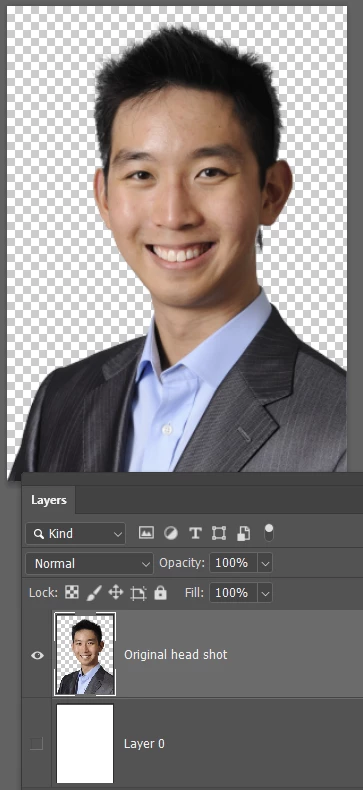
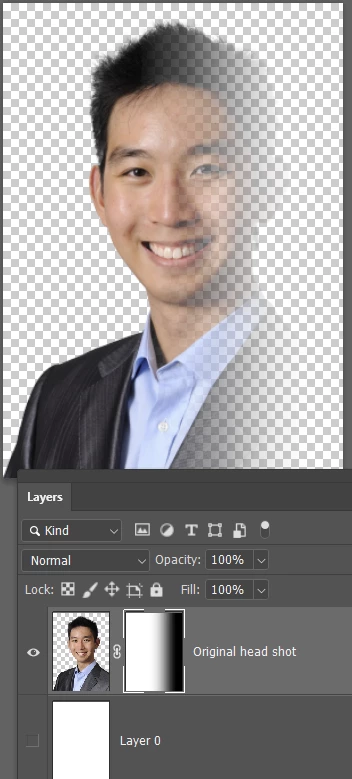
I'd like to try the effect shown in the attached files which I saw on a fashion editorial site. No success yet but I've outlined my workflow below. Can anyone help me refine it or suggest another way ?
Photo Compositing (double exposure) a blurred + in-focus image
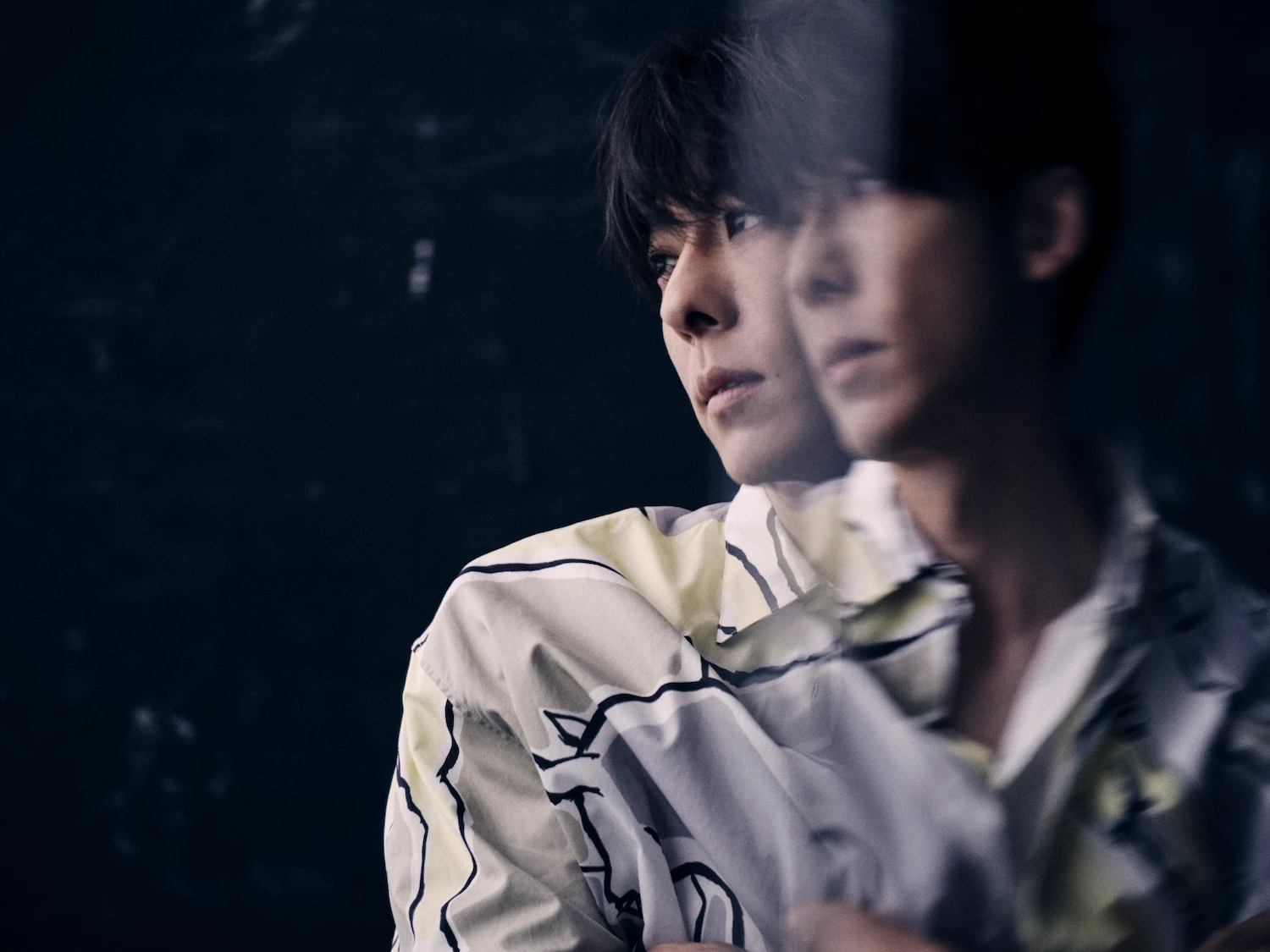
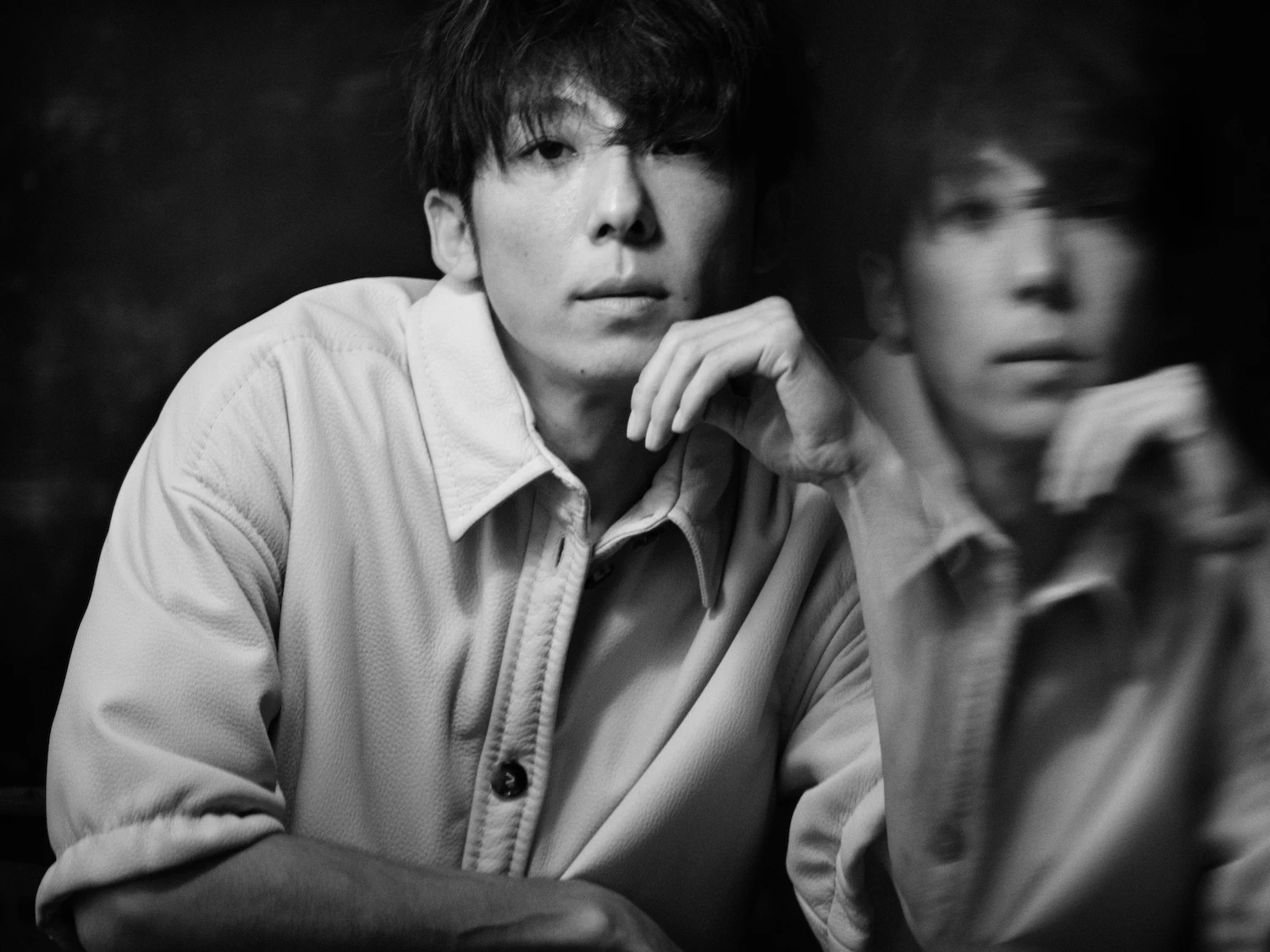
1. Select an existing photo or shoot a new one.
If shooting, leave room for the 2nd image.
If using an existing photo, extend the canvas & Content Aware Fill the blank canvas area.
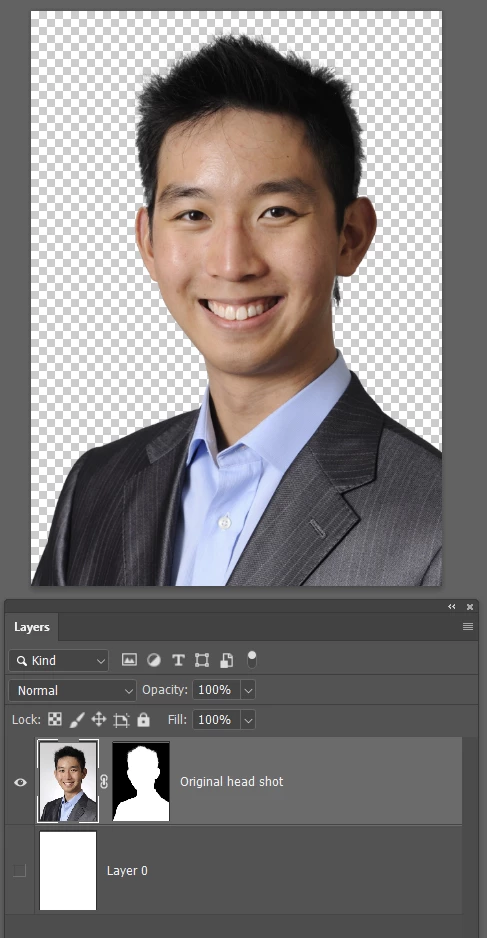
2. Duplicate the image or take a 2nd shot.
If taking a 2nd shot blur it by shooting it out of focus.
If using a duplicate, blur the Duplicate with Gaussian or Lens Blur?
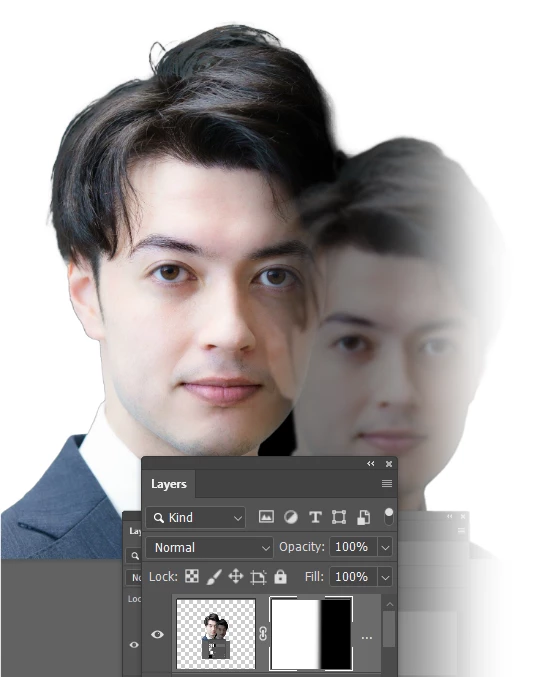
3. Load the 2 images as layers & select a Blend Mode (?) or Blend If and adjust Opacity to reveal both
4. Use the Move tool to drag top image away from the bottom

 AdChoices