Now I don't know that this is the best workflow with Photoshop, but it would be quick and easy.
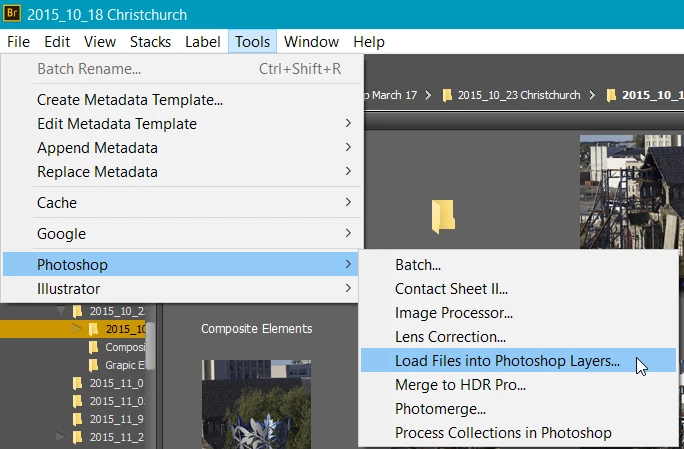
From Bridge, select all the files and go Tools > Photoshop > Load into Photoshop Layers
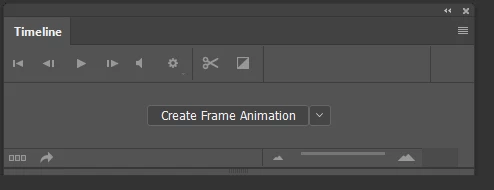
Switch to the Motion workspace, and from the timeline chose Create Frame Animation
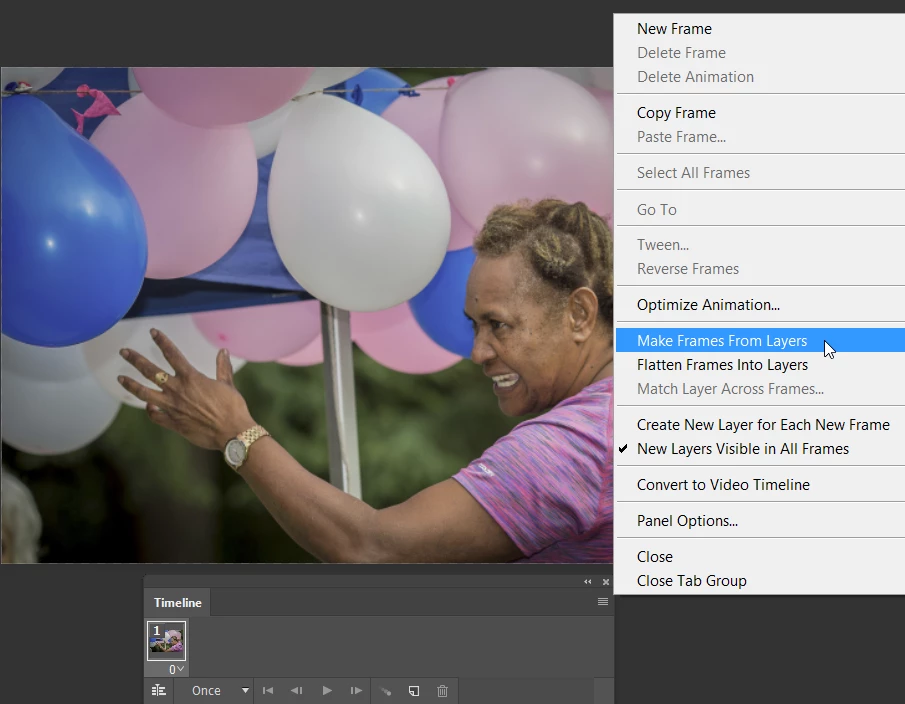
Select all the layers, and right click the fly out menu at the top right of the timeline, and choose Make Frames from Layers
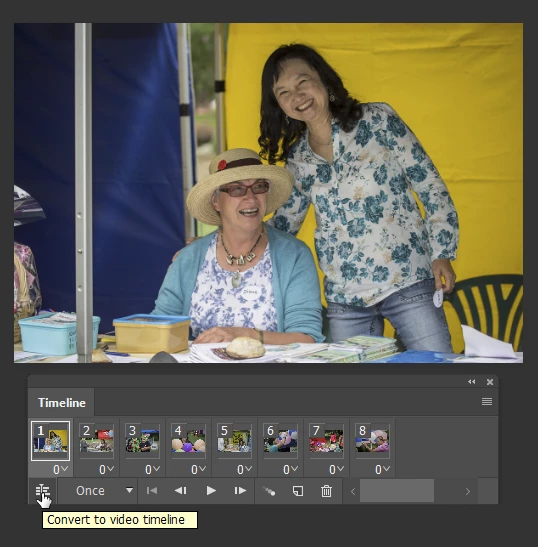
Click on the icon bottom left of the Timeline which will convert to video timeline.
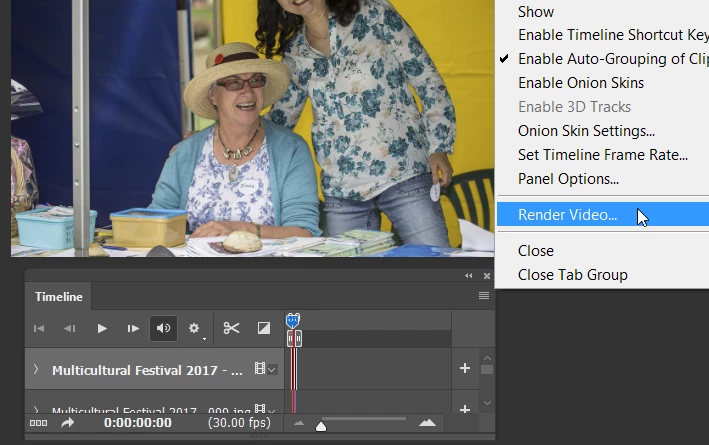
Use the top right menu again, and choose render video
I just used a few JPG files I had handy, but you'll probably use H.264, and choose a preset from the extensive drop down list.
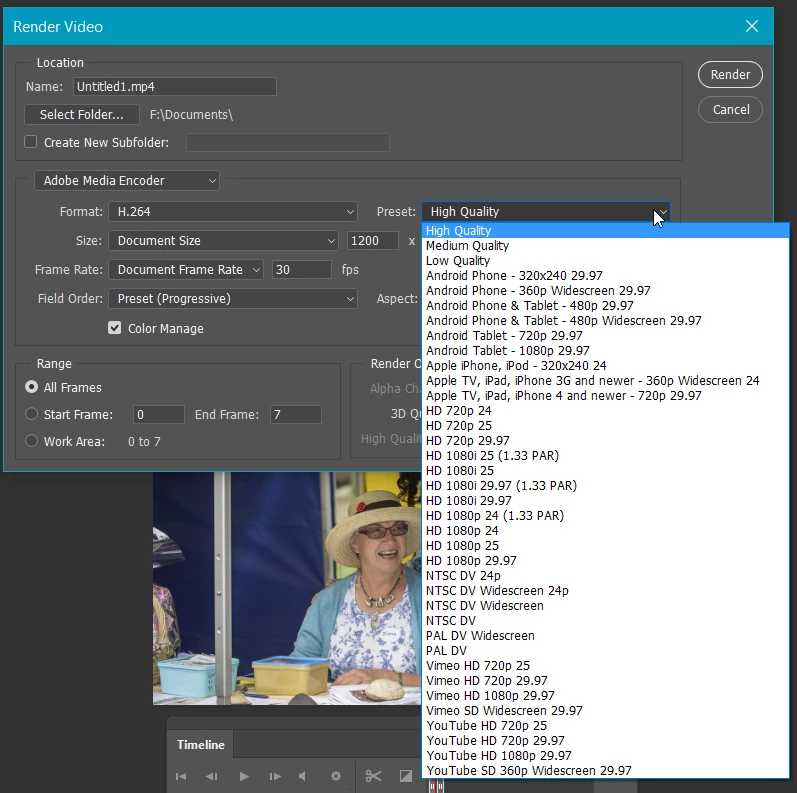
Note: you might need to size all the stills before starting this process. 1920 x 1080 for HD etc. but you'll know all that.


 AdChoices