
Question
How to re-link missing vector smart objects
Hey guys,
I was using Photoshop CC normally, copying vectors from Illustrator then pasting it on Photoshop with "Vector Smart Object" correctly linked.
Then for some reason I signed out of Creative Cloud (can't remember why) and when i paste artworks from Illustrator to Photoshop i unchecked "Add to Library"
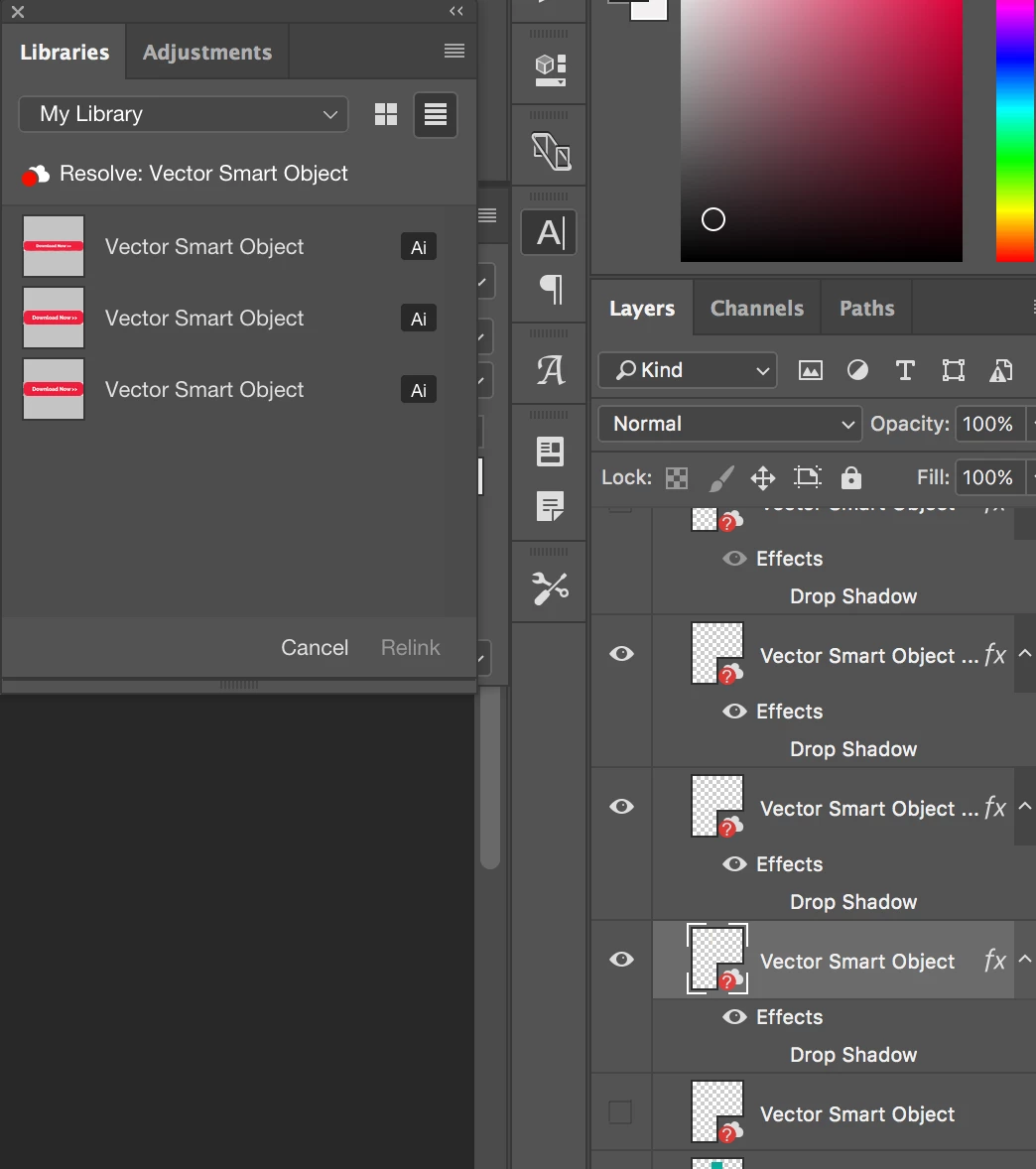
Ever since i've been using Photoshop files with layers that aren't linked to their illustrator artwork (attached)
My question is, can i relink the missing "Vector Smart Objects" to their original vectors cause i lost many of them.
Many of the files i use from illustrator aren't necessarily located as .AI files on my drive, i just create them on illustrator and paste them on photoshop and use them from there.
Please let me know,
 AdChoices