Participant
Dec 17, 2024 6:49 AM UTC
Question

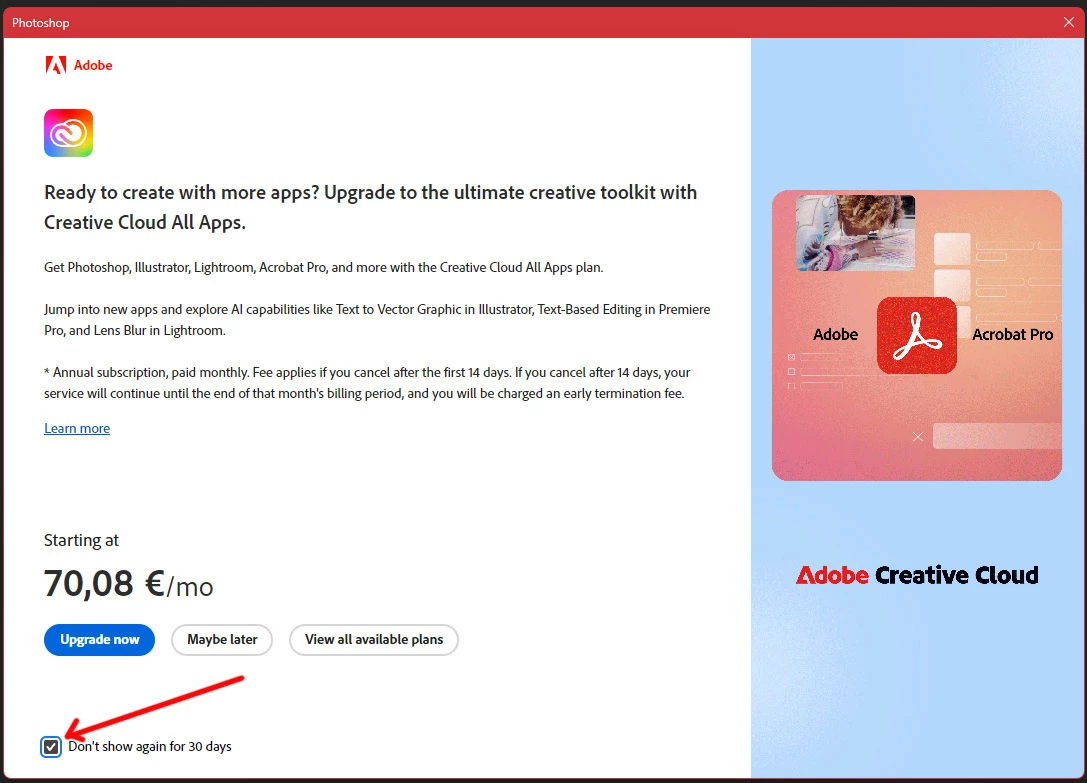
How to remove Advertisement brochure

Help me please!
Why I get this every time I open Photoshop 2025 (26.1.0)?
Some setting, somewhere.....?

 

This topic is closed to new replies. Start a new post to keep the conversation going.

4 replies

Trevor.Dennis
Community Expert
Community Expert
Dec 17, 2024 8:40 AM UTC

As well as what Ged has told you, the beta version now has a Focus Mode option in preferences.


I only happened across this thread yesterday, and don't know for sure all that it does, but it sounds like it might cause Photoshop to have less distractions.

https://community.adobe.com/t5/photoshop-beta-discussions/new-beta-feature-focus-mode/td-p/15035538


Photoshop Beta now includes a new 'Technology Preview' called Focus Mode.


Focus mode limits the appearance of non-essential messages so that you can stay in the flow when using the program. With this new option enabled:

  1. The Welcome screen will not include 'What's new' feature descriptions
  2. The 'What's new' message will not appear when Photoshop is launched
  3. Blue in-product alerts promoting discovery and use of certain features will be suppressed
  4. The color mode preference will be auto set to 'neutral Color Mode'


To enable Focus Mode, start Photoshop, open Preferences, scroll down to the 'Technology Previews' section and check 'Enable Focus Mode'. Restart for changes to take effect.

Translate
Participant
Dec 17, 2024 8:52 AM UTC

Hi Trevor

Somehow I think that you answer to wrong thread....... 🙂

Translate
Ged_Traynor
Community Expert
Community Expert
Dec 17, 2024 8:07 AM UTC

@Harri Pietila try unchecking this option in the Creative Cloud preferences

Translate
Participant
Dec 17, 2024 8:37 AM UTC

Thank you.

I've done it before - no effect...


Translate