Participant
July 9, 2026
Question

How to remove color profiles not related to printing?

  • July 9, 2026
  • 2 replies
  • 53 views

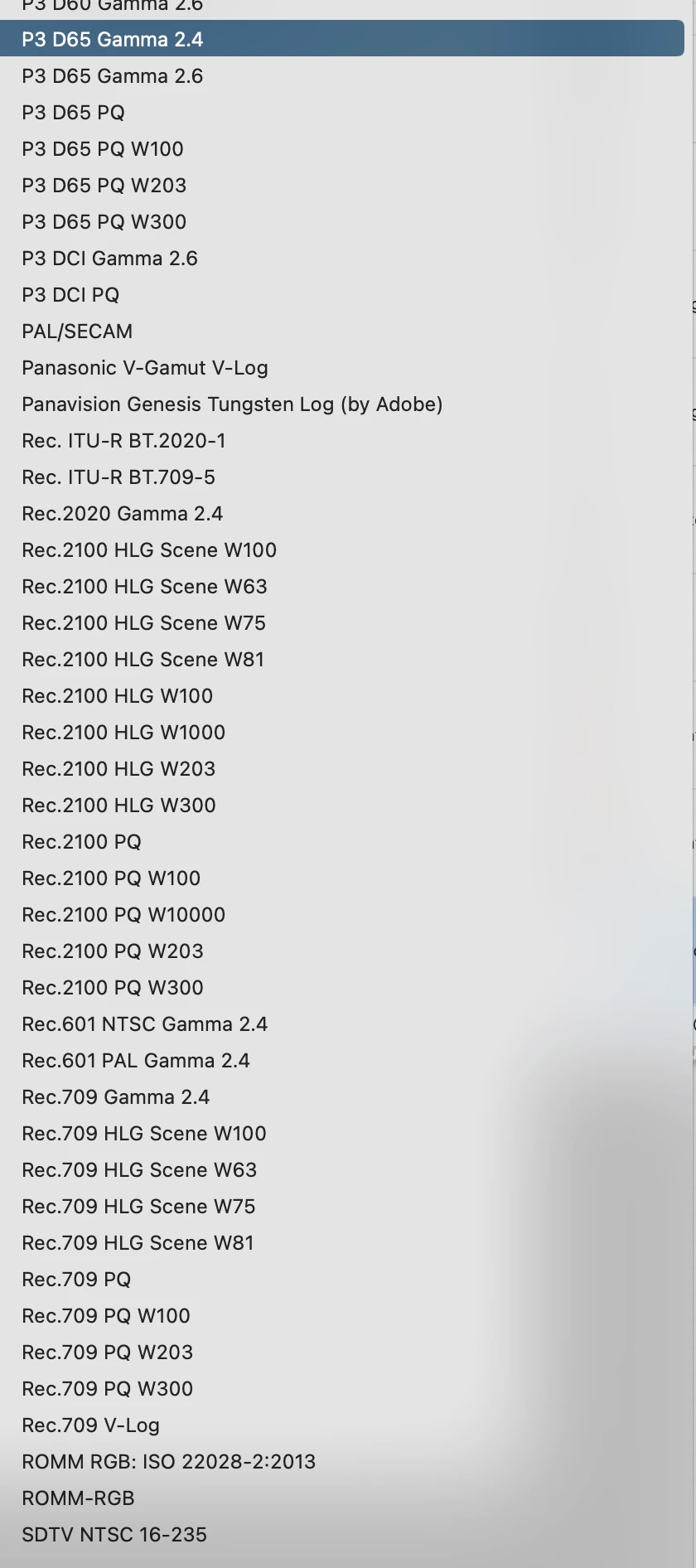
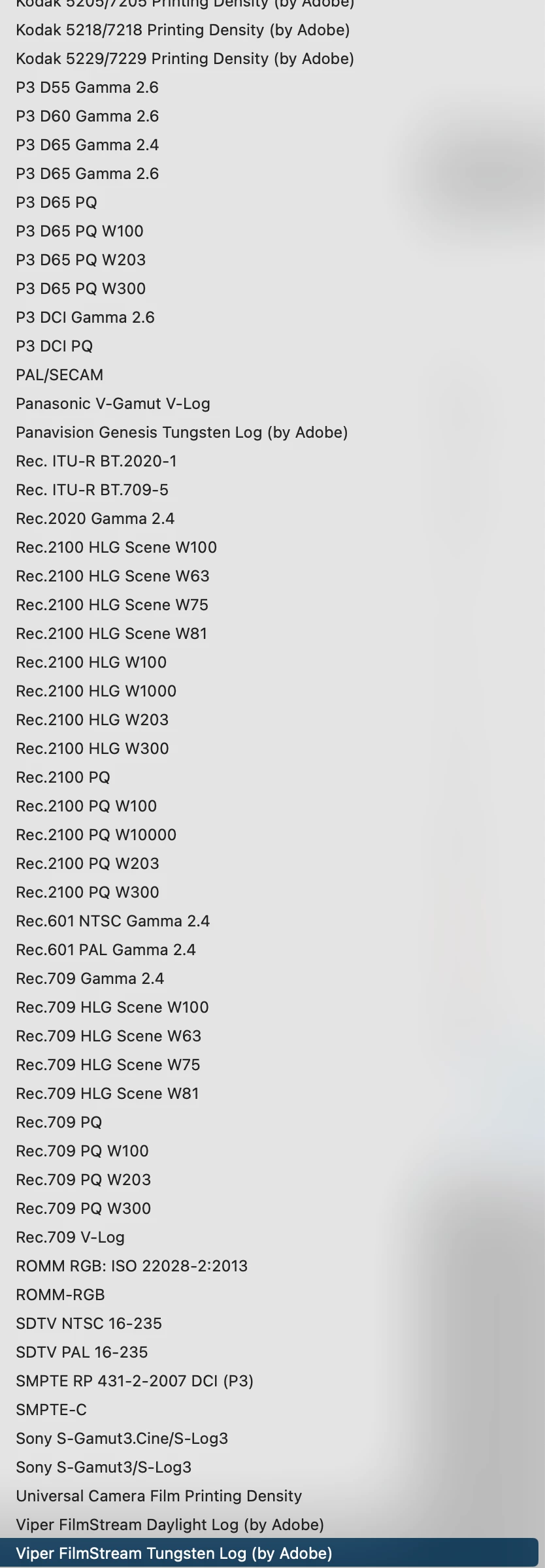
How to remove or disable color profiles not related to printing (Photoshop)? Like those etc.


    2 replies

    Conrad_C
    Community Expert
    Community Expert
    July 9, 2026

    I found the profiles.

    The profiles are unrelated to printing because they’re used for processing clips from professional video cameras. Because they’re specific to that workflow, I did not look for them in any Photoshop folders. I looked in other central file locations on a Mac.


    Photoshop picks them up because they’re installed in a central (user-independent) Adobe folder also used by other Adobe applications. When this has come up before, I have guessed that the profiles were put there by the installers for the Adobe video applications such as Premiere and After Effects.


    The location on my Mac is the root-level Library folder:
    /Library/Application Support/Adobe/Color/MPProfiles


    This Library folder is above any user folders, and therefore has restricted permissions, so if you try to delete anything there you have to enter your OS user password. 


    Note that at that root-level path…

    /Library/Application Support/Adobe/

    …there are two folders that contain profiles:

    • Color
    • Color Profiles

    Also, I’d bet that if you delete files from that location, they may be automatically re-installed during a later update if the Adobe installer considers them standard files but notices they are not there.

    Nataliia_M
    Inspiring
    July 9, 2026

    Hi ​@rafalkrol 

    I think your question is more related to the system storage than to Photoshop itself. You need to find the profiles and delete them from your system folders.

    For Windows: C:\Windows\System32\spool\drivers\color

    For Mac: either Macintosh HD/Library/ColorSync/Profiles for the system-wide profiles, or ~/Library/ColorSync/Profiles if you've installed any by yourself.


    ❗❗❗ A couple of important notes:

    • Don't touch the core default ones – sRGB IEC61966-2.1, Adobe RGB (1998), ProPhoto RGB, Generic Gray/CMYK profiles. These are used constantly across apps (not just Photoshop) and some system functions rely on them. They should be protected on Mac (in a separate folder), but on Windows they're all in one place.
    • Custom or monitor-calibration profiles (often named after your display, like ones generated by a colourimeter) should stay if you still use that monitor.
    • You can also just move the profiles to the custom folder if you are not sure which ones to delete.
    Warmly, Nataliia
    c.pfaffenbichler
    Community Expert
    Community Expert
    July 9, 2026

    I checked on a Mac and a bunch of ARRI-profiles (for example) that appear in Photoshop are nowhere to be found (I included the user-Libraries-Folder and did a search for invisible files) so I suspect several of those profiles are fairly well hidden. 


    Edit: Photoshop’s Package Contents contain several Files (»ArriRawLogC4MXFSetup.adam.eve«, »ArriRawLogC4MXFSetup.eve«, …) the names of which seem to indicate that they might be connected to the ARRI-profiles – though those are not the ones the original poster referred to specifically. 

    rafalkrolAuthor
    Participant
    July 9, 2026

    Yep, they are somewhere but where :)