

Participant
September 28, 2026
Question

how to remove discolouration/stain from old black and white photo

  • September 28, 2026
  • 1 reply
  • 21 views

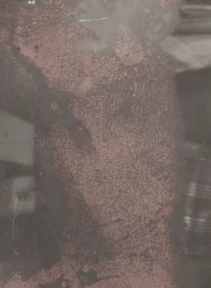
I have a reddish bloom over areas of an old black and white photo which I am trying to remove so that the image underneath is visible.  Any suggestions? 


    1 reply

    CORCTON34033231
    Community Expert
    Community Expert
    September 28, 2026

    For stains like that, the Remove tool (or Spot Healing Brush) works best: brush over the reddish areas and Photoshop samples the clean surroundings to rebuild the detail underneath.


    Since it's a black-and-white photo, a Black & White adjustment layer will also kill the red color cast instantly; then heal any remaining tonal blotches with the Healing Brush. For larger blooms, try Generative Fill: select the area, leave the prompt empty, and generate.


    Work on a duplicated layer so you stay non-destructive. Here's Adobe's guide on the healing tools: https://helpx.adobe.com/photoshop/using/healing-examples.html
