Known Participant
February 28, 2023
Question

How to remove everything except numbers from chart images?

  • February 28, 2023
  • 5 replies
  • 19910 views
 

I receive about 500 to 1000 photos of charts or graphs on a daily basis that i have to remove all the components of the photos except their numerical values. 


This is an example of my photos: 
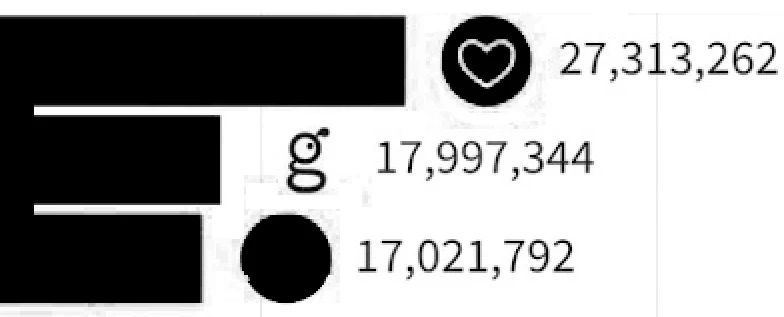
 

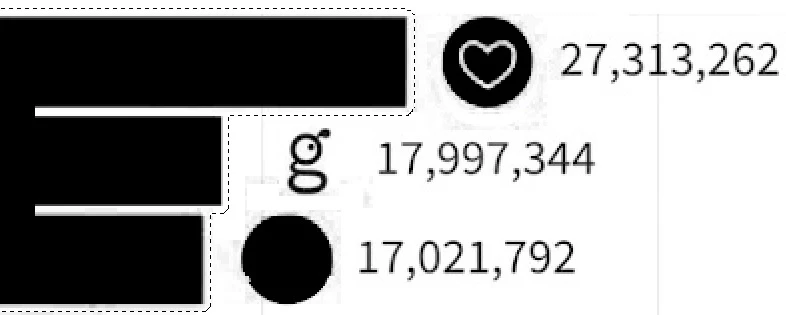
I select graph bars using Magic Wand Tools in Photoshop


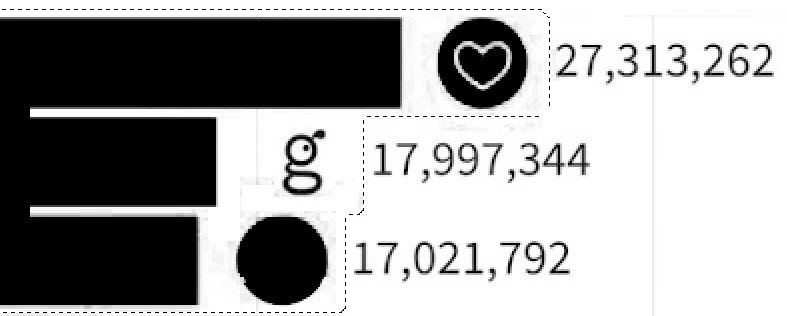
Then move selected area to between logos and the numerical values


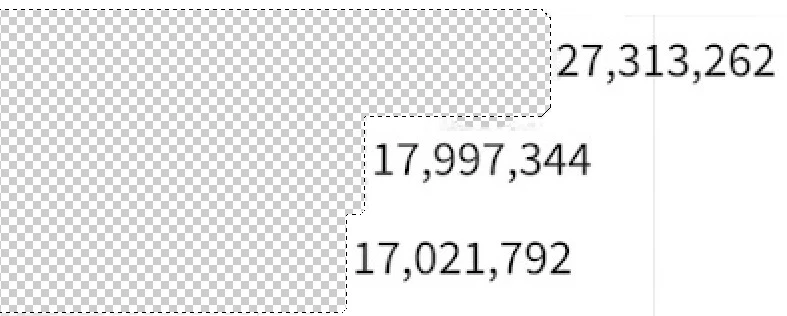
And finally, by removing the various components of the images, only numerical values remain


I have to do these steps with Photoshop action feature because the number of my daily photos is very high. 
I can do these steps with action feature automatically if the distance between the edge of the graph bars and the first digit of the numerical values is the same in all images. but the main problem here is that the space between the numerical values and the graph bars in the images received daily is not the same

 
For example, this is another photo where the distance between the numerical values and the bars of the graph is very close: 
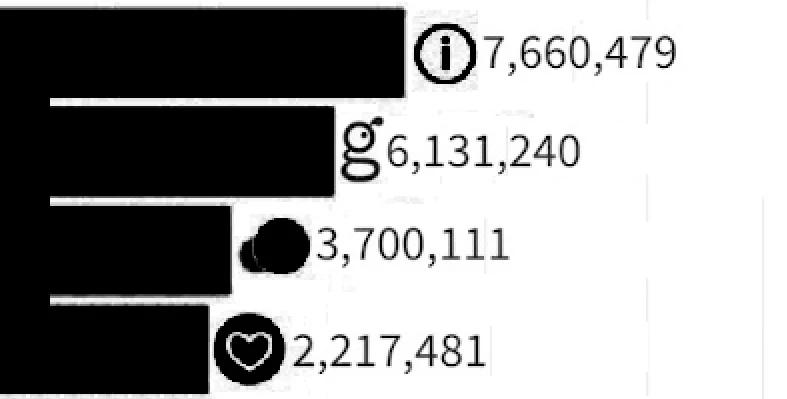
 

If I apply the steps I went through for the previous image using Photoshop action feature on this image, surely some of the numerical values will be removed in this image. 


How can I delete all the components of my daily images except the numerical values through the Photoshop action feature? 

Can I move selected area exactly to before the numeric values using the Photoshop script


Note: 

  1. I can't use Photoshop Color Range tool for selecting numeric values because numeric values have same color as the rest of the image contents. 
  2. My daily images have a single layer and are not smart objects
  3. number of images received daily is very high and I cannot do it manually. I must do it with Photoshop action feature or another automatic solution. 
  4. I can't use OCR tool because some of the images contain some logos that contain letters or numbers. If the logo numbers are extracted and combined with numerical values, it is not possible to find the extracted logo numbers. 
  5. The space between the graph bar and numerical values in each image is specific and this distance is different between different images. 
  6. The space between the graph bar and numerical values in a photo is the same. 
  7. All my images resolution is same 
  8. It is not a problem if resolution of the photo are changed. 
  9. I know that the explanation I provided is complicated, but I could not express my problem more simply than this. 


I have been facing this difficult problem for about three months and I hope I can find a solution here 


Sorry if there are any spelling errors in the text because my English is very poor. I wrote this text with the help of Google Translate.

This topic has been closed for replies.

5 replies

Known Participant
March 8, 2023

The only relationship I found in the received daily images is the ratio between the diameter of the first bar and the distance between the first bar and the first numerical value in each image. 


Image (1) with 3 bars: (first bar diameter = 580pt) - (first distance between = 820pt) => 820 ÷ 580 = 1.41 

Image (2) with 5 bars: (first bar diameter = 350pt) - (first distance between = 500pt) => 500 ÷ 350 = 1.42 

Image (3) with 6 bars: (first bar diameter = 290pt) - (first distance between = 415pt) => 415 ÷ 290 = 1.43 

Image (4) with 8 bars: (first bar diameter = 220pt) - (first distance between = 315pt) => 315 ÷ 220 = 1.43 


Maybe I should get the relation between the diameter of the first bar and the distance between the first numerical value and the first bar by calculating from some random images of daily images. 

then set this relation to specific photoshop script and by multiplying this relation by the diameter of the first bar of each image, the script finds the amount of offset or size to move the selection to the right.

Known Participant
March 9, 2023
quote

The only relationship I found in the received daily images is the ratio between the diameter of the first bar and the distance between the first bar and the first numerical value in each image. 


Image (1) with 3 bars: (first bar diameter = 580pt) - (first distance between = 820pt) => 820 ÷ 580 = 1.41 

Image (2) with 5 bars: (first bar diameter = 350pt) - (first distance between = 500pt) => 500 ÷ 350 = 1.42 

Image (3) with 6 bars: (first bar diameter = 290pt) - (first distance between = 415pt) => 415 ÷ 290 = 1.43 

Image (4) with 8 bars: (first bar diameter = 220pt) - (first distance between = 315pt) => 315 ÷ 220 = 1.43 


Maybe I should get the relation between the diameter of the first bar and the distance between the first numerical value and the first bar by calculating from some random images of daily images. 

then set this relation to specific photoshop script and by multiplying this relation by the diameter of the first bar of each image, the script finds the amount of offset or size to move the selection to the right.


By @abolfazl28627254vbil

I found a photoshop script called "ActionFileToJavascript" that can convert action file to photoshop script and now i can convert some of my editing actions to javascript 😊

c.pfaffenbichler
Community Expert
Community Expert
March 7, 2023

It seems a Script could handle the sample images (at least those that I downloaded, I might have missed some), but I guess it would  just be a question of time until the next image with different parameters is presented … 

Known Participant
March 7, 2023
quote

It seems a Script could handle the sample images (at least those that I downloaded, I might have missed some), but I guess it would  just be a question of time until the next image with different parameters is presented … 


By @c.pfaffenbichler

wow it looks great. 

Please check the following with your own script: 


1) chart images with numerical values with different units such as $ or KM: 


2) A graph where one of its values is zero and no bars are created for zero values: 


3) Does the font of numerical values affect your script? If some charts do not have logos and only have a graph bars and numerical values, will it affect your script? 


The only thing the script should be able to do in all these images is to keep the numerical values with their units

Known Participant
March 7, 2023
quote


By @abolfazl28627254vbil

Of course, the graphs that do not have logos are not so important because numerical values remain easily by erasing the graph bars.

Legend
March 1, 2023

You may not be able to fully automate this in Photoshop.

I would look at ImageJ and ask on their forums, this is more of a pattern-matching problem that might be doable with a script there.

https:\\imagej.org

Known Participant
March 1, 2023

I mentioned in the replay that I did above that with the following script you can convert different components of a photo into several layers, but the main problem is deleting the two rows of the left layer. How to automatically delete the two rows of the left layer? 
https://github.com/ES-Collection/Photoshop-Scripts/blob/master/Split%202%20Layers.jsx

Stephen Marsh
Community Expert
Community Expert
March 1, 2023

Perhaps the bounds of the layers that have been separated could be used. If the layer bounds are greater than the numbers height value delete them in a loop.

c.pfaffenbichler
Community Expert
Community Expert
February 28, 2023

Who creates the photos? 

What is the program in which the numbers are originally displayed? 

Is there any possibility to get the source data or images in a format that can maintain type-content like pdf? 

Known Participant
February 28, 2023

The company I work for has requested me 
 
I don't know what program it was made with - I was just given a photo of the graphs 


NO, There isn't any possibility.

c.pfaffenbichler
Community Expert
Community Expert
February 28, 2023

Well, that sounds a bit like a case of »gigo«. 


For what and how are the images you edit to be used afterwards? 

I wonder if it might be worth to use Acrobat’s OCR, though I am not sure if that could be effectively automated. 


Stephen Marsh
Community Expert
Community Expert
February 28, 2023

Some very quick experimentation lead to this (which can be automated), further minor cleanup may then be required - such as the "g":


Instead of layers, one could work with channels and or in grayscale mode instead of RGB which could possibly speed things up slightly.

Known Participant
February 28, 2023

I implemented the method you said on this photo, but I did not get good results: 

Stephen Marsh
Community Expert
Community Expert
February 28, 2023

Results will vary, I don't have a magic answer, here is another sample using the same method: