


Answered
How to remove or replace PhotoShop garish image of a woman on splash screen?
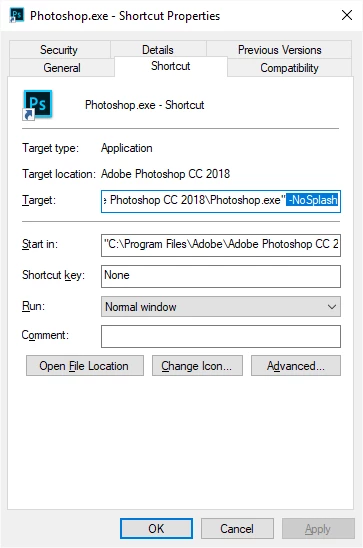
I just updated to Photoshop 19.1.3 and hate the garish, graphic of a harshly colorful, seemingly disturbed woman on the splash screen. Is there anyway to replace that image with plain text or some alternative image? If you don't know the answer, do you know how I could approach Photoshop and recommend the image be changed on a new update? Many thanks. I know some people may like the image, but I do not need that kind of image staring me in the face everytime I open Photoshop.
 AdChoices