joannaa32435217
Participant
October 8, 2019
Answered

How to remove the square function on the crop tool in Adobe photoshop?

  • October 8, 2019
  • 3 replies
  • 3482 views

Hi!


I have aproblem as I can only crop squares. I cant make a rectangle. How do I remove this square function from the croptool?


Thanks!


//Joanna

Correct answer Derek Cross

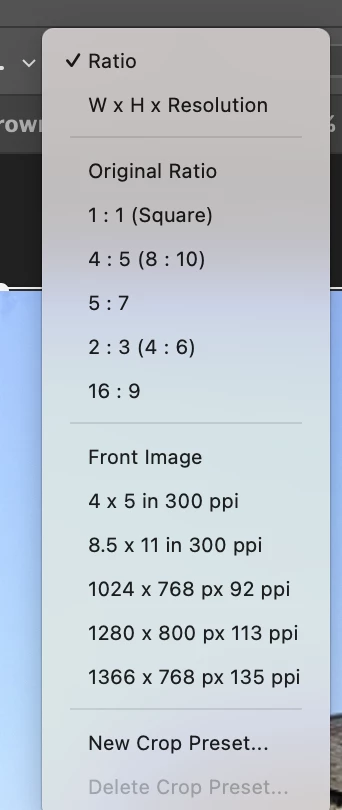
The "Clear" feature is the easiest way to change the size but a useful altenative is to select another size from the Ratio drop-down menu (or type in your own for none-standard sizes).
.

3 replies

Derek Cross
Community Expert
Derek CrossCommunity ExpertCorrect answer
Community Expert
August 13, 2025

The "Clear" feature is the easiest way to change the size but a useful altenative is to select another size from the Ratio drop-down menu (or type in your own for none-standard sizes).
.

Participant
January 21, 2023

I had the same problem. Look at the top under menu bar for "style". Next to the box, it might say "fixed" ratio at the top and change it to "normal" 


Tom Winkelmann
Inspiring
October 8, 2019

Push the "clear" button...

Participant
August 13, 2025

the "clear" button worked in a second -  after i'd tried a million other ways
cheers Tom!  👌😊

#braininjurylife 🧠👩‍🎨