Participant
December 17, 2023
Answered

How to remove the watermark from Kyle´s inkbox brushes in the Megapack

  • December 17, 2023
  • 1 reply
  • 1052 views

A watermark "Kyle I" shows up in my drawings when I try to use Brushes from the Inkbox on my iPad. Is thera anyone that knows why and how to correct this?


With best regards

Ronni
This topic has been closed for replies.
Correct answer jane-e

@Ronni34163898es7u 


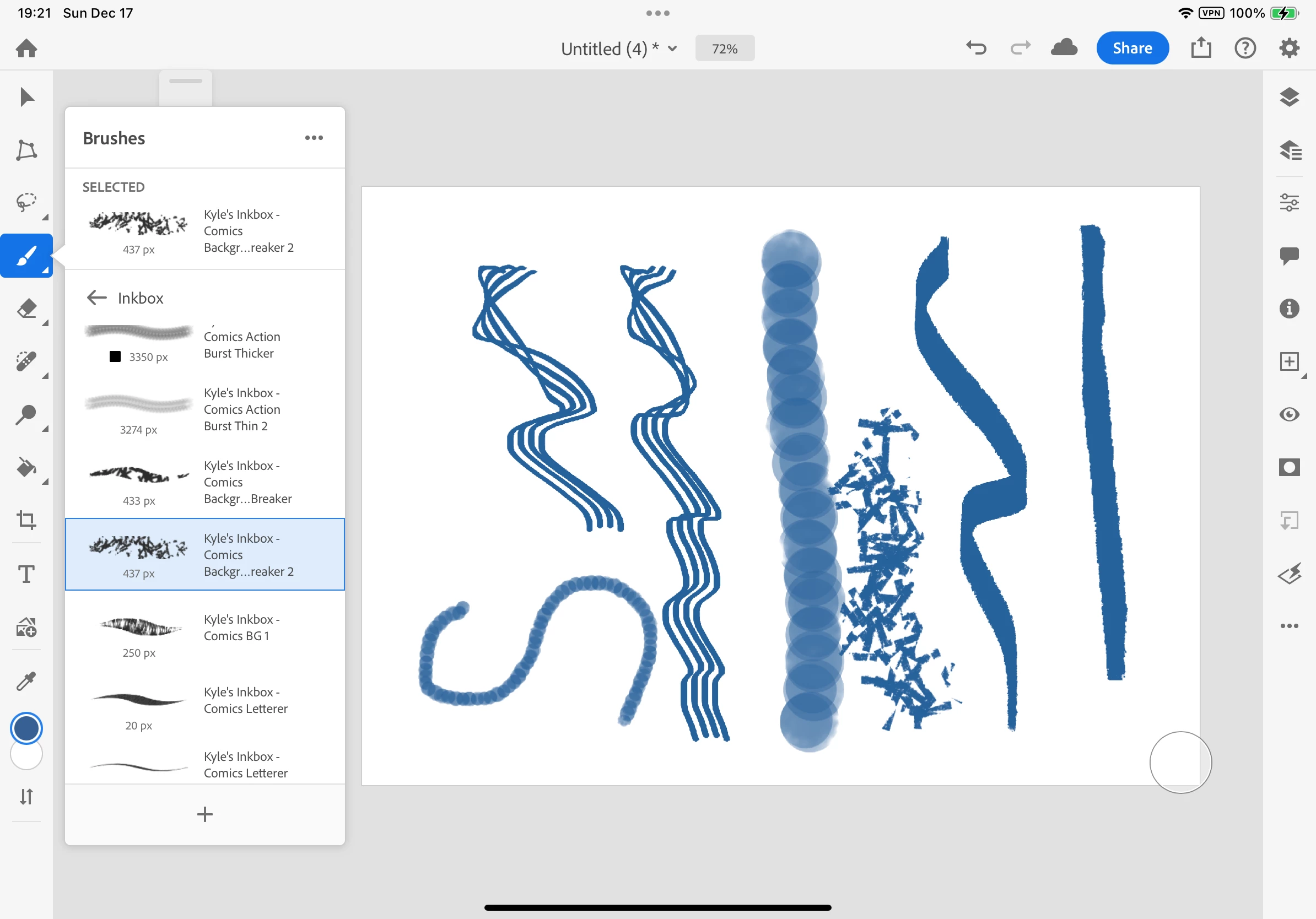
I just downloaded the Kyle's Inkbox from the Megapack to test for you and am not getting the Watermark. Can you share a screenshot?


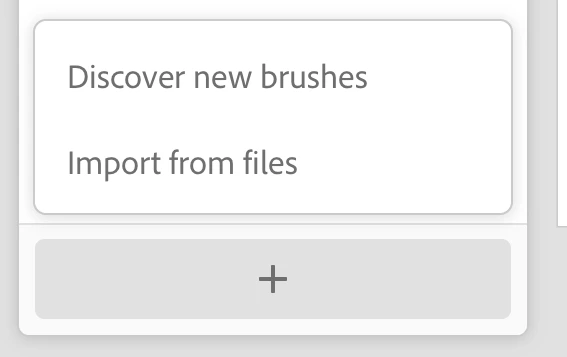
Did you start by clicking the + sign at the very bottom of the Brushes panel (visible in my screenshot)? I clicked it twice:

  • the first time to go to Kyle's website where I downloaded the ABR file to my Downloads folder (Discover New Brushes) 
    and
  • the second time to extract the ABR files from Downloads (Import from Files).


Jane

1 reply

jane-e
Community Expert
jane-eCommunity ExpertCorrect answer
Community Expert
December 18, 2023

@Ronni34163898es7u 


I just downloaded the Kyle's Inkbox from the Megapack to test for you and am not getting the Watermark. Can you share a screenshot?


Did you start by clicking the + sign at the very bottom of the Brushes panel (visible in my screenshot)? I clicked it twice:

  • the first time to go to Kyle's website where I downloaded the ABR file to my Downloads folder (Discover New Brushes) 
    and
  • the second time to extract the ABR files from Downloads (Import from Files).


Jane

Participant
December 18, 2023

I tryed to reinstall the brushes, but it does'nt help. The watermark shows if i put a drawinglayer under the layer with Inkbrushes used.

jane-e
Community Expert
Community Expert
December 18, 2023

@Ronni34163898es7u 


Can you show your Layers panel so I can try to reproduce the error?


Jane