February 8, 2019
Answered

How to remove watercolour paper texture from scanned image in Photoshop CC?

  • February 8, 2019
  • 2 replies
  • 9870 views

Hi) I can't find a good way to remove watercolour paper texture from my image. A part of my drawing:
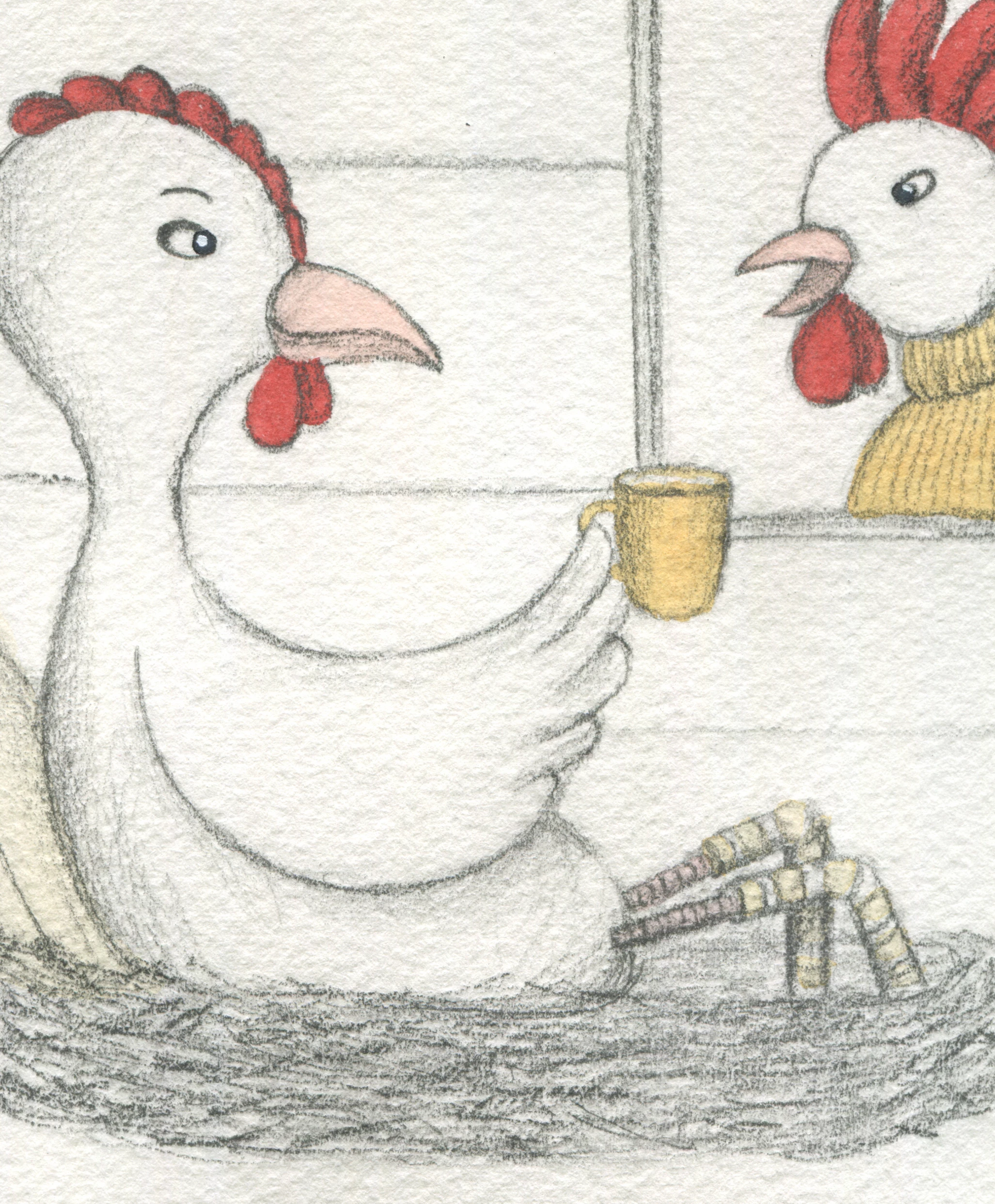
How would you remove the texture og save almost all pencils lines and colours?
    This topic has been closed for replies.
    Correct answer

    Hi

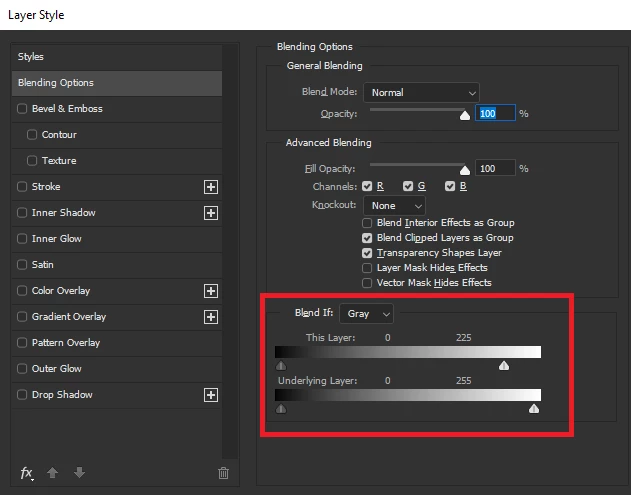
    You could try using Blend If

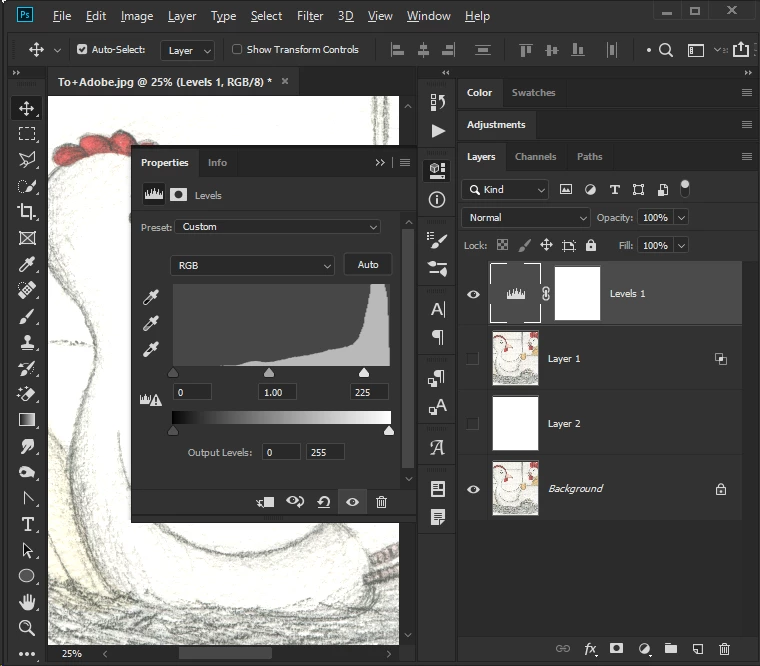
    Or a Levels adjustment layer

    2 replies

    Norman Sanders
    Legend
    February 8, 2019

    You may also find that this alternative at the settings shown in Surface Blur holds the image color, very light lines and the color. of the paper without the texture,.

    Correct answer
    February 8, 2019

    Hi

    You could try using Blend If

    Or a Levels adjustment layer

    February 8, 2019

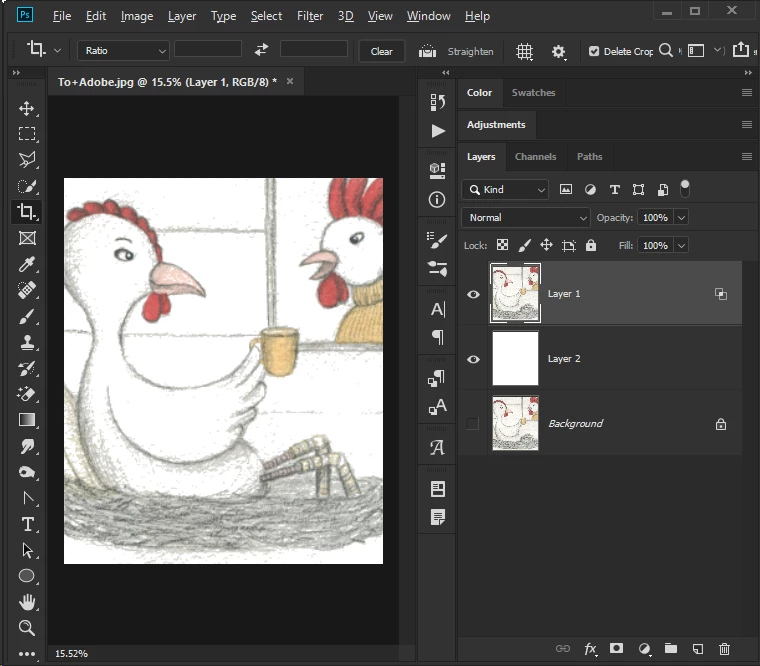
    Ged Traynor, thank you for your answer!! This way is completely new to me. Now I have an another problem: When the paper texture is removed, some colours part are also removed. Can I do something to avoid that?

    February 8, 2019

    You've taking the slider to far, try using the Levels adjustment I mentioned above instead