
Answered
How to replace a singe color background with a new image
I have some black and white photos where the subject is all black and the background is all white. I would like to replace the white background with some other images I have of the same size. As an example, I would like to replace the white background of this image with this chalk background.
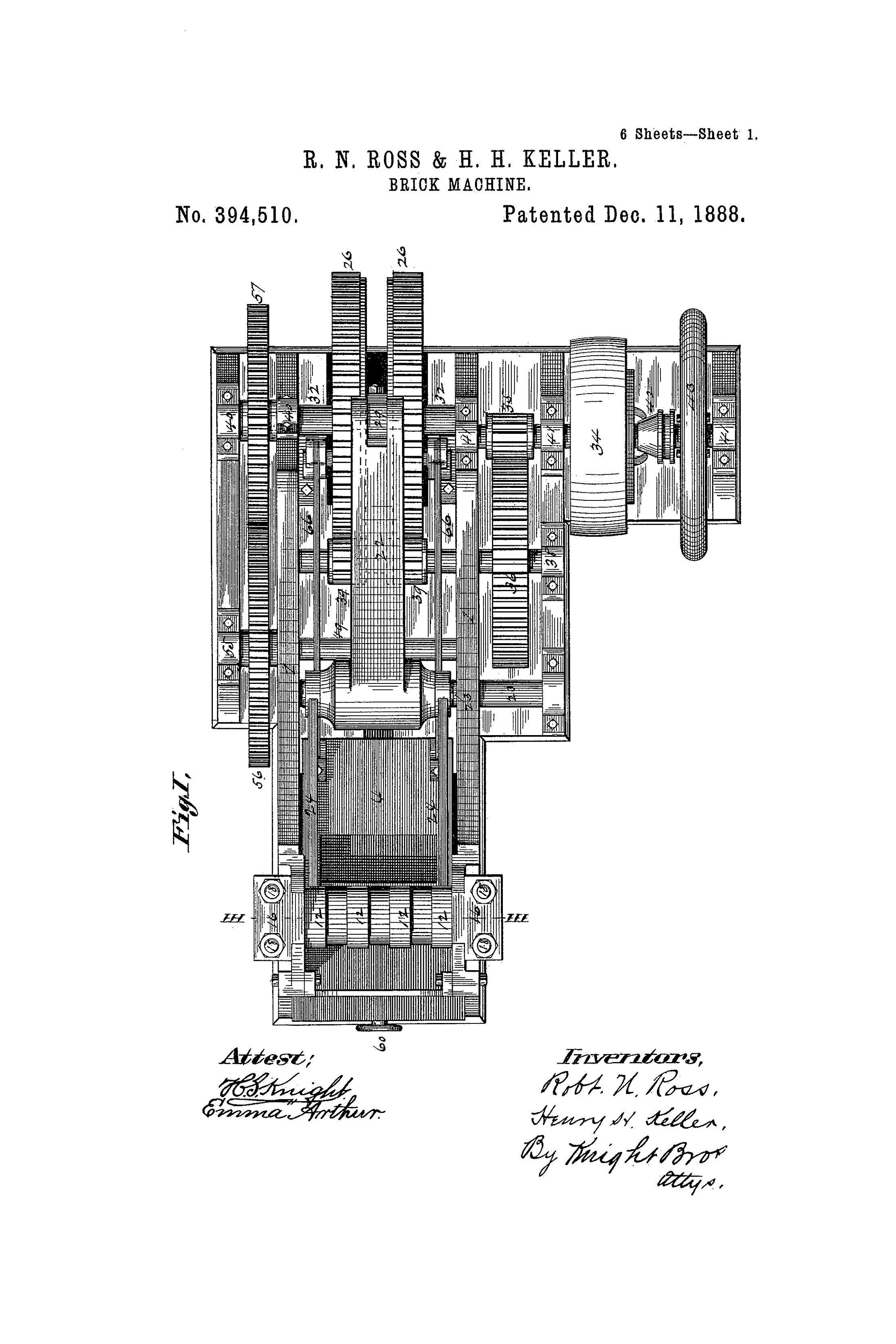

This is how it is supposed to look:
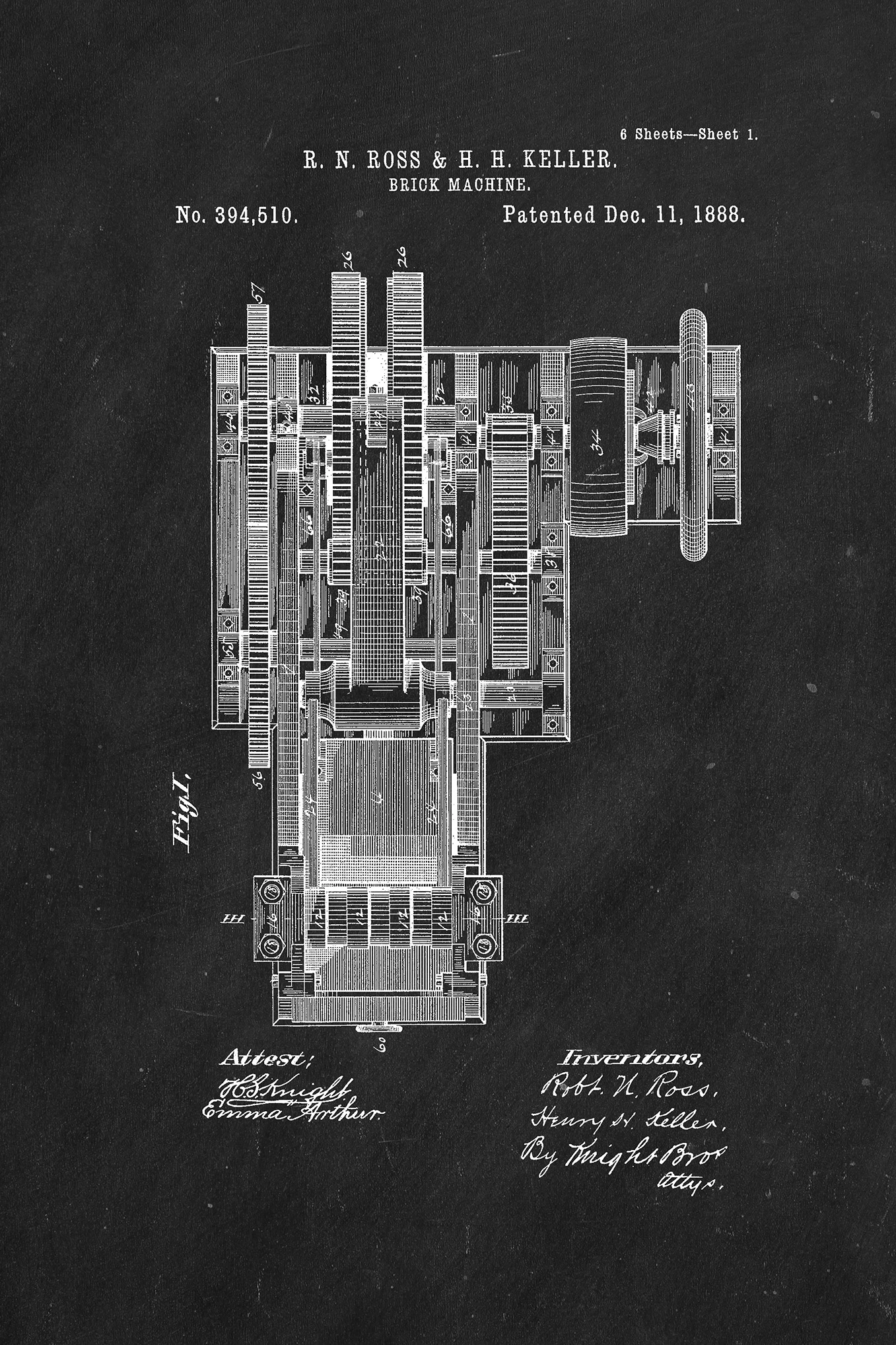
Unfortunately, the person who made this last image can no longer do so for the rest.
I have tried using Select > Color Range to make a layer mask only out of the white color which somewhat works, but it turns quite grey and isn't as sharp.


 AdChoices