Participant
September 22, 2025
Answered

How to replicate effect placed on image

  • September 22, 2025
  • 3 replies
  • 158 views

Hi all,

I'm trying to create (for personal use) the image below. I have a hi-res version of the dog head on the person's body but it is simply black and white without the sort of illustrative distortion that you see in the below image. Here is the comparsion -
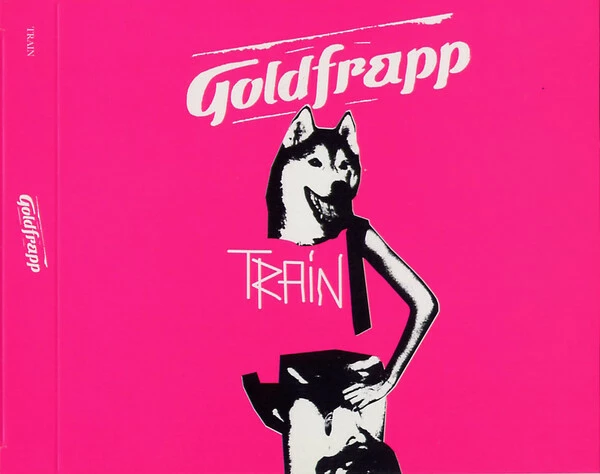
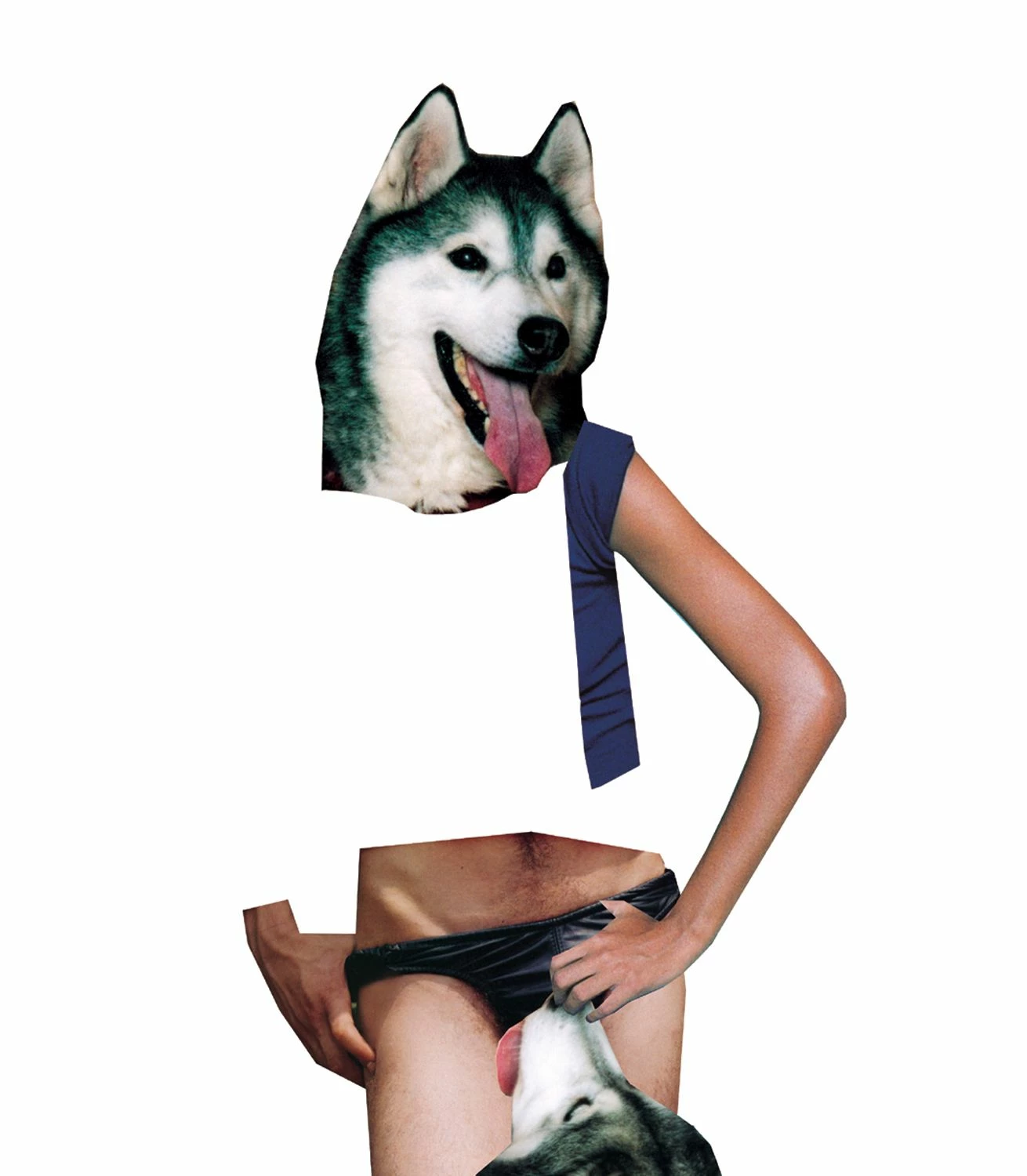
 

Any ideas? The purpose of this project is to recreate the scan of the cover art in high resolution for my music library.


Thank you!

Correct answer mglush

Hi!

Here is one way you could  get an effect similar to the image above:

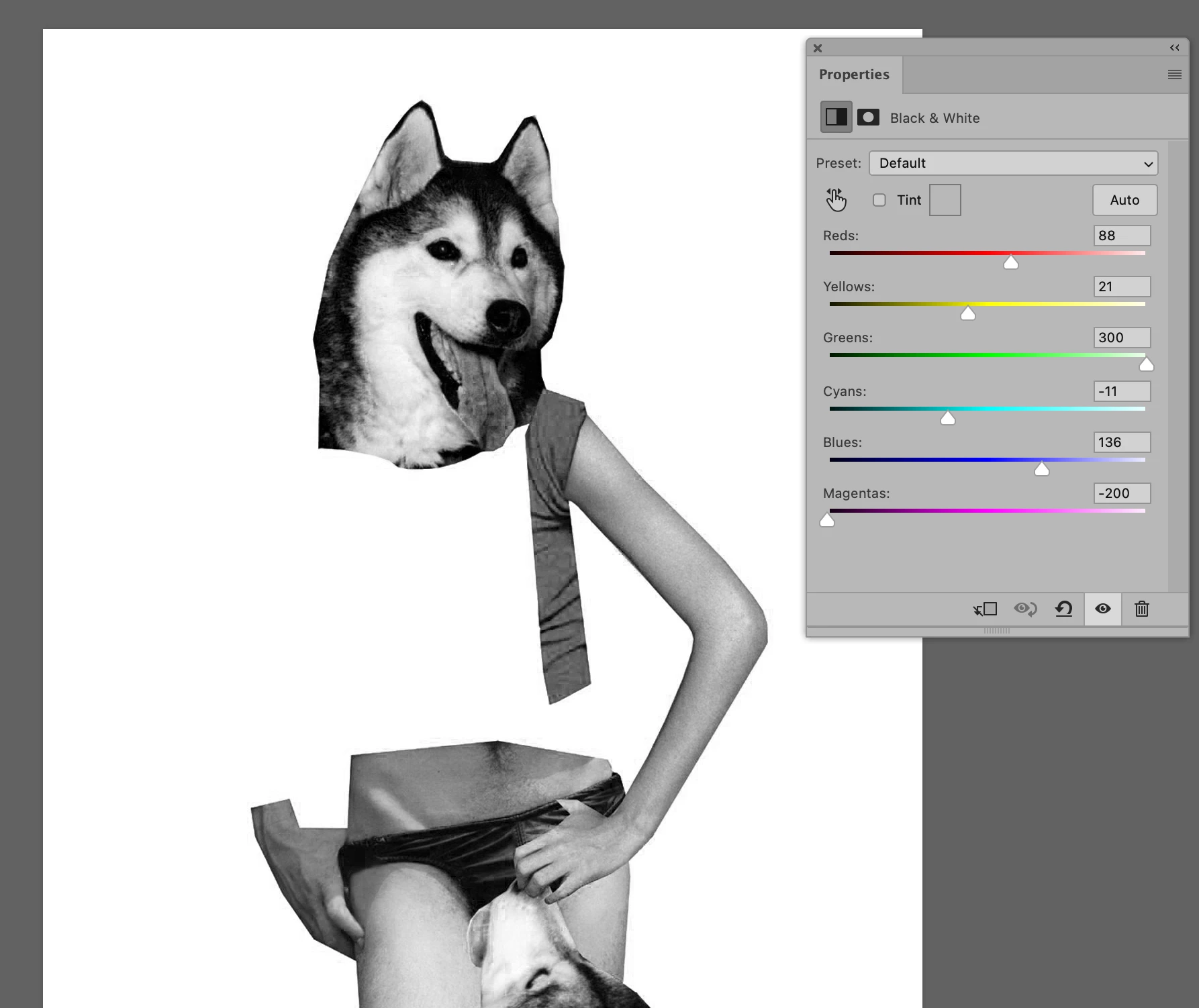
1. Use a Black and White adjustment layer to turn the image to Black and white and also use the colors to make some areas darker and some lighter to match your final output. I also added a curves adjustment and/or levels adjustment to get the desired level of dark to light ratio.


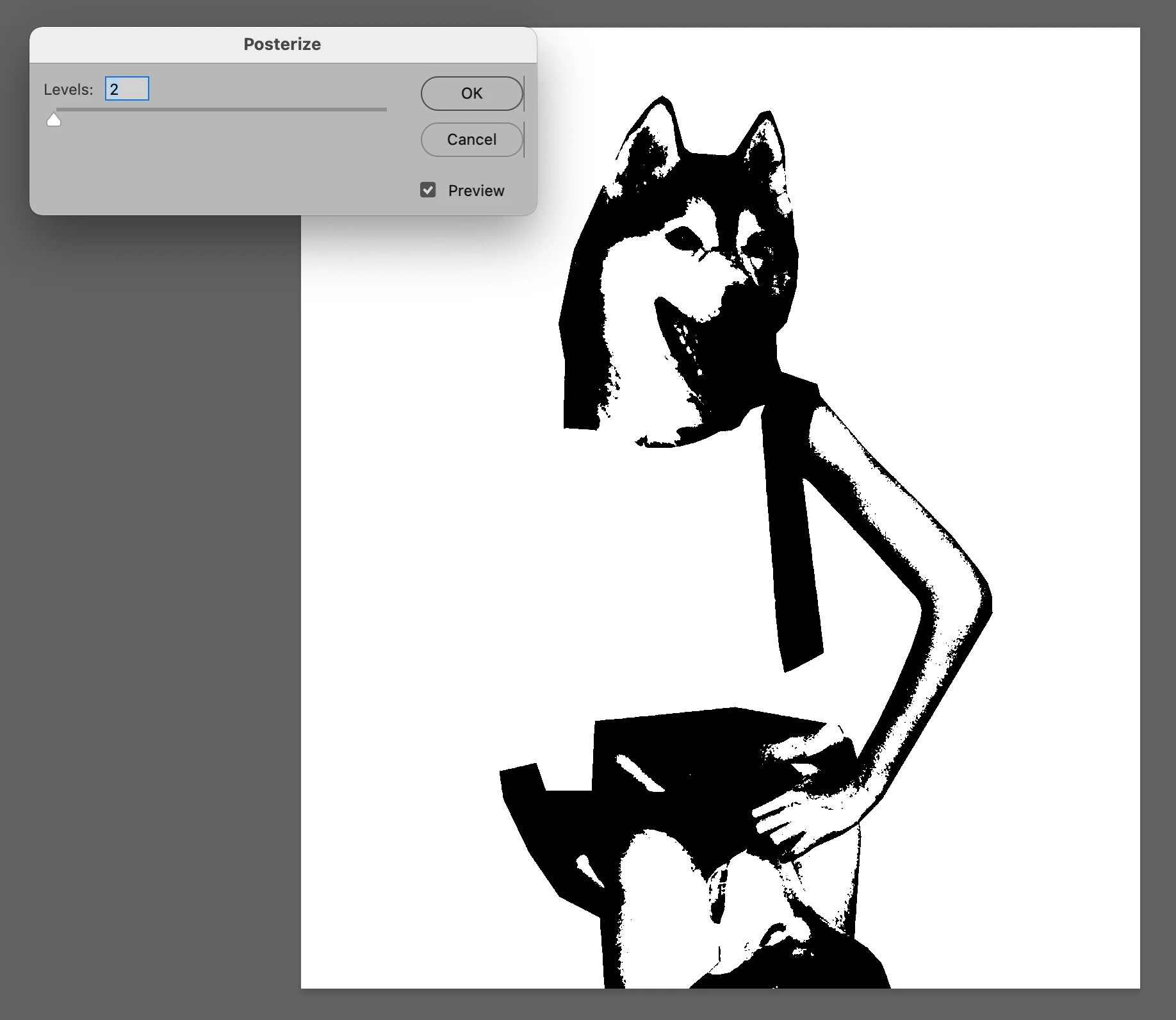
2. Then from the Image Menu, select Adjustments and Posterize and change the input value to 2. Here is the result:


Let us know if you have any questions.

Michelle

3 replies

joeyc410Author
Participant
September 23, 2025

Thanks to you both! I was able to mess around with those few different adjustments and I created the replica!

mglush
Community Expert
mglushCommunity ExpertCorrect answer
Community Expert
September 23, 2025

Hi!

Here is one way you could  get an effect similar to the image above:

1. Use a Black and White adjustment layer to turn the image to Black and white and also use the colors to make some areas darker and some lighter to match your final output. I also added a curves adjustment and/or levels adjustment to get the desired level of dark to light ratio.


2. Then from the Image Menu, select Adjustments and Posterize and change the input value to 2. Here is the result:


Let us know if you have any questions.

Michelle

Stephen Marsh
Community Expert
Community Expert
September 22, 2025

Black and White adjustment layer or adjustment. A threshold adjustment layer or adjustment, perhaps combined with a posterize adjustment layer or adjustment.