
Jimmy Papas
Inspiring
June 16, 2020
Answered

How to 'save for web' one single artboard in Photoshop?

  • June 16, 2020
  • 3 replies
  • 6339 views

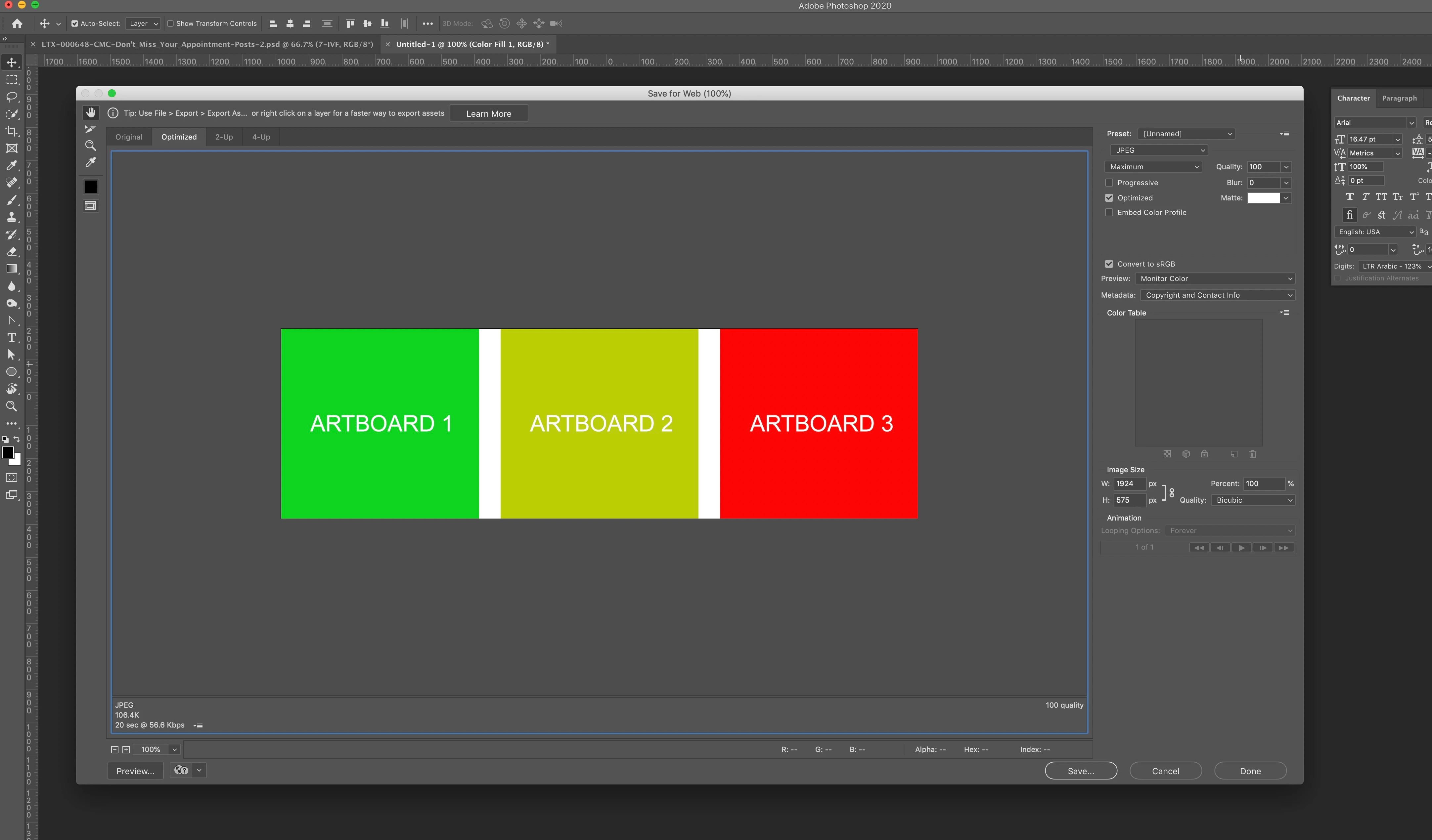
When you try to 'save for web' jpeg images from a Photoshop document with multiple arboards, you get the option to save one single JPEG with all the artboards together. Can you save them indivisually?
 

Correct answer nuvis.au

Found a hack. If you toggle OFF all the other artboards using the EYE, you can then save for web just the visable one. 

3 replies

nuvis.au
nuvis.auCorrect answer
Inspiring
July 21, 2023

Found a hack. If you toggle OFF all the other artboards using the EYE, you can then save for web just the visable one. 

jorge albertob79904233
Participating Frequently
March 11, 2024

Works like a charm!, Thanks.

Stephen Marsh
Community Expert
Community Expert
June 4, 2022

There is also File > Export > Artboards to Files script

c.pfaffenbichler
Community Expert
Community Expert
June 16, 2020

Save for Web is »legacy« and predates Photoshop Arboards. 

Is File > Export > Export As no viable alternative for you in this case? 

SDB-NashvilleJason
Inspiring
June 3, 2022

It wworks that way. Thanks for posting the answer, but I like the Legacy save for web interface better than the Export interface if anyone at Adobe is listening. If you could make those interfaces similar it'd be great!

A jack-of-all-trades is a master of none, but often times better than a master of one.