Participant
March 14, 2025
Answered

How to save this png into jpg following the overall shape?

  • March 14, 2025
  • 1 reply
  • 138 views

sory my english is bad i hope you guys can understand my question


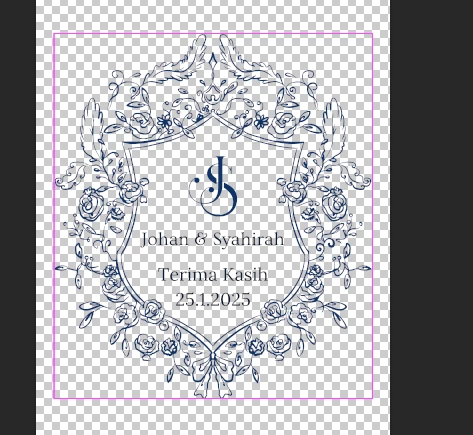
so i have this layer in png where I want to save it just as the whole outside shape of it so i can cut the custom shape on my other machine


when i tried adding stoke it added stroke to every line. Can I add stroke to just the outside part of the shape?


Is there a way I can save the png into jpg following the shape of the overall png? 



Correct answer Bojan Živković11378569

You cannot apply a Stroke layer effect solely to the outside of your shape; there is no feature or checkbox for that. While there are methods to achieve a similar result, they require additional effort.

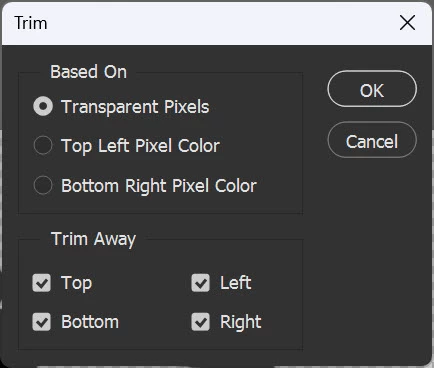
To trim excess pixels, use the Image > Trim command and select Transparent Pixels in your case.


1 reply

Bojan Živković11378569
Community Expert
Community Expert
March 14, 2025

You cannot apply a Stroke layer effect solely to the outside of your shape; there is no feature or checkbox for that. While there are methods to achieve a similar result, they require additional effort.

To trim excess pixels, use the Image > Trim command and select Transparent Pixels in your case.