
Inspiring
February 16, 2025
Question

How to scale linked files before placing?

  • February 16, 2025
  • 3 replies
  • 201 views

I am linking in files that will be used for different masks. I need to scale the link to the same size as the background image. How can it be done precisely?
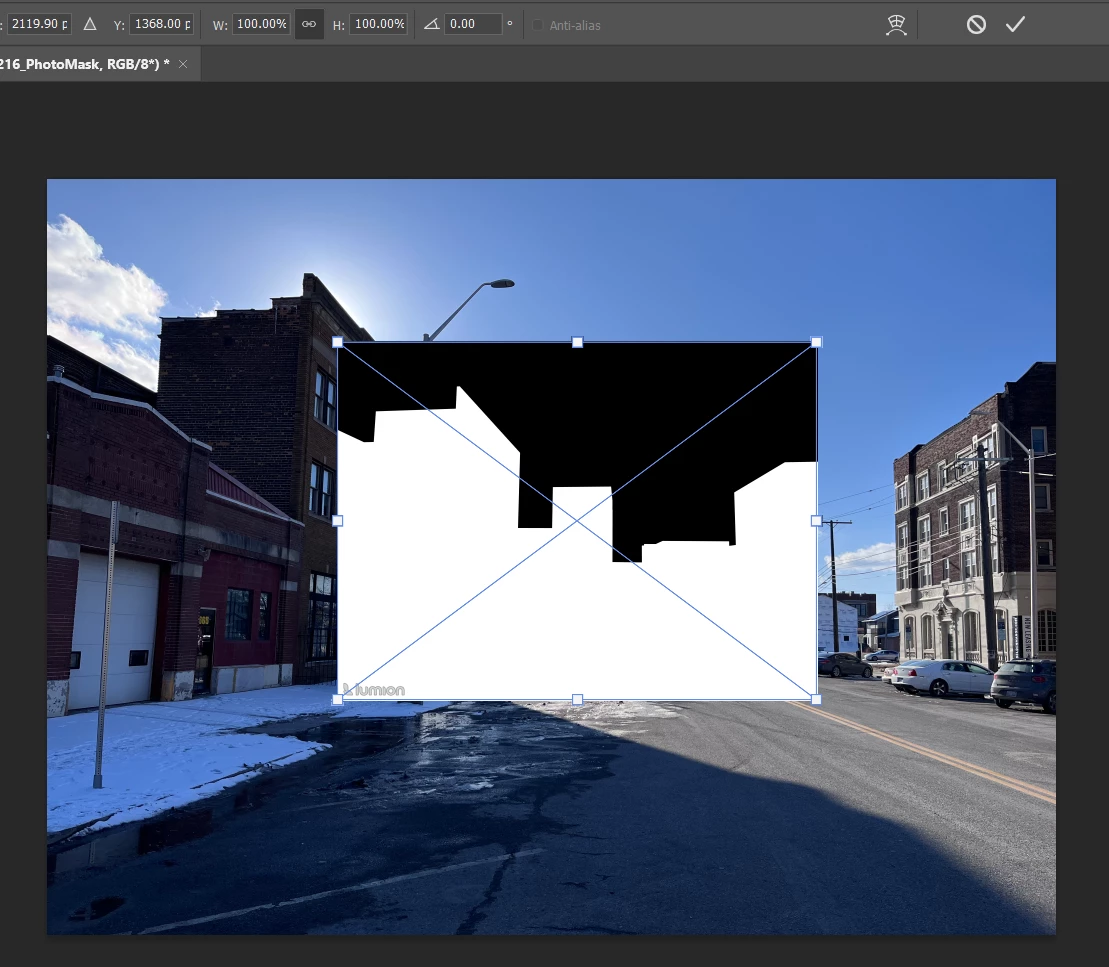
Drag scaling is not precise and it only snaps to one edge at a time making it useless.


3 replies

Stephen Marsh
Community Expert
Community Expert
February 17, 2025

If the images are different PPI/resolution, but the same pixel dimensions, you can reset any transforms in the properties panel for placed linked or embedded smart objects:


Bojan Živković11378569
Community Expert
Community Expert
February 17, 2025

Are the images you are placing of the same dimensions and resolution? If so, you can record an action for that purpose. Do you want linked Smart Objects or just layers in your document scaled to the document dimensions?

creative explorer
Community Expert
Community Expert
February 17, 2025

@Charlie329572228uvx Control Click on the image of the layer mask to make sure that image is selected allowing you transform that image and not the mask itself

m