
photogyulai
Inspiring
June 23, 2020
Question

How to separate the differences, from two image

  • June 23, 2020
  • 2 replies
  • 555 views

Hey!

I want to separate the difference from two image.

For example we have a base image:
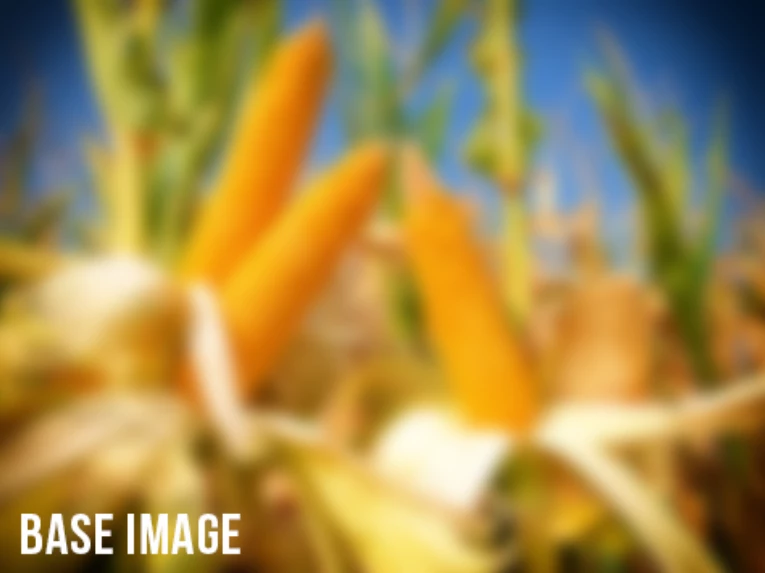


Than we add something ( i mean in real life, during the photoshoot):
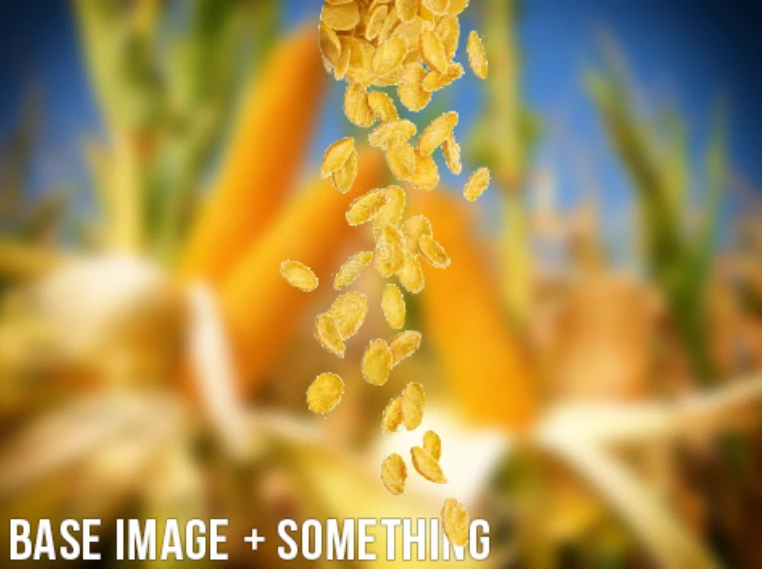


We do some magic. And we get this:
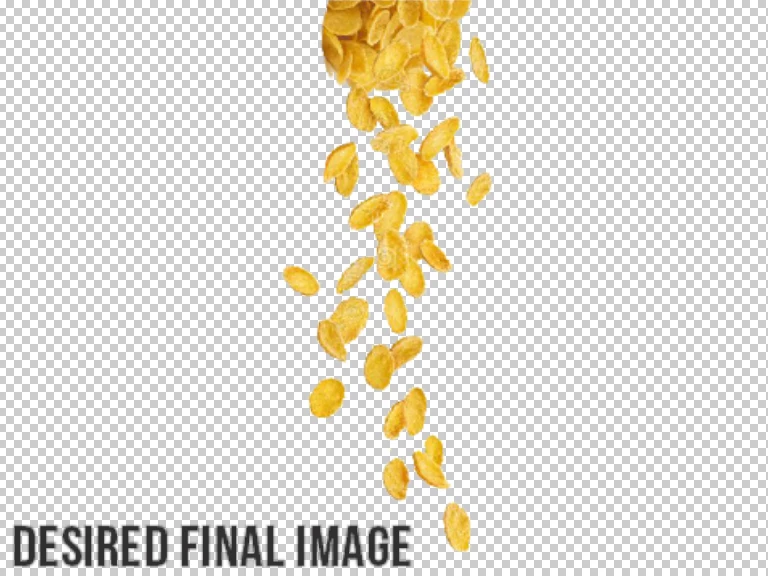


I have tried blend modes. (mostly the "difference" blend mode)

I have tried Apply image >> substract

I have tried Layer >> smart object >> stack modes


No sucess yet!


Usually i get something like this, with the above solutions:
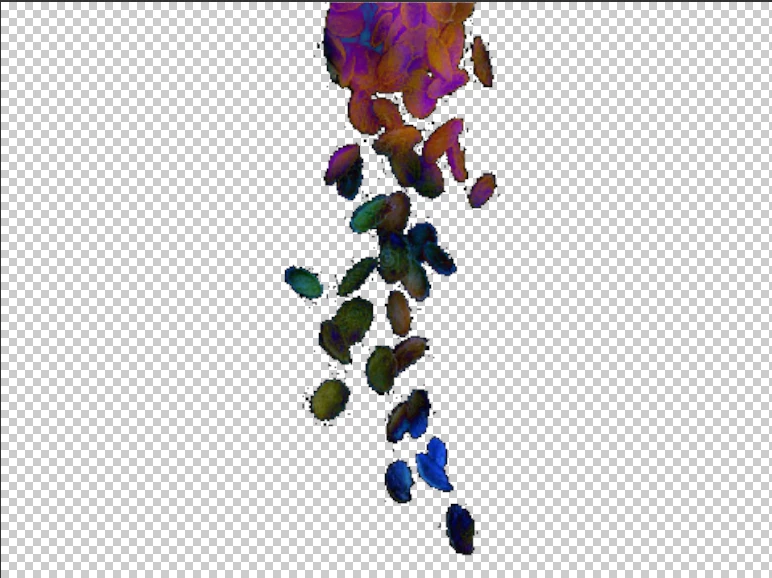


Matemathicaly it is correct if you take the difference from the two image, but human logically it is not. Becouse the real difference between the two image is the cornflakes.


Any ideas how to perform this!
Many thanks!

Ben

(i saw some other solutions in this topic earlier, (see link below) but im not satisfied with that result also)

Selecting the difference between two images

This topic has been closed for replies.

2 replies

Stephen Marsh
Community Expert
Community Expert
June 24, 2020

So why don't you just load the transparency of the difference image to mask a copy of the blended image? It is just a means to an end after all...

c.pfaffenbichler
Community Expert
Community Expert
June 23, 2020

It seems to me that you are trying to do greenscreen work without bothering with the greenscreen. 

So it seems no wonder if the desired result should prove elusive – the parts (in this case mainly »yellows«, I guess) that have minimal or no difference cannot produce great results. 


Have you tried Select > Subject yet? 


What is the fourth image you posted supposed to be exactly? 

Please post screenshots with the pertinent Panels visible.