
nicksoper
Participant
April 4, 2019
Answered

How to stop Photoshop zooming when selecting an Artboard

  • April 4, 2019
  • 2 replies
  • 633 views

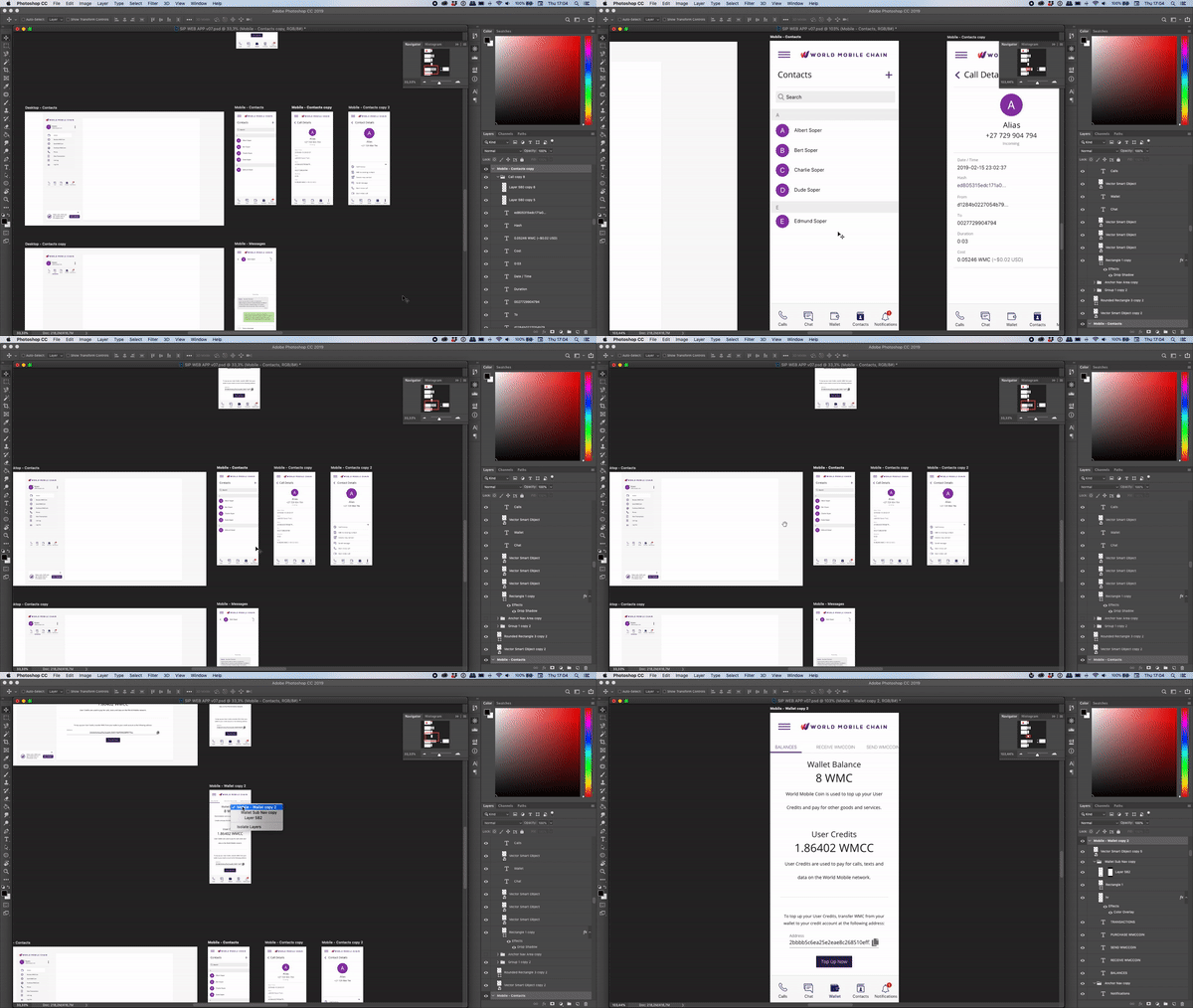
Hi there. Photoshop has an odd behavior when selecting an Artboard - it zooms into that Artboard. Whether you right click on the artboard or doubleclick on the artboard in the Layers panel.


This behaviour doesn't happen when you Right Click a layer or folder, just on the Artboard.

Anyway to turn this off? It's quite frustrating to have to adjust the zoom the whole time when navigating through a document, or if you accidentally select the artboard and not a layer you end up panning and zooming.

I have attached a video of the behavior.
    Correct answer c.pfaffenbichler

    I agree that this behaviour seems unexpected or even undesirable. 

    You could post a Bug Report or you could work-around the issue by selecting the ArtBoards in the Layers Panel. 

    2 replies

    Participant
    November 24, 2023

    I also find this really frustrating. If I'm trying to reconfigure all my artboards I just want to right click the artboard to selct it, then move it while still zoomed right out. Would be great to leave the zoom level where it is when right clicking to select.

    c.pfaffenbichler
    Community Expert
    c.pfaffenbichlerCommunity ExpertCorrect answer
    Community Expert
    November 24, 2023

    I agree that this behaviour seems unexpected or even undesirable. 

    You could post a Bug Report or you could work-around the issue by selecting the ArtBoards in the Layers Panel. 

    nicksoper
    nicksoperAuthor
    Participant
    April 6, 2019

    Maybe this is an easier question - is this forum the right place to get help with this kind of issue? Seems like Adobe are keen to help with enterprise/larger customers, guess us small fries get overlooked?