Participant
November 30, 2022
Answered

How to stretch the Image with keyboard short keys

  • November 30, 2022
  • 2 replies
  • 1437 views

I am trying to strech the Contract Fermentation Image in Photoshop for my website with Shift+Alt Key via Photoshop 2020 but image quality broken, is there any other method to stretch/edit without disturbing the image? 


Have a look at both images whic I am trying to fix 
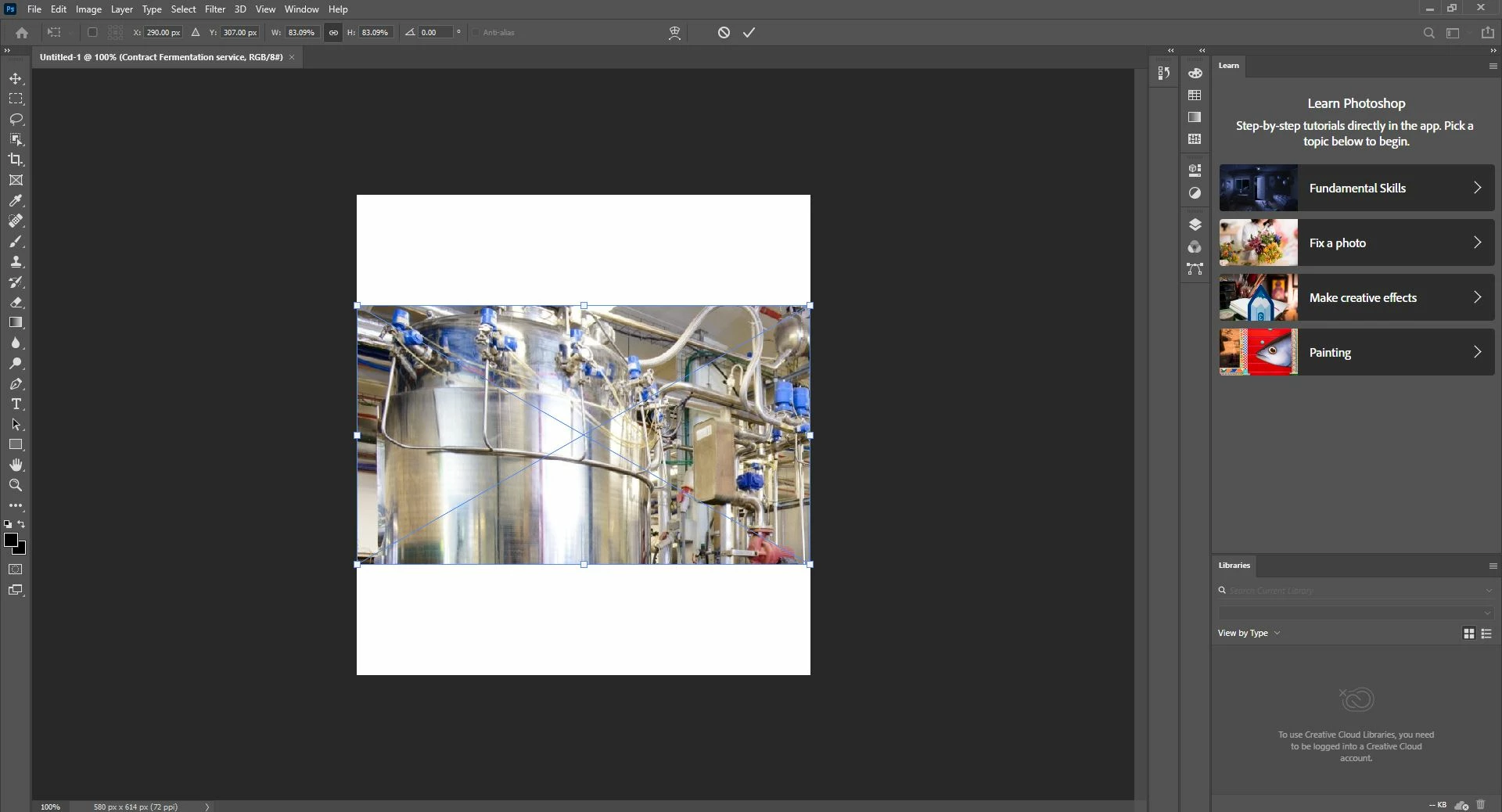


2nd image 
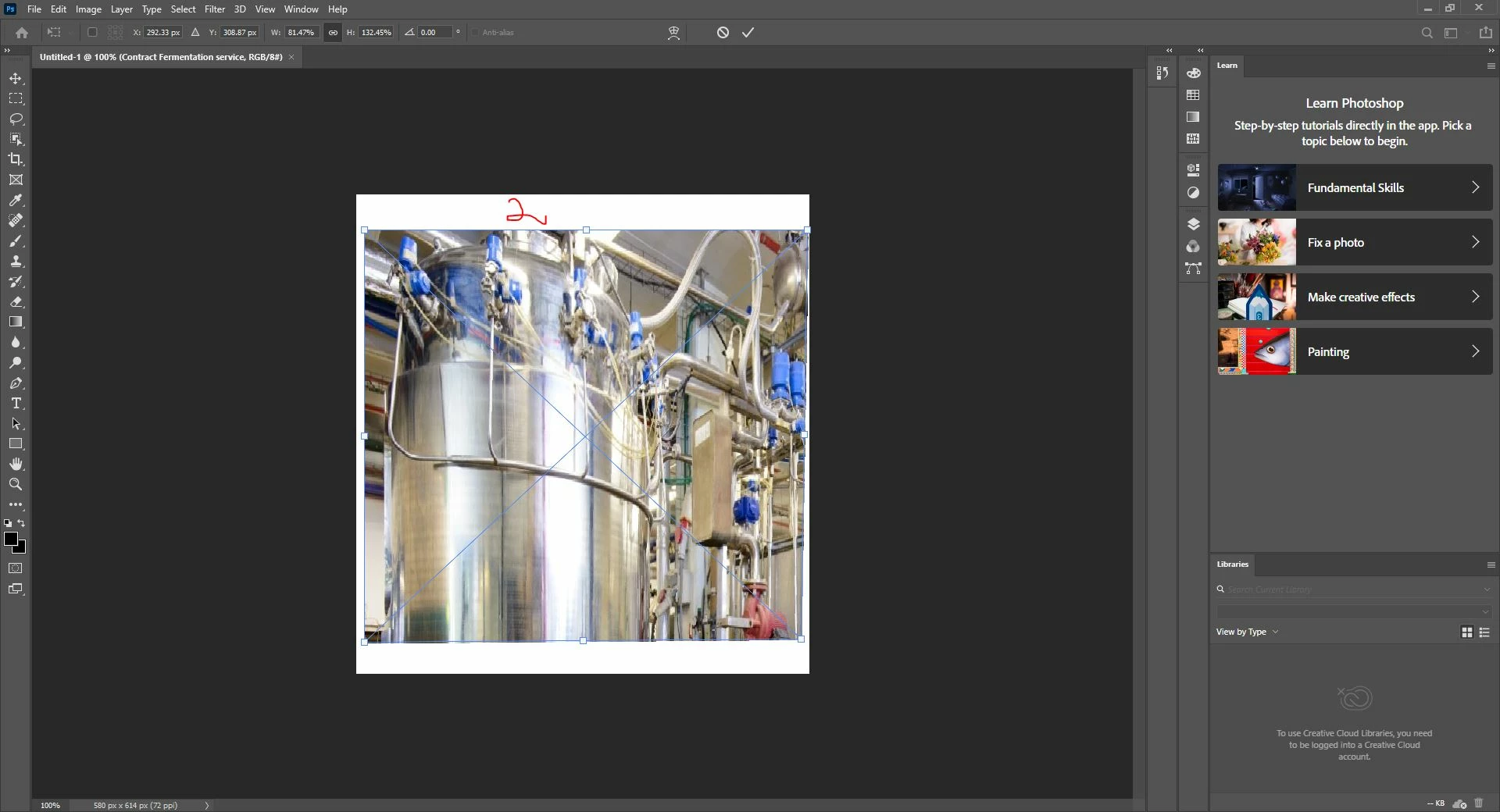
 

Your suggestions will be appreciated 


Cheer

Hill 

Correct answer Kevin Stohlmeyer

You can enlarge using the move tool and show transform controls.

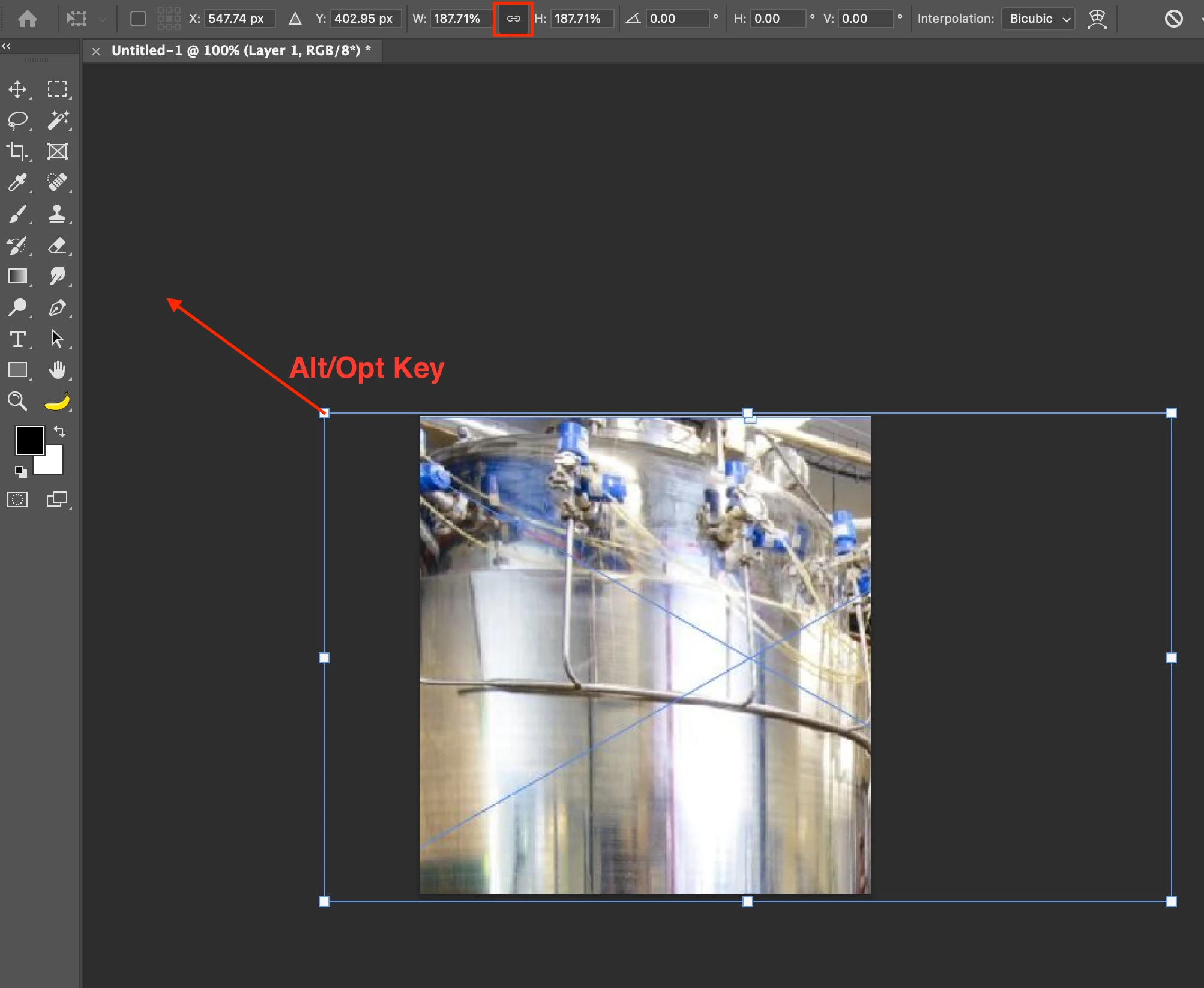
When you scale, hold alt/opt to scale from center and make sure the W&H controls are linked at the top.

That should prevent distrotion.

The other issue you may have is when I blew this up to fill the vertical height you show, the image is at 187% which means it may be a little soft and require some sharpening after scaling.


2 replies

Participant
May 7, 2025

Thanks for sharing this thread—super helpful! I had a similar issue while resizing product images for my Tillie Beads  beaded bag  collection. At first, using Shift+Alt distorted the quality too, but switching to the move tool with “Show Transform Controls” and linking W&H worked much better. Also agree with Kevin—some gentle sharpening after resizing helped restore the image’s crispness for web use. Always something new to learn in Photoshop!

Kevin Stohlmeyer
Community Expert
Community Expert
November 30, 2022

Dont hold the shift key to keep your image proportionate.

Obviously enlarging this image will cause some of the area to be cropped but it will not distort.

Participant
December 1, 2022

Thanks Kevin for your response, so please share the method how can I enlarge the image without demaging the quality becasue website need to be upload with correct dimensions. 

Kevin Stohlmeyer
Community Expert
Kevin StohlmeyerCommunity ExpertCorrect answer
Community Expert
December 1, 2022

You can enlarge using the move tool and show transform controls.

When you scale, hold alt/opt to scale from center and make sure the W&H controls are linked at the top.

That should prevent distrotion.

The other issue you may have is when I blew this up to fill the vertical height you show, the image is at 187% which means it may be a little soft and require some sharpening after scaling.