
How to switch layers back on after using Frame animation function (can't see all layers anymore).
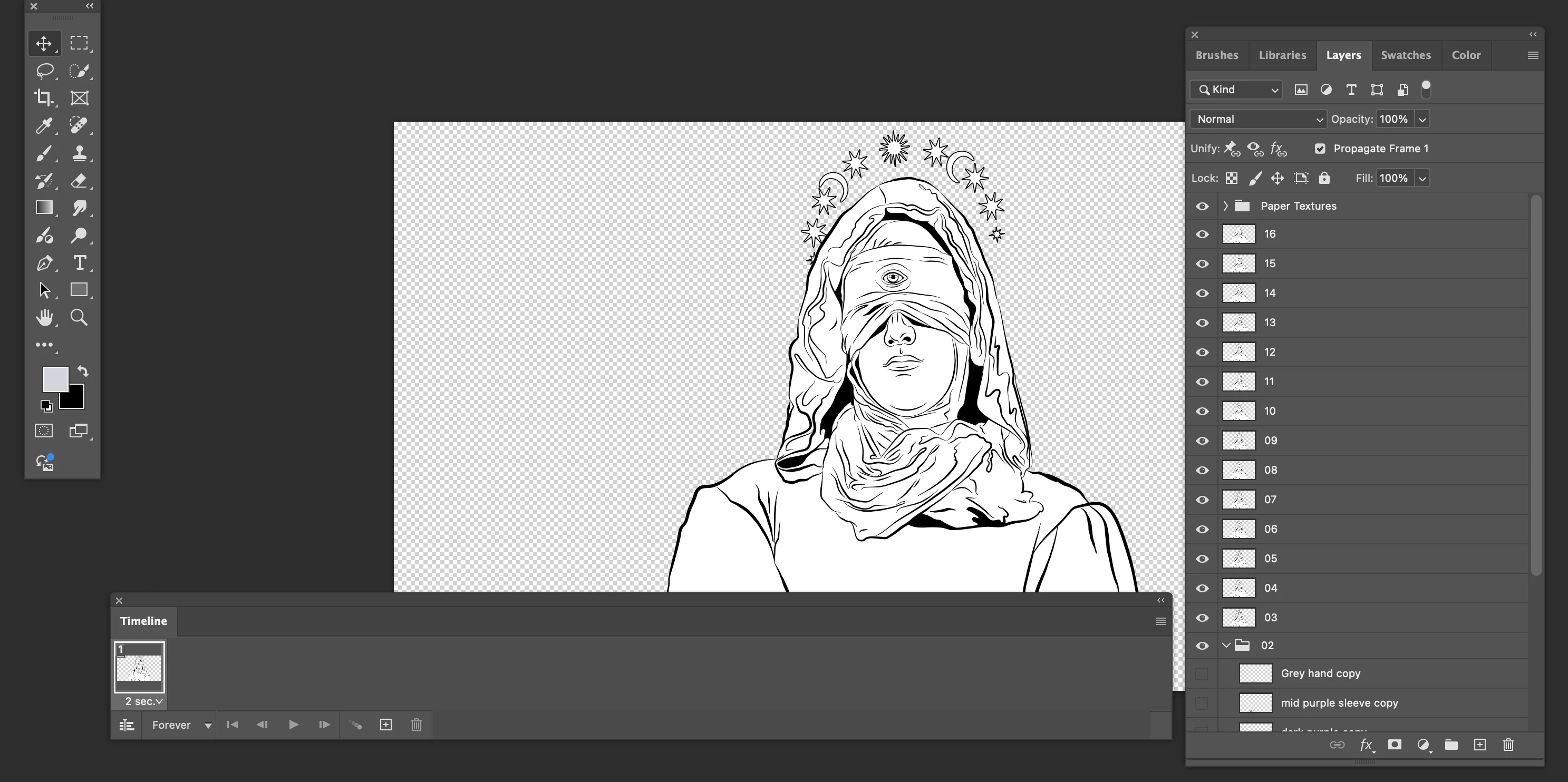
I'm currently creating 2D animation in Photoshop, and have been using the Timeline feature to check how to animation is working. Typically, I use the Frame Animation function. Once I'm happy with how everything looks, I delete the animation and go back to the layers to paint each frame.
Unfortunately, I can now only see the first layer, as if the Timeline is still stuck on the first frame. In other words, even though I can see that all the layers are present, when I show/hide them, it's like these layers are empty.
I've had this happen before. It's like the layerd .psd file gets stuck in animation mode and won't convert back to a simple, layered document.
Any thoughts? And, yes, I know that there's better animation software out there. I have an unusual workflow but it (mostly) works for me.


 AdChoices