

T68203159
Known Participant
June 11, 2026
Question

How to tell the digital resolution an image?

  • June 11, 2026
  • 3 replies
  • 51 views

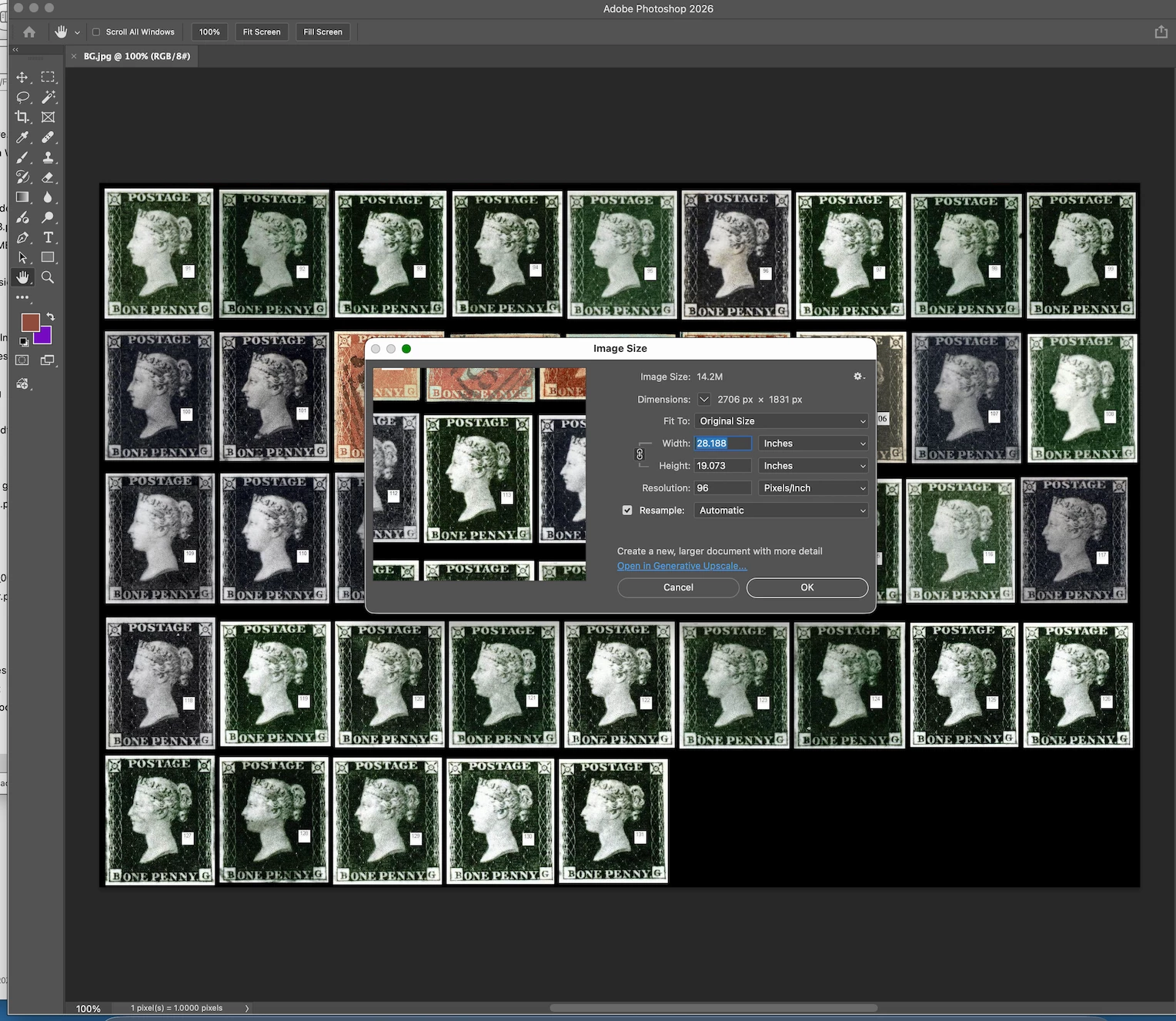
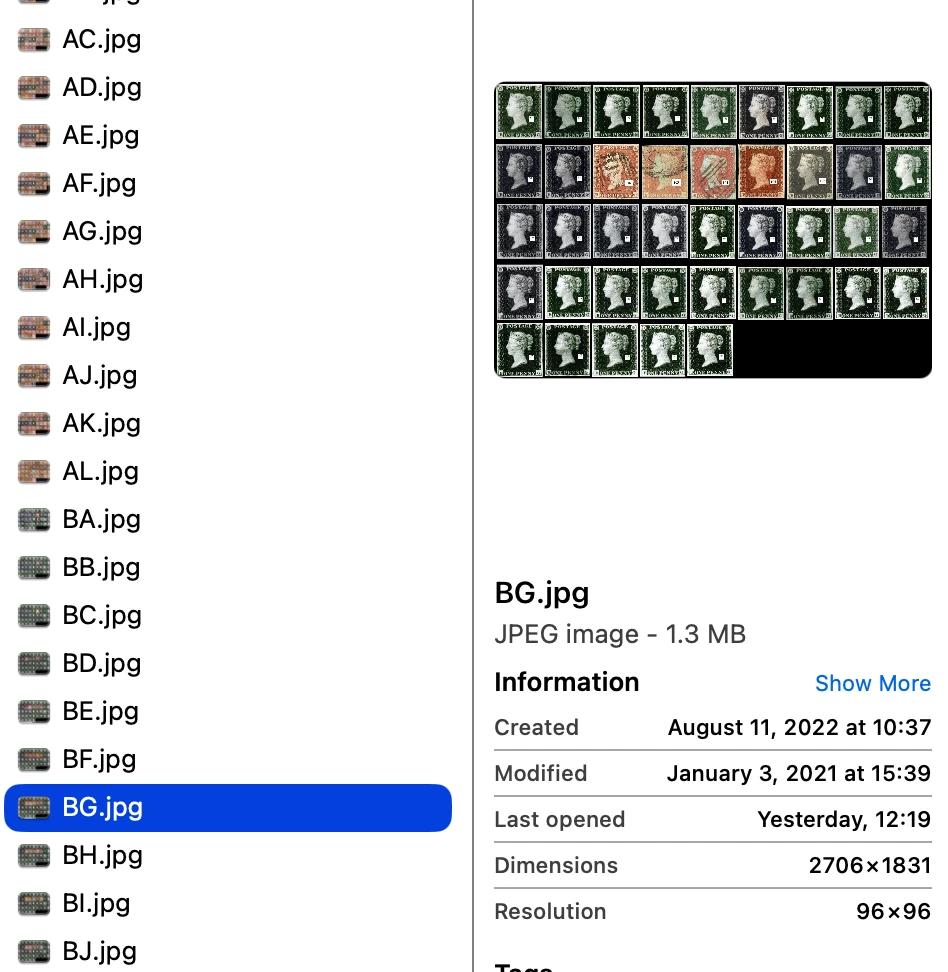
Id like to make sure I am looking at this correctly, as another user im talking with I think is mixing ppi image resolution with dpi print resolution meaning….  I have the attached image I open in PS and I see Resolution 96 ppi.  Is this the same as what I see in Finder ?  I believe so….  The person who supplied the image says all his all his supplied images are at 360DPI - including these examples.  So what is the resolution of the image?  They are SUPPOSE to be at 360ppi…..


Photoshop screenshot:  ( I had to reduce the file size to meet upload requirements).


From finder on Mac:


    3 replies

    rayek.elfin
    Legend
    June 11, 2026

    Your example file resolution is 2706x1831 pixels.

    Let’s emulate the resolution in a new file to cross-check against.

    Create a new image file at 2706x1831 pixels at and assign 360ppi to it. This means that placed objects can be measured against that 360ppi. 

    Next I check a Penny Black’s physical dimensions: 

    3/4 inch wide by 7/8 inch tall (approx 19 x 22 mm) -->wikipedia

    Let's create a new layer at that size with the stamp image from wikipedia: 19x22mm:

    If I would print this image at 360ppi on paper this Penny Black’s size would approximate the original size when measured with a ruler.

    Notice that the number of stamps in a row equals your example.

    This means the example file that you were provided with was indeed scanned at 360ppi. 

    When it was scanned, the scan software or software used to prepare the scan assigned a PPI value of 96ppi to the image data.

    If you would change that 96ppi value to 360ppi (and be certain to TURN OFF Resample!!!), and print your file the stamps would be the same size as the original scanned stamps.

    In short: yes, it is confirmed that your file was scanned at 360ppi and that the pixel dimensions match a 360 pixels per inch resolution which, compared against the physical dimensions of a real Penny Black stamp, is the correct pixel resolution when printed at 360dpi.

    T68203159
    T68203159Author
    Known Participant
    June 11, 2026

    ok, I have to re-read this. Not sure I completely understand….  But, I am not so concerned with printing, but using detailed images on screen and understanding why I see 96 and its really 360ppi resolution.  But, I do need to understand the whole process!  Thank you. 

    rayek.elfin
    Legend
    June 11, 2026

    Ah, you need those for screen purposes. 

    In that case, forget about ppi. You decide at what size these stamps should be displayed on a screen. Things to consider:

    • what kind of screen? Desktop or mobile? Or both?
    • Expected range of resolutions when desktop is the intended design target?
    • will you have static image sizes in a layout or do you want an option for users to zoom in on these stamp images and/or a pop-up enlarged version?
    • screens are either retina or non-retina. A retina screen typically requires a minimum of twice the resolution for images that are displayed.

    All of this must be taken into account. 

    Aside from all this: I agree that the current version seems too low resolution for detailed viewing, in particular for retina screens. I'd ask the source person to scan these at 1200ppi so you will have more freedom in scaling them down to what you feel works best for display purposes.

    Are you displaying these on a website? Or different context?

    D Fosse
    Community Expert
    Community Expert
    June 11, 2026

    This is probably the most misunderstood concept in all of digital imaging.


    The fact is, the ppi number isn’t important. All that matters is the pixel dimensions, how many pixels wide by how many pixels high.


    A digital image is just an immaterial array of pixels, nothing more. A pixel is a sample point, a data point, it doesn’t have a size.


    Now, for many purposes it is necessary to give the image a size. If for instance you want to print it, you need to decide if it’s going to be 15 cm wide or 25 cm wide. That’s where the ppi number comes in, as a way to translate from pixels into physical dimensions. It tells you whether you have enough pixels for the required size.


    This is expressed in a simple formula. Ppi, pixels per inch, is the relationship between the pixels in the image and the desired physical size. The ppi number defines the size and vice versa. Pixels per inch. It means exactly what it says.


    If an image is 3000 pixels wide, printed at a width of 10 inches, the resulting ppi number is 300. And conversely, a 3000-pixel image with an assigned ppi value of 300, will print at 10 inches.


    That same image with an assigned ppi value of 600, will print 5 inches wide. As the ppi value goes up, size goes down and vice versa.


    You can assign any ppi number you want, and nothing in the file changes in the slightest. All that changes is how big it will print.


    Now, the ppi number can also be used as a secondary parameter for resampling the file. That’s where people tend to get confused, but it’s basically just reverse mathematics, using the formula backwards. It doesn’t change the basic underlying nature of what ppi means.

    T68203159
    T68203159Author
    Known Participant
    June 11, 2026

    I do understand that   But, a 96ppi image will be of less detail than a 360 ppi image or a 1200 ppi size image when enlarged for detail on the screen , right?  Im told point blank that my images above are sized at 360 and they look like 96 to me….  Which , when magnifying for detail non the screen, the nuances get blurred and images are of no use at this size.

    D Fosse
    Community Expert
    Community Expert
    June 11, 2026

    No, that is not correct. A 3000 x 2000 pixel image can be 1 ppi, 73.5 ppi, 360 ppi or 20 000 ppi, and they will display exactly the same and have exactly equal detail - as long as they all are 3000 x 2000 pixels (or whatever pixel size it is).


    But they will print at very different sizes.


    Again, it’s all about pixel grids. On screen ppi is irrelevant, because there already is a pixel grid that the document pixels fall into, and that’s the physical screen pixels of the actual display you’re using. On paper, there is no such pixel grid, so one has to be invented. That’s the ppi number.

    Ged_Traynor
    Community Expert
    Community Expert
    June 11, 2026

    @T68203159 DPI is only related to printing, so unless you going to print them you can ignore the DPI, the pixel dimensions are what’s relevant here

    T68203159
    T68203159Author
    Known Participant
    June 11, 2026

    Right - so the resolution of the images are 96ppi as shown and NOT 360 - correct?

    rayek.elfin
    Legend
    June 11, 2026

    Refer to the answer I gave earlier - the file was scanned at 360ppi and has the correct pixel resolution. An arbitrary ppi value of 96ppi was assigned to the file, either by the scan software/edit software during/after scanning.