Answered
How to turn off suggestions
Dear All,
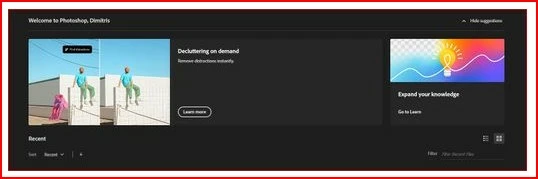
1) Every time I launch Photoshop, suggestions appears and are really annoying.
Can anyone please tell me how to turn the off?
(see the photo below)

Dear All,
1) Every time I launch Photoshop, suggestions appears and are really annoying.
Can anyone please tell me how to turn the off?
(see the photo below)
Did you try clicking on Hide suggestions?
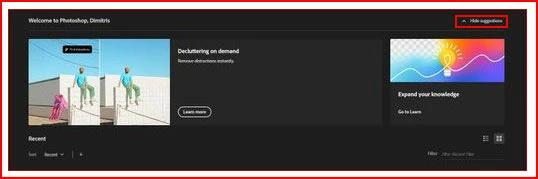
Another way is to not have the Home Screen show when starting Photoshop by going Edit>Preferences>General
and unchecking Auto Show the Home Screen
Already have an account? Login
No account yet? Create an account
Enter your E-mail address. We'll send you an e-mail with instructions to reset your password.


 AdChoices