


Hue/Saturation Adjustment has no effect -please help
For the past few months I've been using the exact same method to achieve a 'glow' effect for my digital art using these steps: (reference The Complete Guide to Self-Publishing Comics by Comfort Love and Adam Withers pages 113 to 116)
Steps (quoted directly from the book):
1. Open up your image. For this exercise, anyone or anything with eyes will do; just make sure your image is at least 200 dpi (dots per inch) and 3 by 3 inches.
2. Set your page's mode to full color by selecting Image>Mode>RGB Color.
3. Make a new layer by clicking on the Create New Layer icon on your Layers window.
4. Click the Foreground Color selector and choose black.
5. Fill your layer with black by using the Paint Bucket tool, or select Edit>Fill and fill with the foreground color (Alt/Option+Backspace).
6. Once your layer is filled with black, go to your Layers window and click on your Blending Modes menu and change the layer's mode to Screen. The black will disappear because the Screen layer mode makes all blacks transparent and all whites opaque.
7. Go back to your Foreground Color and select white.
8. Get your Brush tool and choose a soft-edged brush. Set your brush's Opacity to 100% and Flow 8%.
9. You want to create a glow that's strongest in the center and fades at the edges. To more easily accomplish this, use your bracket keys ([ and ]) to quickly change the size of the brush you're using. Paint your most intense white with a tiny brush in your subject's pupils, and then increase the size of your brush incrementally as you softly increase the glow size outward from that center point.
10. All right, this is the fun part. Click Image>Adjustments>Hue/Saturation (Ctrl/Cmd+U). This is another one of those windows we use all the time, so get comfortable with it. Once the Hue/Saturation window pops up, click on the little box in the bottom left corner that says, Colorize.
11. Move your Hue and Saturation slider bars to get the color you want. Hue changes what color the glow will be; Saturation adjusts how bold and colorful the glow is. Voila! You've just made your first glow in Photoshop!
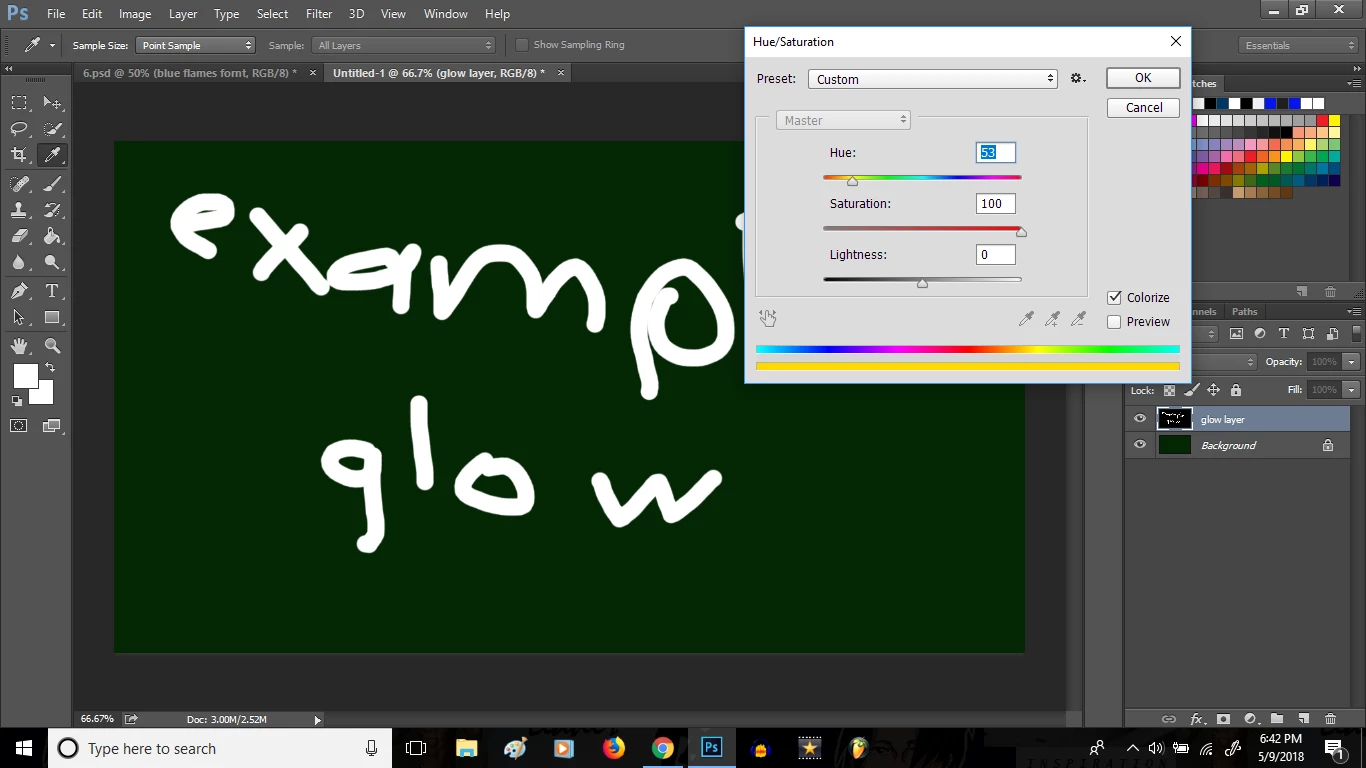
So whether you try this out for yourself for the first time or if you already use this method, you get the point. So my problem is that once I get to the Hue/Saturation step, nothing happens. Nothing is greyed out, it just literally has no effect on the document regardless of what I do. No color difference, not even Lightness has any effect which is the most disturbing part, because if you set it to -100 the screen turns black and at +100 the screen turns white under normal conditions. But as I said, no effect takes place. I've been using this method without problem for several months and all of a sudden I've run into this problem. I spent several hours checking to make sure everything else is correct normally and in relation to the steps. I did it the exact same way I always have, but now it doesn't work. It won't even work on other documents. I would very much appreciate help on resolving this issue as I use this effect in nearly all of my drawings. Below is one of my examples on how it's supposed to look: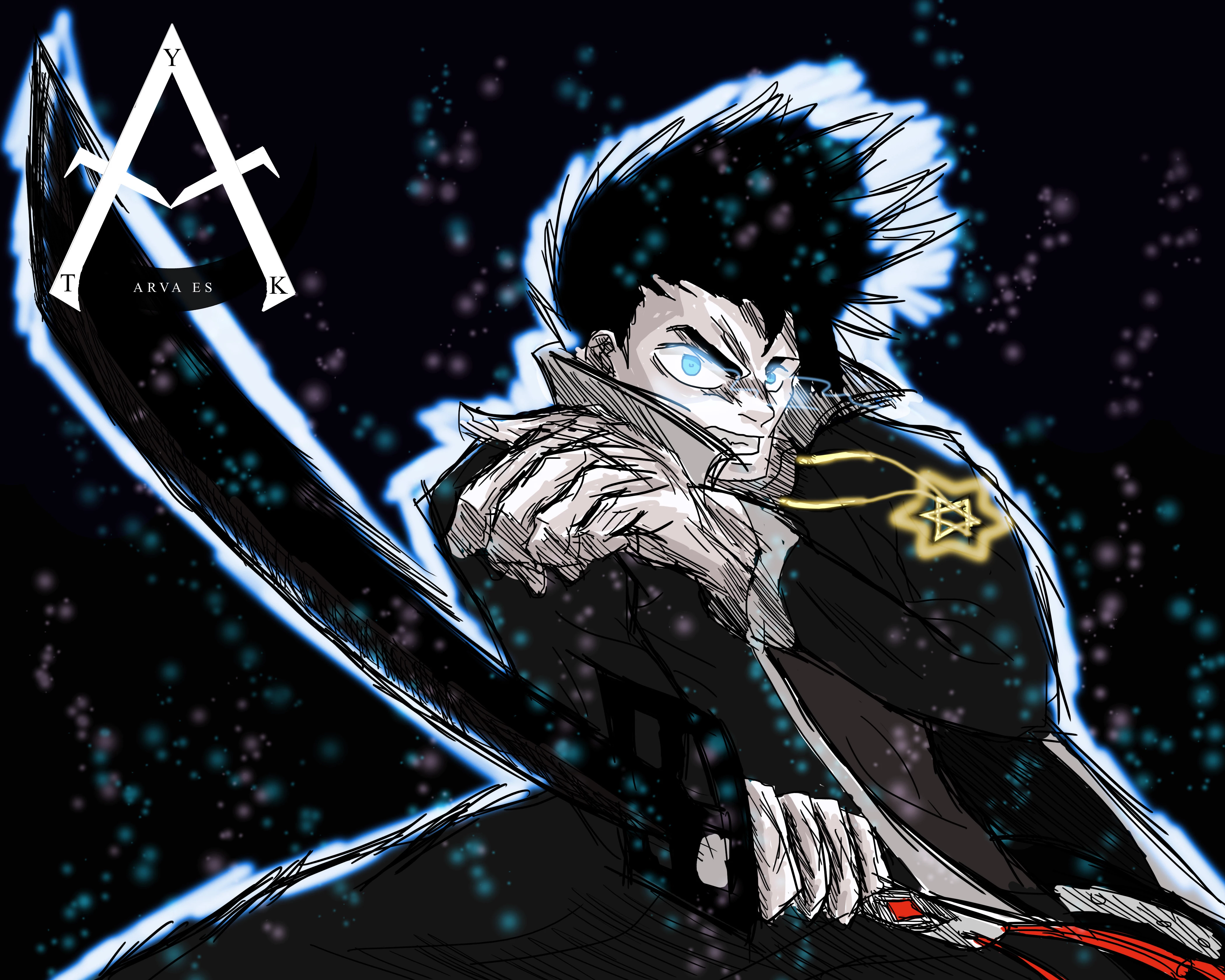

 AdChoices