
JohnnyBoooy
Inspiring
October 4, 2020
Question

I am looking for a way to acive a very simple lasso fill tool

  • October 4, 2020
  • 3 replies
  • 2366 views

Lasso fill with color tool 

Is there any way I can simply have upon drawing a lasso shape,  have it fill the lasso shape automatically a color (foreground) then the lasso is cleared when drawn .


It has to be automatic so I can lay down form after form ...no paths layer no switching to a fill tool or hitting fill hotkeys or lasso clearing but one hand movement and you produce a shape in colored pixels on one layer. 


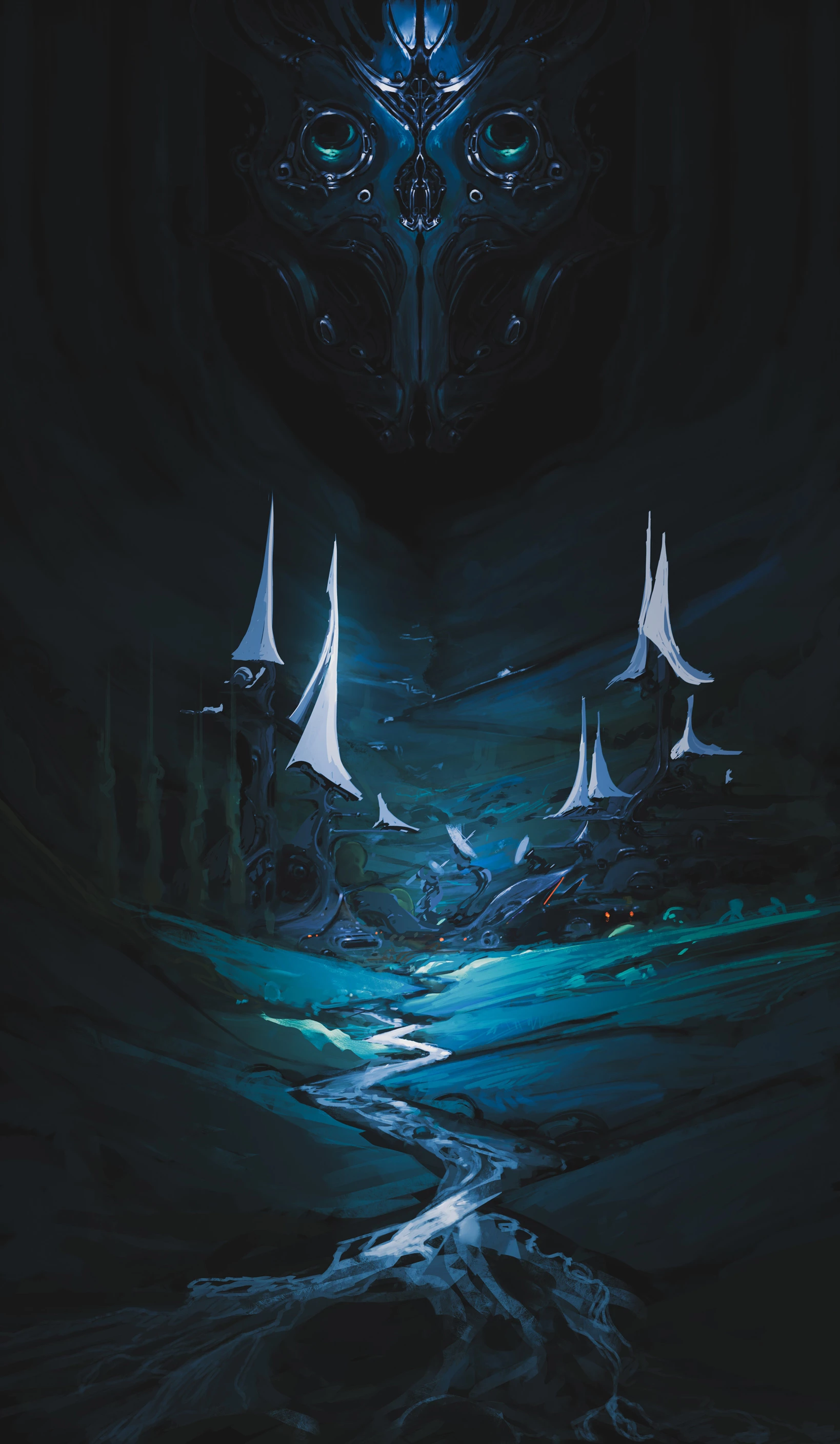
In the image below I wanted to draw a few dozen sail shapes very quickly but I had to switch over to clip studio to do this so I have to save everything and remove layer adjustments then save it as a temp PSD then open it into CLip studio then save what I do they open the temp PSD file then copy past it into my original PSD file ... just so I can use the automatic fill tool. change that can be made that would be endlessly helpful.    I am willing to pay for it or if you can send me in the right direction I can make it myself any help on this would greatly be appreciated thanks 
Thanks

3 replies

Legend
October 5, 2020

Try it. Run it once so it sets notifications. Before running the script, you need to save it, since notifications will refer to a specific file on disk.

To remove use the Photoshop menu file -> scripts -> scripts event manager

#target photoshop

s2t = stringIDToTypeID,
    t2s = typeIDToStringID;

try { var target = t2s(arguments[1]) } catch (e) { }

try {
    if (target) {
        (r = new ActionReference()).putProperty(s2t('property'), p = s2t('tool'));
        r.putEnumerated(s2t('application'), s2t('ordinal'), s2t('targetEnum'));
        var tool = t2s(executeActionGet(r).getEnumerationType(s2t('tool')));
        if (tool == 'lassoTool') {
            switch (target) {
                case 'subtractFrom':
                    executeAction(s2t('delete'), undefined, DialogModes.NO);
                    break;
                default:
                    (d = new ActionDescriptor()).putEnumerated(s2t('using'), s2t('fillContents'), s2t('foregroundColor'));
                    d.putUnitDouble(s2t('opacity'), s2t('percentUnit'), 100);
                    d.putEnumerated(s2t('mode'), s2t('blendMode'), s2t('normal'));
                    executeAction(s2t('fill'), d, DialogModes.NO);
                    break;
            }
            (r = new ActionReference()).putProperty(s2t('channel'), s2t('selection'));
            (d = new ActionDescriptor()).putReference(s2t('null'), r);
            d.putEnumerated(s2t('to'), s2t('ordinal'), s2t('none'));
            executeAction(s2t('set'), d, DialogModes.NO);
        }
    } else {
        app.notifiersEnabled = true
        var f = File($.fileName)
        app.notifiers.add('setd', f, 'Chnl')
        app.notifiers.add('AddT', f, 'Chnl')
        app.notifiers.add('SbtF', f, 'Chnl')
    }
} catch (e) { alert(e) }
JohnnyBoooy
Inspiring
October 5, 2020

Holy.. molly you did it ...   Yes!    This is amazing. 


 Thank you very much.  With this script example, knowing what it does, I can figure out other things to make so I can add to the community too. Cheers jazz-y !  

J. Stuart Johnson
Inspiring
October 4, 2020

One work around it not perfect, but Freeform Pen in shape mode with combine shapes (or not if you want a layer for each path)  There is a pixel mode for shapes but unfortunitly not for paths defined as shapes. 


It a little ruff, but might work for you. Then simply rasterize the layer and to continue building values with brushes and other tools.


There is a pixel mode for shapes, but unfortunitly it not aviliable for paths. 

JohnnyBoooy
Inspiring
October 5, 2020

Thank you I'll look into that. 

JJMack
Community Expert
Community Expert
October 4, 2020

A simple two step action. Step 1 menu Edit>Fill set foreground color followed by step 2 menu Select>Deselect. Assign a Fkey to play the action.

JJMack
JohnnyBoooy
Inspiring
October 4, 2020

I already built that but thank you

JJMack
Community Expert
Community Expert
October 4, 2020

A fill is going to be very flat boring.  I would think you would want to add a layer style to give your sail layer some punch.


JJMack