Participant
October 18, 2023
Question

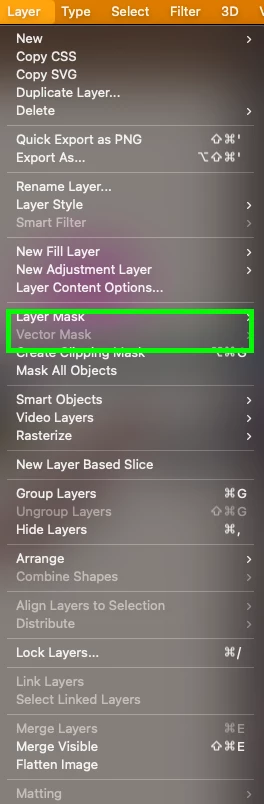
I can no longer create a vector mask on an existing shape layer

  • October 18, 2023
  • 4 replies
  • 951 views

I am using the most current photoshop beta update. 25.2.0

For example, I have this red square shape layer. 
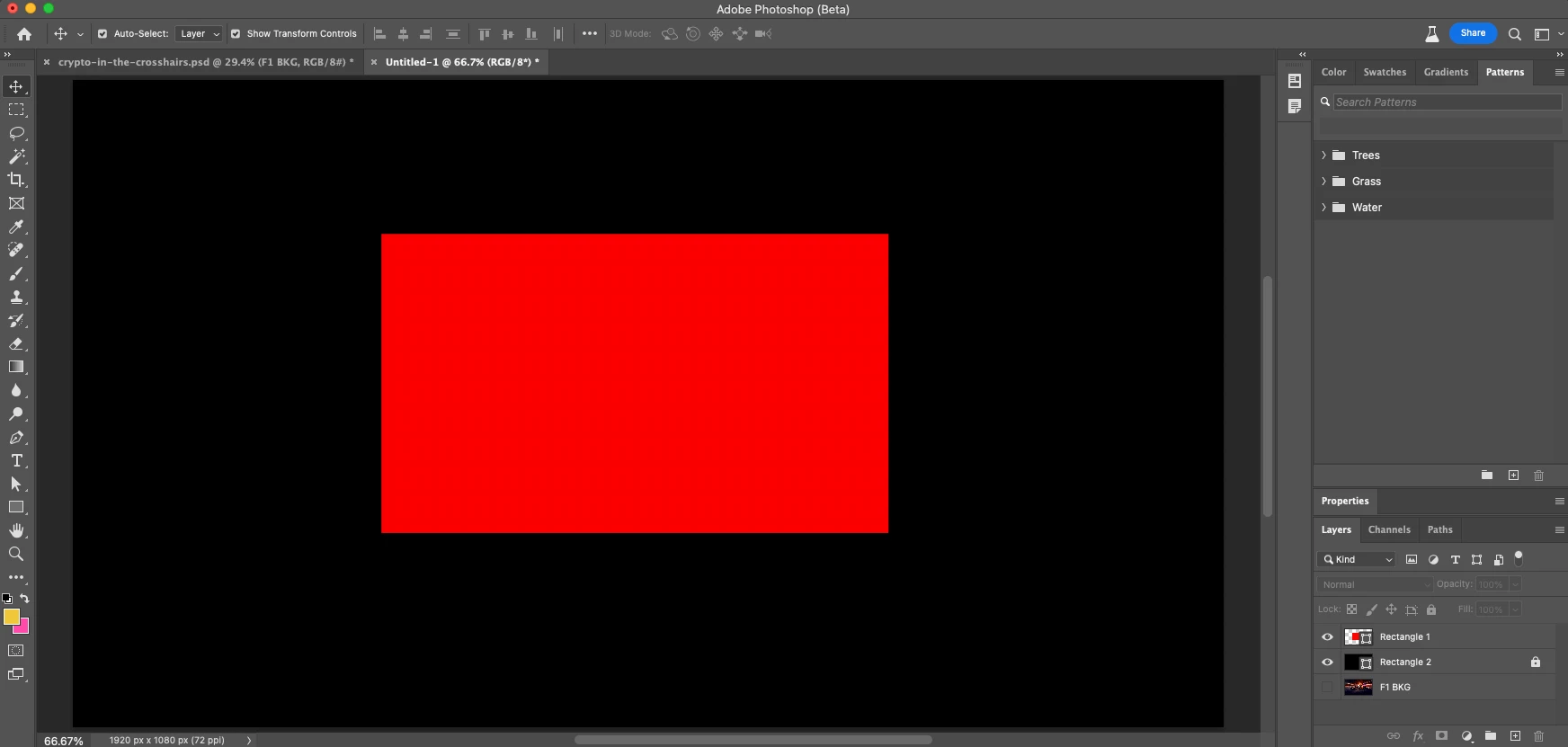
 

I want to create a cut-out of this square simply using a vector mask path.  As you can see in the image below, I have the red square layer selected, and my rectangle tool is on PATH mode. When I go to select a mask, it only allows for a shape mask, not a vector mask. 
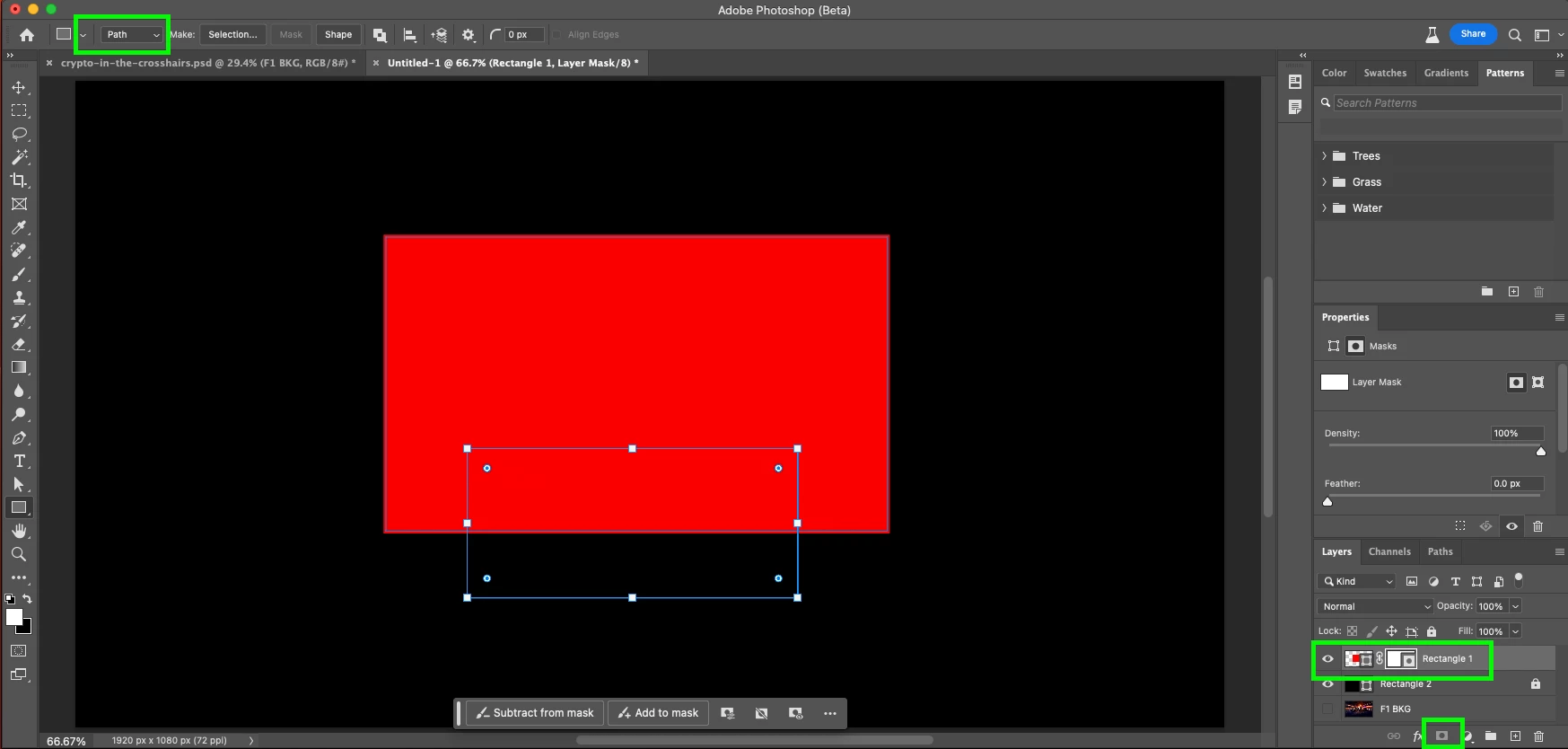


Typically I double click the mask button and have a vector mask in seconds.


Can someone please help me? I am going crazy!

This topic has been closed for replies.

4 replies

Jeff Arola
Community Expert
Community Expert
October 19, 2023

Shape layers already have Vector Masks, so you can't add another vector mask to Shape layer that already has a vector mask.


You can see the vector mask that is already on the shape layer by Shift clicking on the Shape Path thumbnail in the Properties panel under Masks.


Bojan Živković11378569
Community Expert
Community Expert
October 19, 2023

I can not either remember when vector mask was possible for shape layer as @Semaphoric is pointing out. You can use @Trevor.Dennis suggestion or draw path on the same shape layer using Subtract mode, it will effectively cut out that portion and you will be able to move and modify/delete path at any time.

Trevor.Dennis
Community Expert
Community Expert
October 19, 2023

If it is important that you restrict the shape layer with a vectore mask, clip it to another shaple layer beneath it.  If you describe, explain your workflow, we might be able to suggest a way forward.

Semaphoric
Community Expert
Community Expert
October 19, 2023

I just checked every version I have installed, going back to 2014, and none of them allow Vector Masks on a Shape layer.