
Answered
I can't figure out how to enable OpenGL
Hello there,
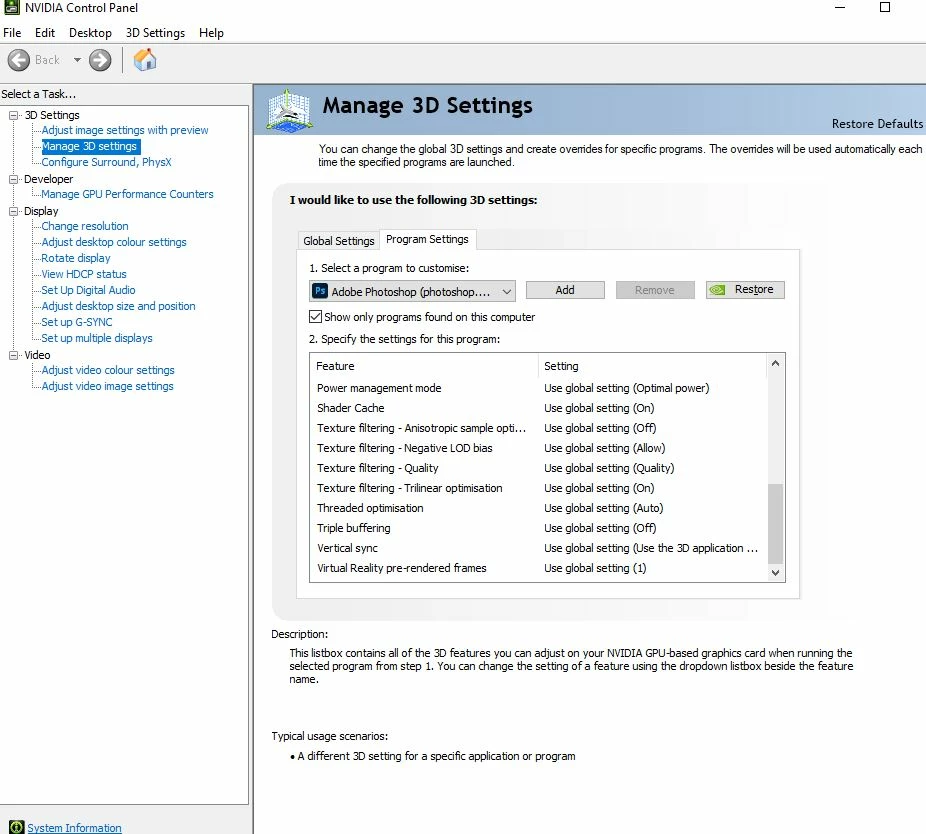
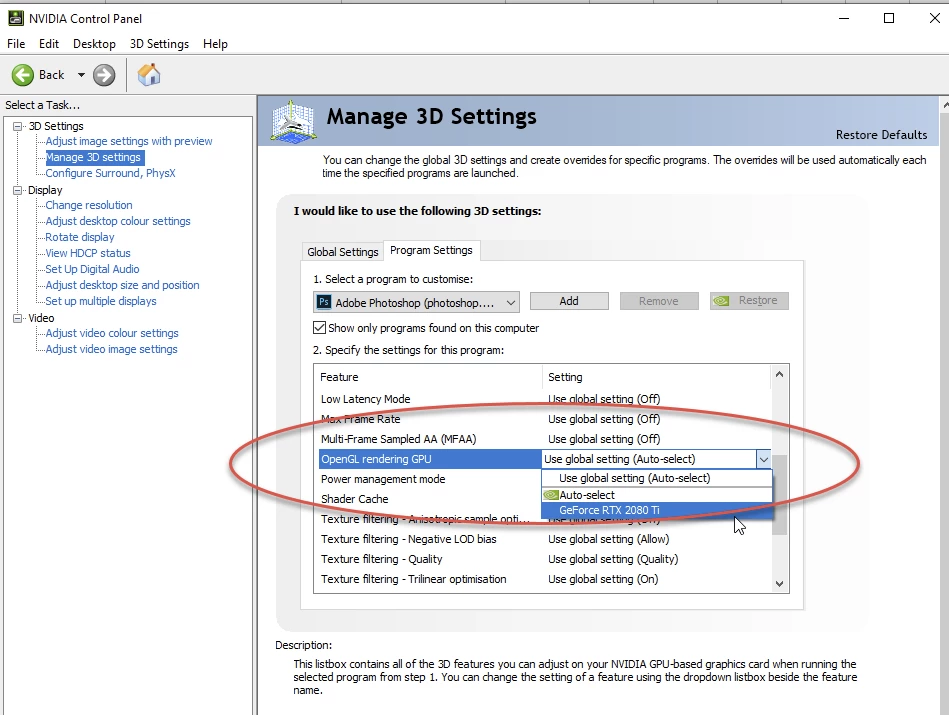
I use Adobe Photoshop 2020 on a Windows 10 through the Creative Cloud for my job and simply want to be able to rotate the canvas, but for whatever reason under Edit > Preferences > Performance, I see NO checkbox for OpenGL on the page or under > Advacned Settings.
I've been following various tutorials online for a few hours and feel like I'm going mad. I'm not much of a tech minded person and really wish it didn't have to be this dang hard to enable what should be a basic function... Are there any patient souls out there who can help a confused artist?
Thank you in advance!
 AdChoices