Participant
February 18, 2026
Answered

I cannot fit my image to a page size

  • February 18, 2026
  • 4 replies
  • 73 views

I have a canvas 8000x11412 pixels the image is the same dimensions. When I go to print it doesn’t fit the paper. Which fwiw is A3+.  The printer settings say the correct document size and that output paper is the same. I have an earlier closely identical image which previews and prints fine. I think there is some hidden setting I have inadvertently set.

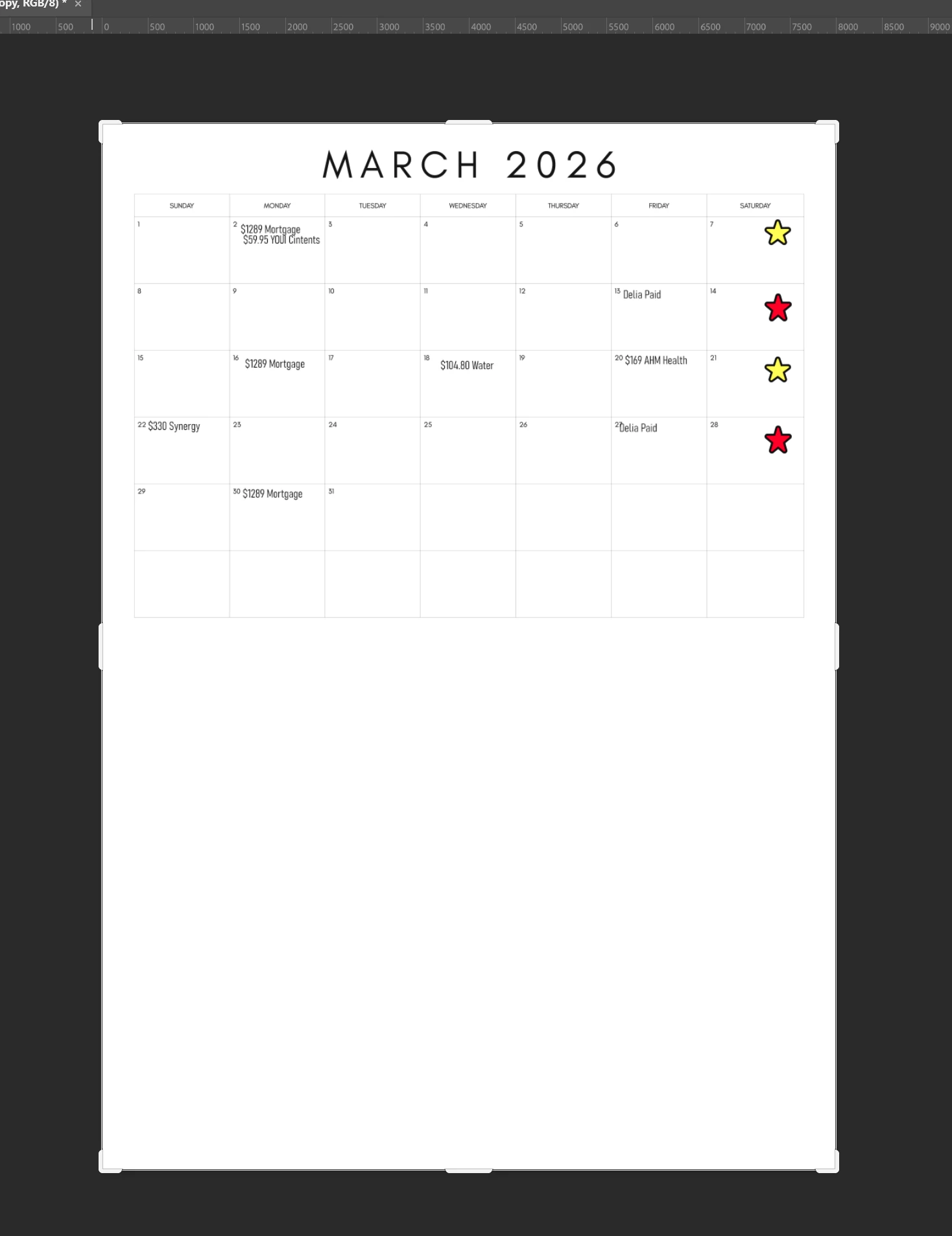
This is a shot of the image 
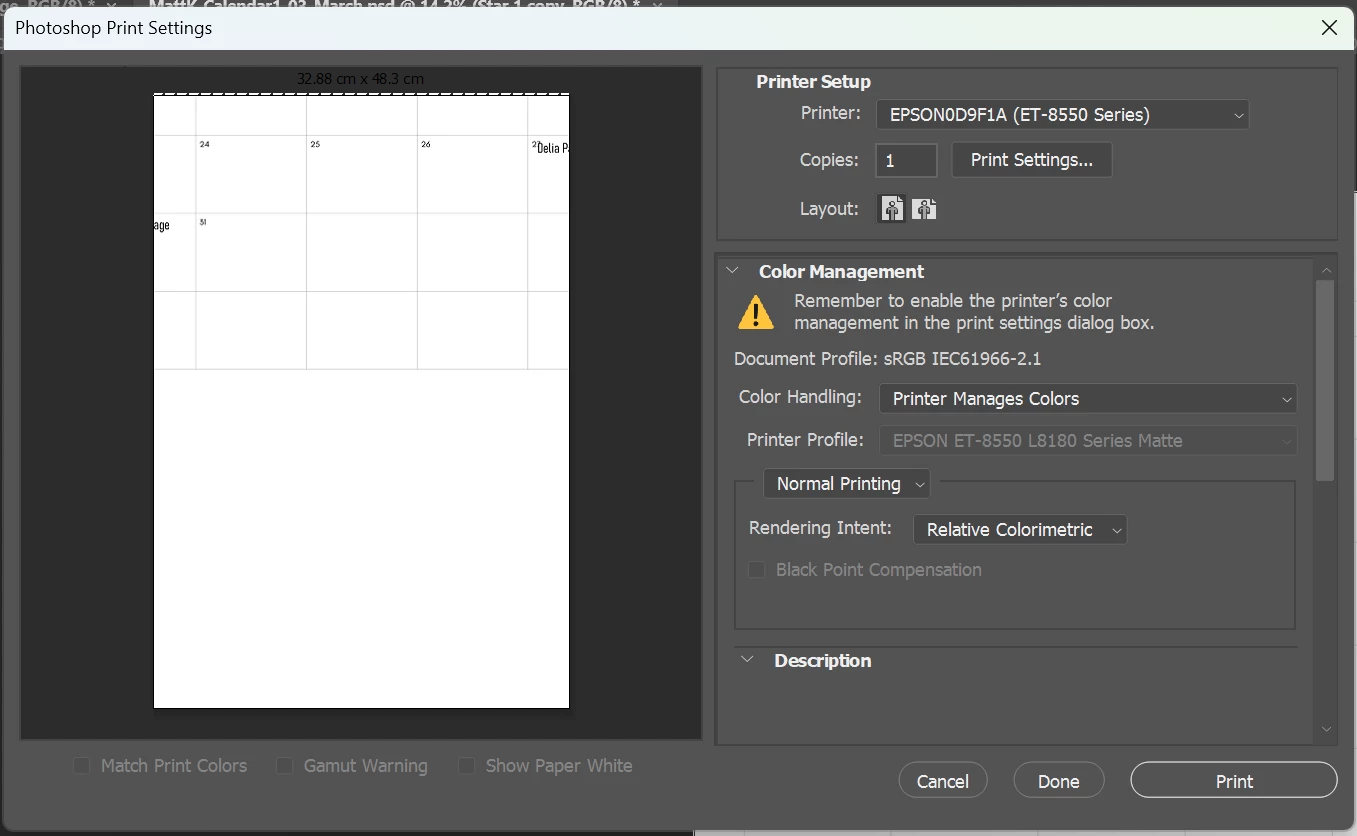
When I go to print the preview just shows a small part of the image 
 

    Correct answer c.pfaffenbichler

    What is the image’s resolution? 


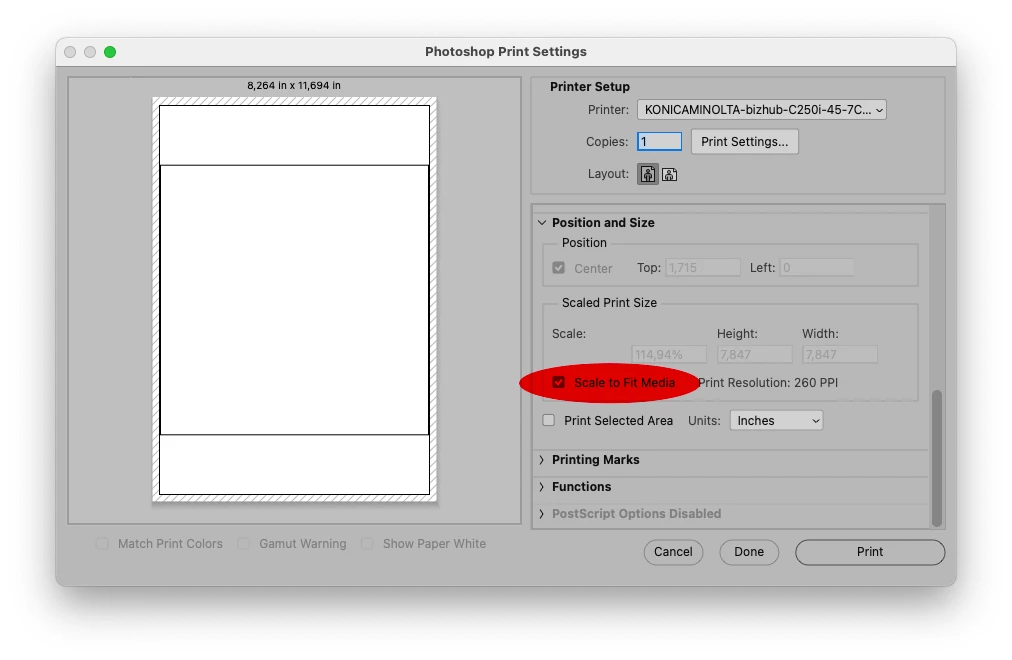
    Have you tried »Scale to Fit Media«? 


    4 replies

    sandunga1899
    Participant
    July 30, 2026

    Glad you found it. For anyone else landing here with a similar "preview only shows part of the image" issue: Scale to Fit Media is the right fix when you just want the whole thing visible on the page, but it's worth knowing it also overrides your exact dimensions since it resizes to fill the printable area rather than respecting your canvas size.

    If exact physical size matters (not just "make it fit somehow"), the more reliable approach is exporting as a PDF sized to your target dimensions and printing that at 100 percent instead of relying on Scale to Fit. I ended up building a free tool for that exact scenario, you set the size in cm or inches and it outputs a print ready PDF at 100 percent, www.printreal.app if it's useful. Runs in the browser, no upload needed.

    c.pfaffenbichler
    Community Expert
    c.pfaffenbichlerCommunity ExpertCorrect answer
    Community Expert
    February 18, 2026

    What is the image’s resolution? 


    Have you tried »Scale to Fit Media«? 


    Participant
    February 18, 2026

    OK I foi=und a scale to fit media - I had to scroll the windows odwn

    c.pfaffenbichler
    Community Expert
    Community Expert
    February 18, 2026

    Ah, seems I just missed your post when I was preparing the screenshot.