Participant
September 29, 2025
Answered

I cannot rotate my canvas

  • September 29, 2025
  • 1 reply
  • 326 views

Hello, I am using Photoshop 2025 and I cannot  rotate my canvas. I have checked everything I know, but it's still not working. I had the same problem before when I was using the 2023 version.


I cannot use Photoshop for drawing because of this issue. Please help me.


Correct answer Trevor.Dennis

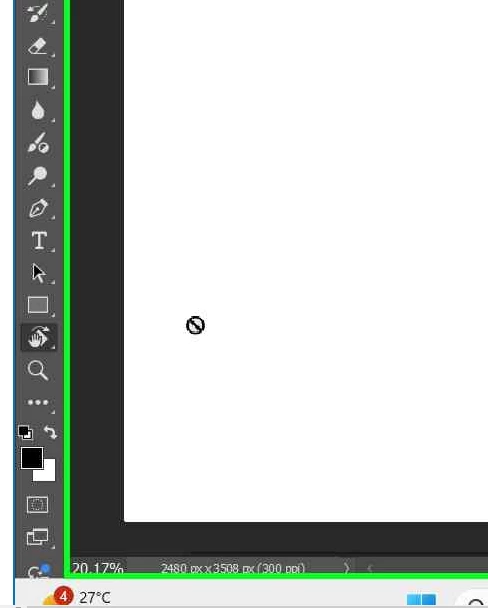
@Trevor.DennisBoth the shortcut and the toolbar icon don’t work. Whenever I try to use the Rotate tool, a forbidden icon appears on my screen (my layer isn’t hidden or locked).


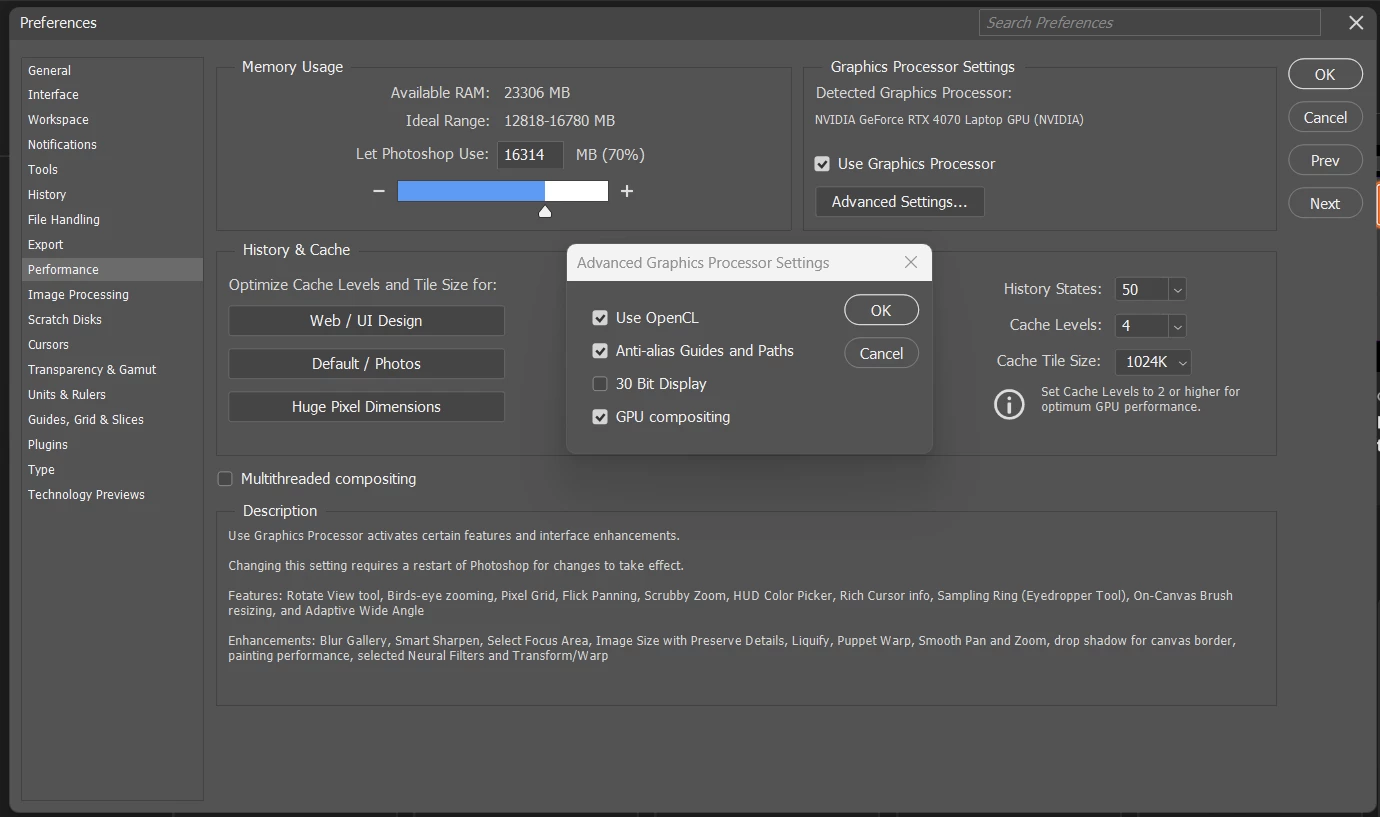
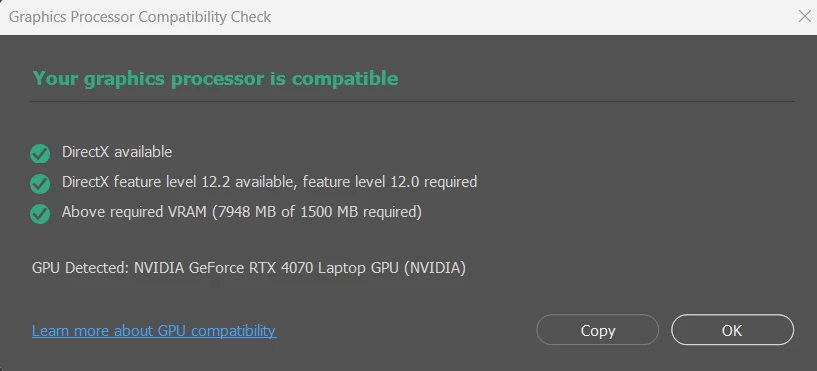
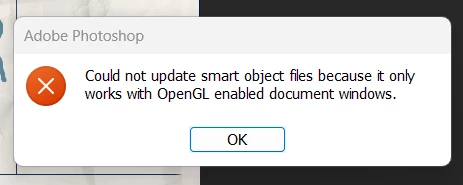
OK. Back to basics then.   Rotate Canvas needs GPU acceleration to be enabled, and you have showed us that it is turned on, so let's think about the driver.  Are you using the Studio or Game Ready driver?  The Studio driver works best with Photoshop.


You'vr tried restting Preferences. Did you do that from within Preferences, or use the maunual method.  If the former try again using this link.

https://helpx.adobe.com/ie/photoshop/using/preferences.html#Manually

Also try selecting the Essentials workspace, and then resetting  it. That should get you to a default state, (although this should be accomplished withg a manual preference reset.


My gut says this is GPU related though.  People have fixed this in the past by setting Deactivate Native Canvas, for instance, but that option is no longer available.  If you are using an RTX4070 then then the 'Older GPU' option should not be relevant, but I think we are desperate enough to try it.  Restart Photoshop after setting it.


Give those a try, and we'll keep fingers crossed.

 

1 reply

Kevin Stohlmeyer
Community Expert
Community Expert
September 29, 2025

@bo_2395 a couple of basic things to try - 1. reset your photoshop preferences (found in settings/general) and 2. check for driver updates for your Nvidia GPU. 

bo_2395Author
Participant
October 1, 2025

@Kevin Stohlmeyer Thank you, and sorry for my late reply. I tried both of your suggestions, but the rotate tool still isn’t working. Is there anything else I could try? Thanks again for your help.

Trevor.Dennis
Community Expert
Community Expert
October 2, 2025

Could it be as simple as the shortcut has been hijacked? 

Depending on whether you were using the R shortcut or the toolbar icon

The R shortcut is spring-loaded.  I wonder if turning off spring loading stops it working?

Nope.  Still works but keeps working after you let the key go.  Goodness knows who wouldn't want to work that way as it is intensley annoying.


Perhaps let us know if it is only the shortcut, or if the toolbar icon does not work either?