Answered
This topic has been closed for replies.
Hello. I appreciate the efforts shown here on the board.
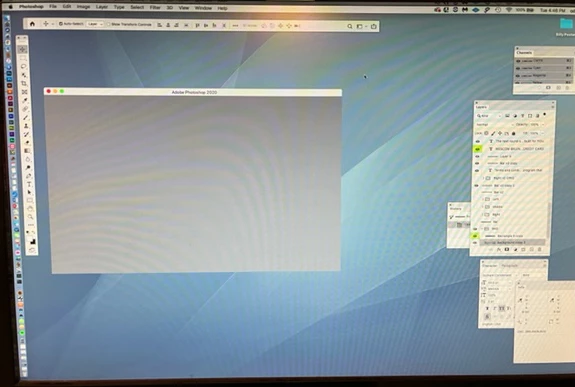
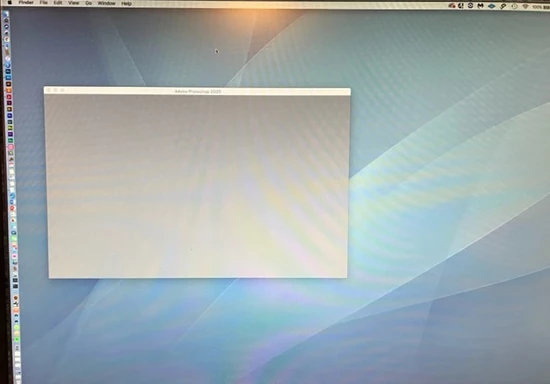
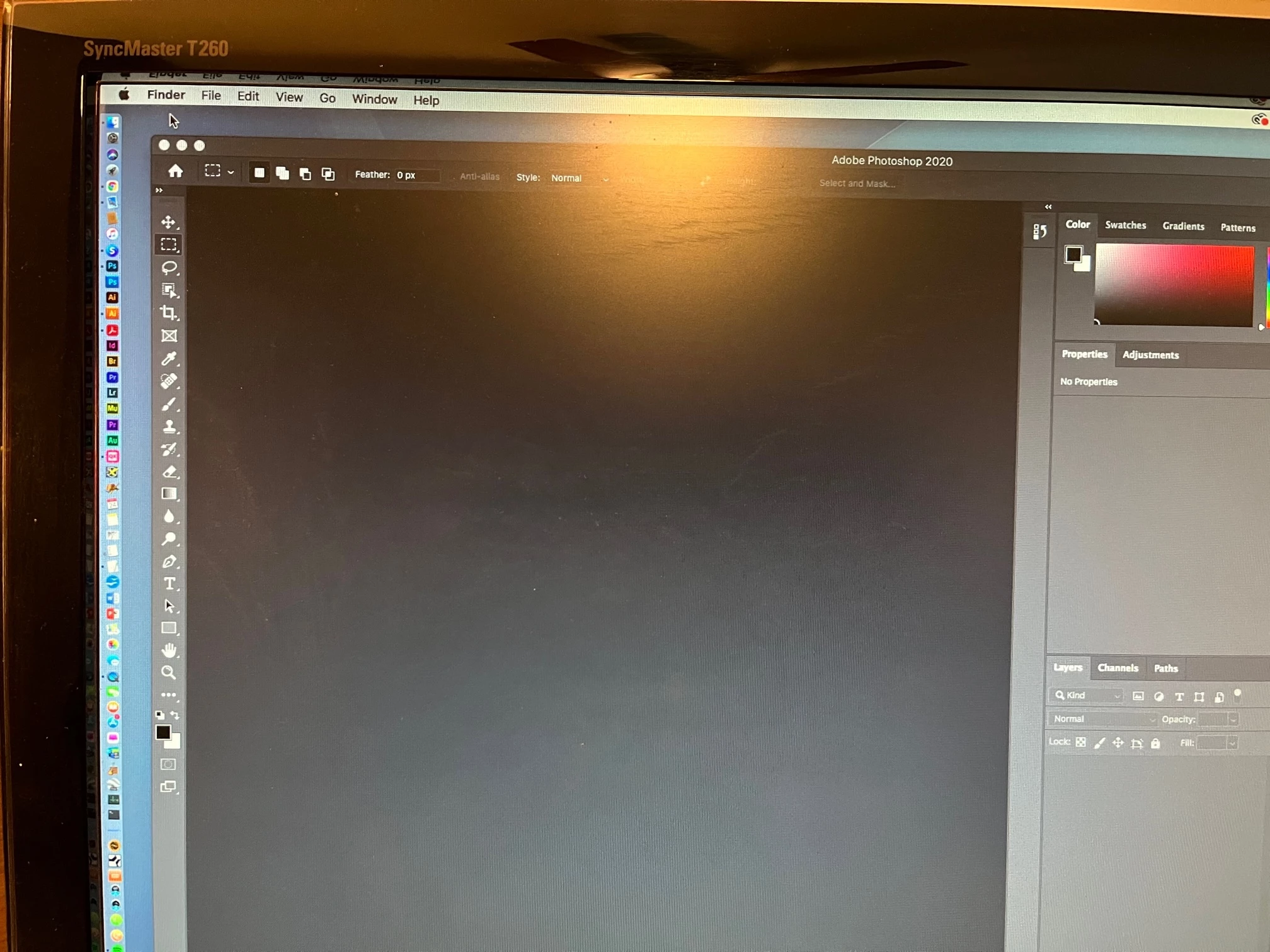
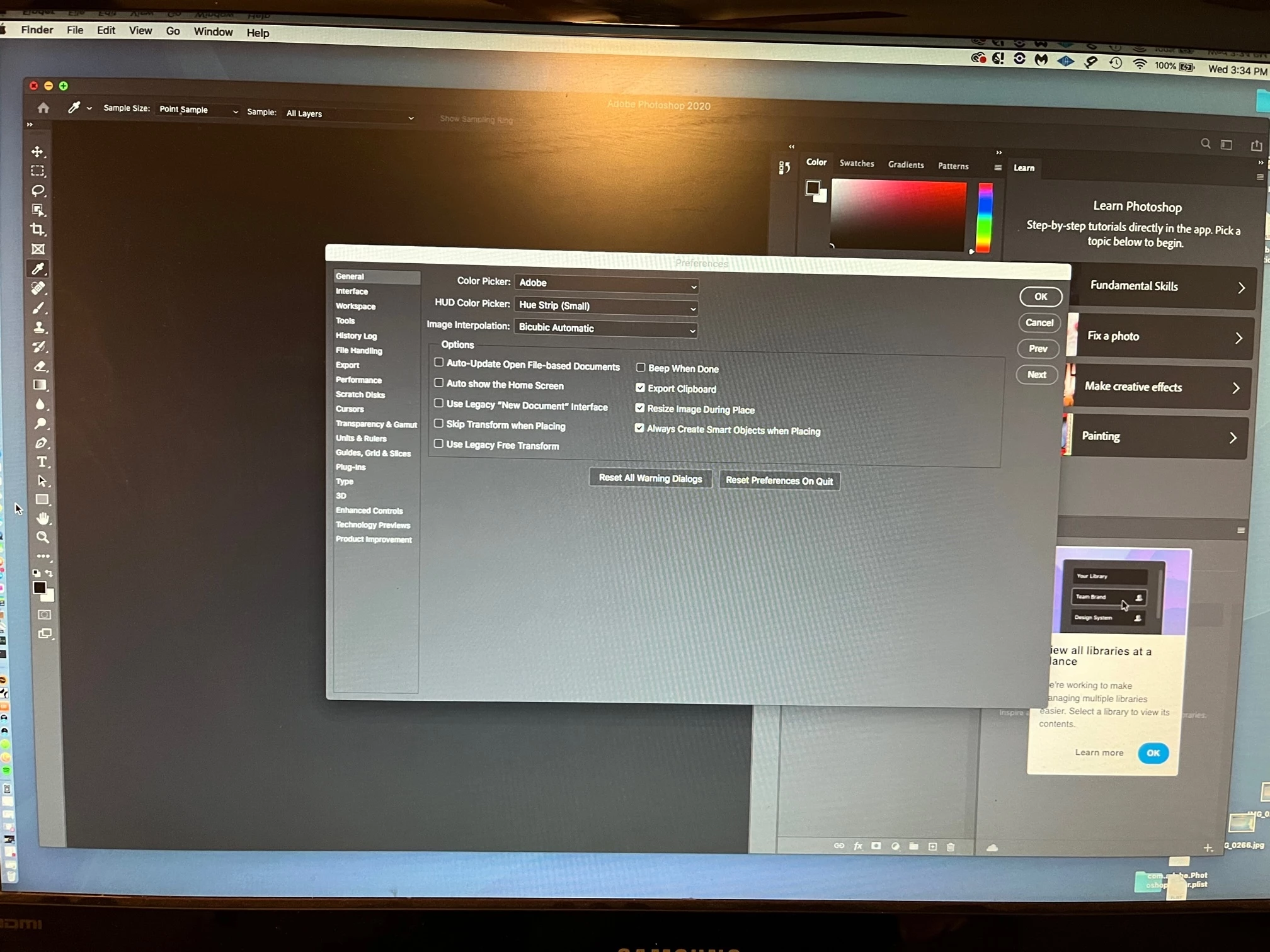
I did this and the home stills stays. See images. Note that arrow is pointing Finder. I have clicked on Desktop to go out of Photoshop and the Home page is still there. I have to click the red button each time.


Are you referring to the Application Frame?
Go to Window > Application Frame so it's unchecked.
Sign up
Already have an account? Login
To post, reply, or follow discussions, please sign in with your Adobe ID.
Sign inSign in to Adobe Community
To post, reply, or follow discussions, please sign in with your Adobe ID.
Sign inEnter your E-mail address. We'll send you an e-mail with instructions to reset your password.