


I HAVE NO TOOLBARS
Hi everyone,
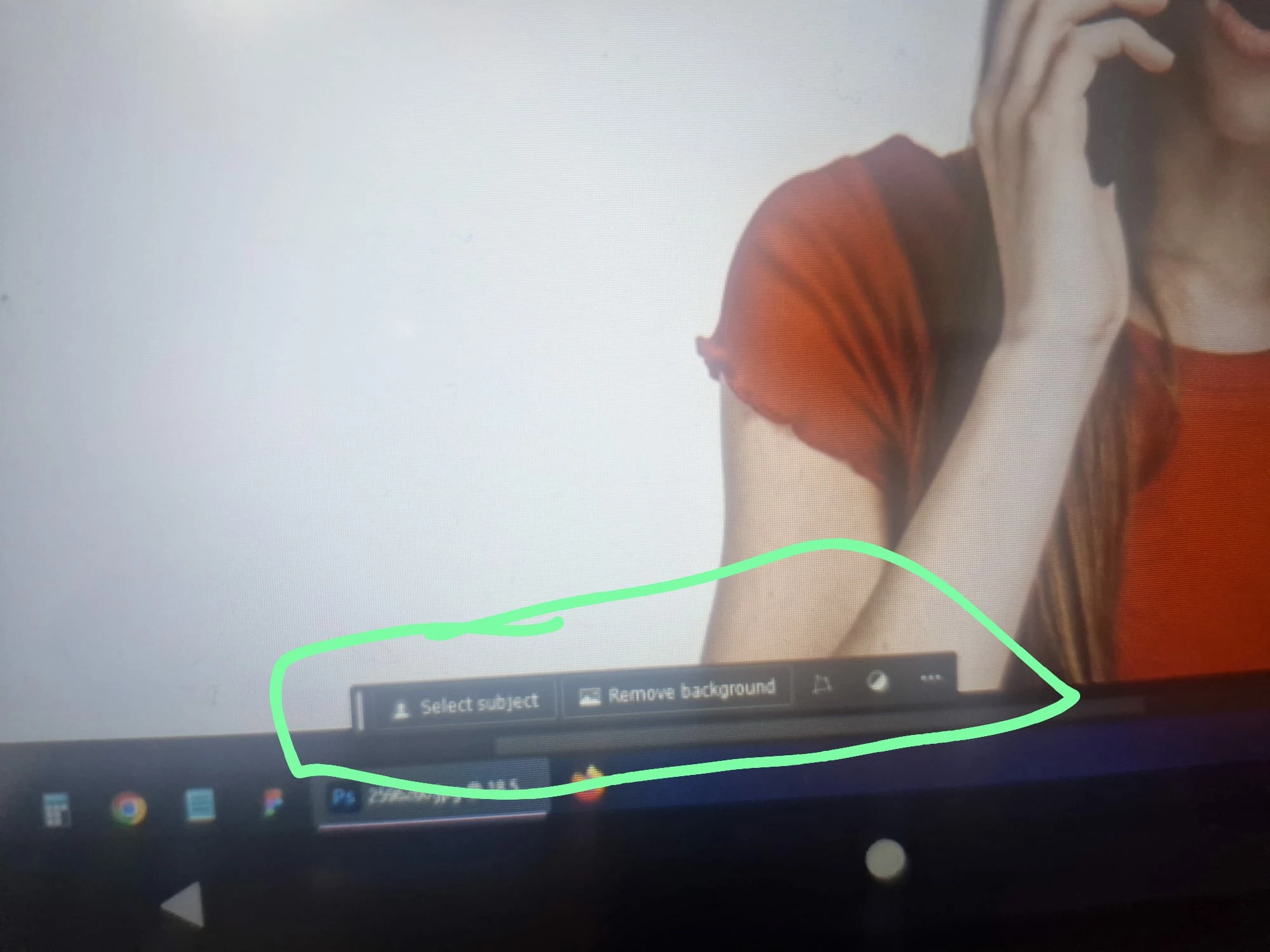
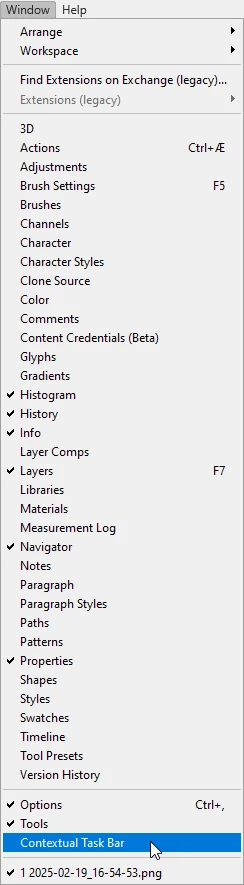
I'm currently using Adobe Photoshop, but I'm facing an issue where the toolbar is completely missing from my workspace. I've tried the following solutions, but none of them worked:
1. Went to *Edit > Toolbar* and tried to customize settings.
2. Checked *Preferences > Toolbar* to ensure everything is configured properly.
3. Selected *Window > Workspace > Essentials (Default)* and tried other workspaces as well.
4. Reset the toolbar to default settings by clicking *Restore Defaults* in the Customize Toolbar window.
5. Closed and restarted Photoshop, also tried resetting Photoshop preferences by holding down *Ctrl+Alt+Shift* (Windows) while starting Photoshop.
6. Checked for updates and ensured I'm running the latest version of Photoshop.
Despite these attempts, the toolbar is still not appearing. Can anyone suggest additional troubleshooting steps or solutions to resolve this issue?
Thank you for your help!

 AdChoices