Question
I just download photoshop and this happened...
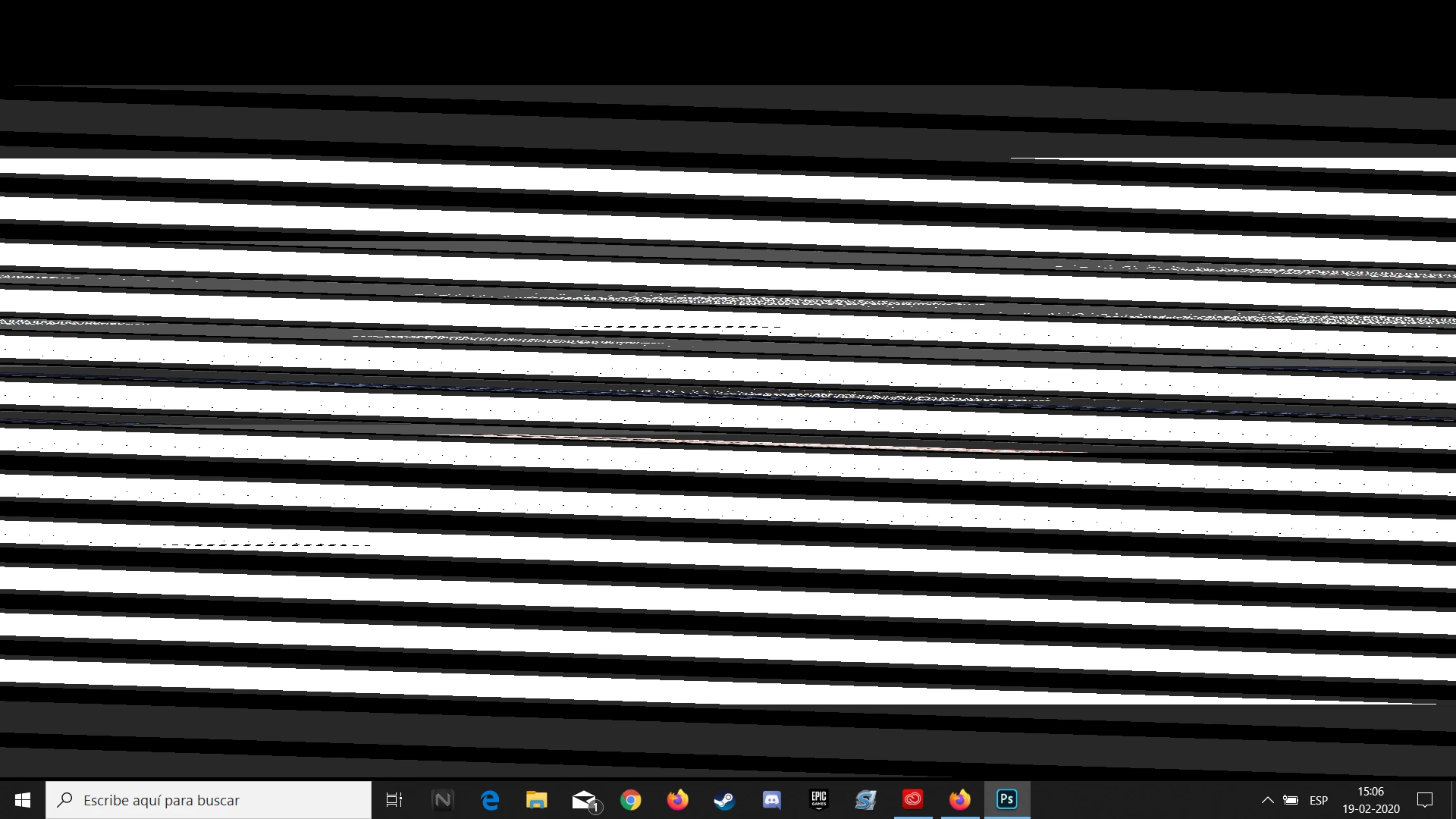 I start photoshop normally and click in "new project" and without any alteration the project opens and a second later the screen get like that. Pls help

I start photoshop normally and click in "new project" and without any alteration the project opens and a second later the screen get like that. Pls help
Already have an account? Login
No account yet? Create an account
Enter your E-mail address. We'll send you an e-mail with instructions to reset your password.


 AdChoices