Participant
Aug 11, 2025 8:54 PM UTC
Answered

I'm having trouble with content aware scale

I had no issue with expanding the top of the image with CAS, but I'm having trouble with expanding the bottom. I did the smaller left portion as you can see from the screenshot because of different objects in the shot. I'm on macOS Sequoia 15.5

LAMY2017Correct answer
Legend
Aug 12, 2025 1:47 AM UTC

Kent, I've never used CA-scale, I always use CA Fill or generative expand.

Have you tried to use rectangular marquee then content-aware fill?


Anyway, I see lots of artifacts of cloning and such, not sure messing with your file in its current condition would improve things.


--edited to add--

1. cropped off the bottom that included the rectangular hole at bottom right

2. used the Crop tool to extend the canvas using Generative Expand
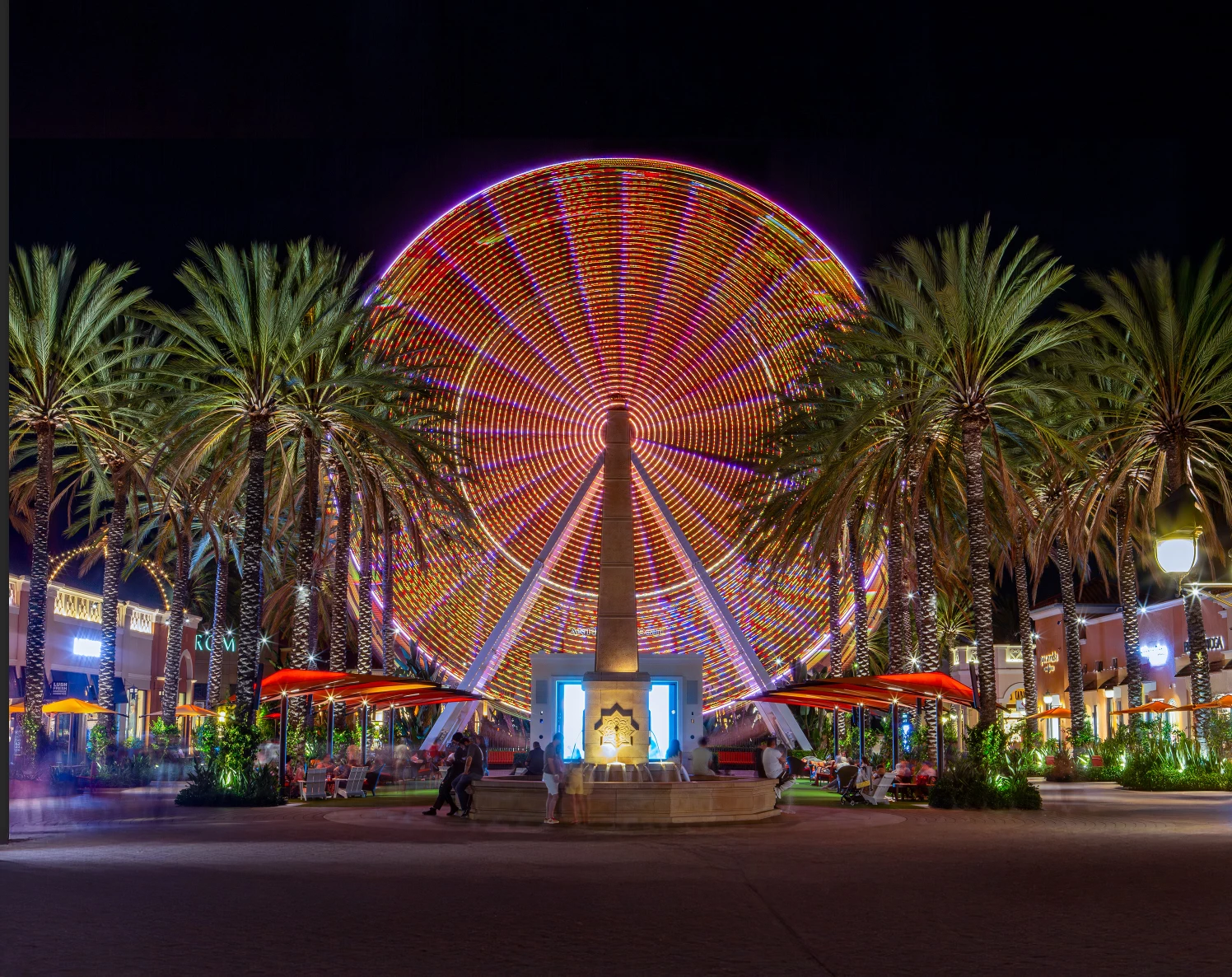


Larry

2 replies

LAMY2017Correct answer
Legend
Aug 12, 2025 1:47 AM UTC

Kent, I've never used CA-scale, I always use CA Fill or generative expand.

Have you tried to use rectangular marquee then content-aware fill?


Anyway, I see lots of artifacts of cloning and such, not sure messing with your file in its current condition would improve things.


--edited to add--

1. cropped off the bottom that included the rectangular hole at bottom right

2. used the Crop tool to extend the canvas using Generative Expand



Translate
Larry
kent_7799Author
Participant
Aug 12, 2025 6:29 PM UTC

That looks a lot better, I'll have to do those edits. Thank you!

Translate