Hi @Trainer1,
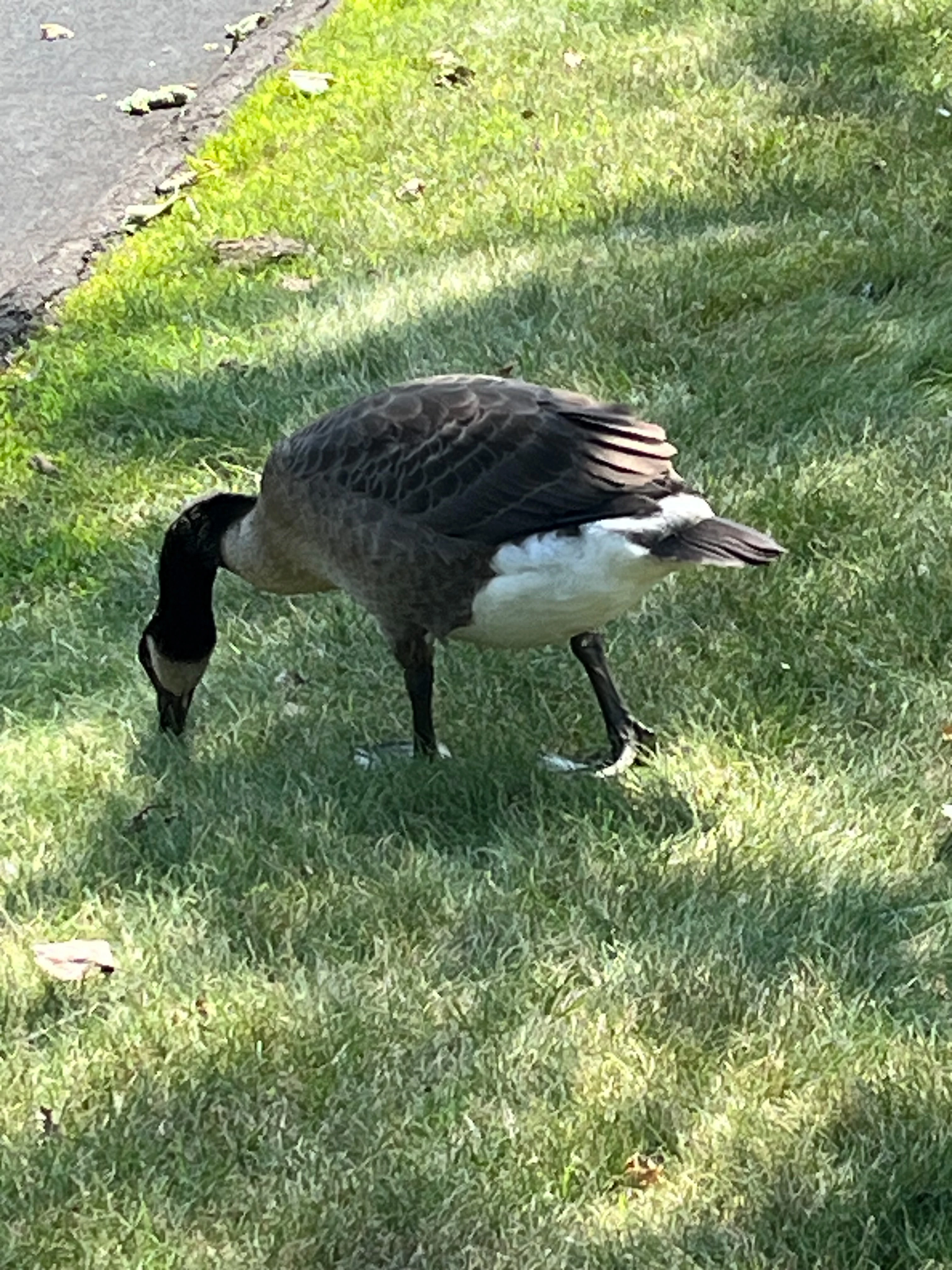
Thanks for reaching out. In the Layers panel, select the layer containing the goose, then right-click the goose layer > Convert to Smart Object.
For further information on creating Smart Objects, please see this HelpX article. https://helpx.adobe.com/photoshop/desktop/create-manage-layers/smart-objects/create-embedded-smart-objects.html
For further information regarding the benefits of Smart Objects, check this helpx: https://helpx.adobe.com/photoshop/desktop/create-manage-layers/smart-objects/smart-objects-overview-and-benefits.html
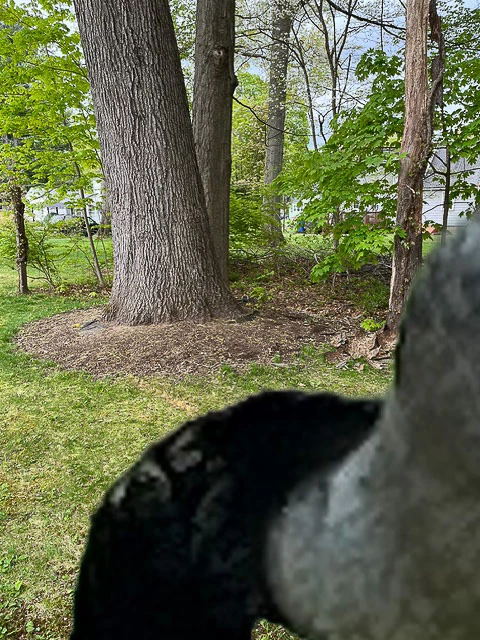
After that, press Ctrl+T (Windows) to enter Free Transform. If the transform handles are outside the visible canvas because the goose is so large, press Ctrl+0 to fit them on screen.
Then drag a corner handle inward to scale the goose down and press Enter when you’re happy with the size.
Converting it to a Smart Object first is useful because you can resize it repeatedly without permanently discarding the original image data.
Best,
Anshul Saini




 AdChoices