Participating Frequently
March 17, 2025
Answered

I need help choosing an object

  • March 17, 2025
  • 3 replies
  • 176 views

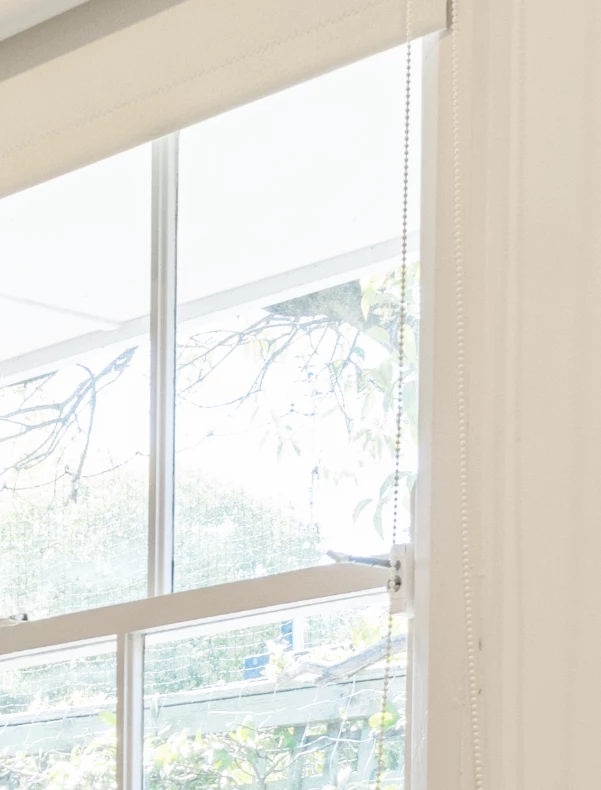
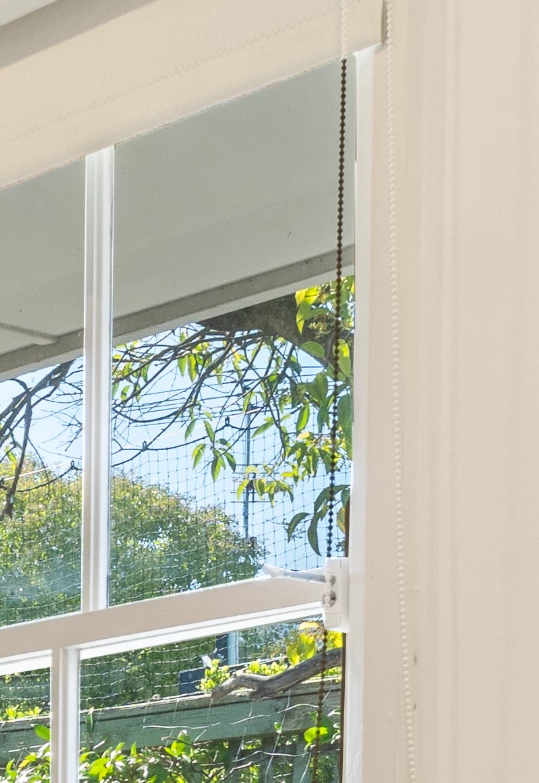
My window photo on the left is too blurry so I decided to combine a clearer window photo. However the curtain cord is not as good as expected. I could cut it by hand but that would be very time consuming. Does anyone have experience in dealing with cases like this.
Thanks for any comments coming.
 

Correct answer Trevor.Dennis

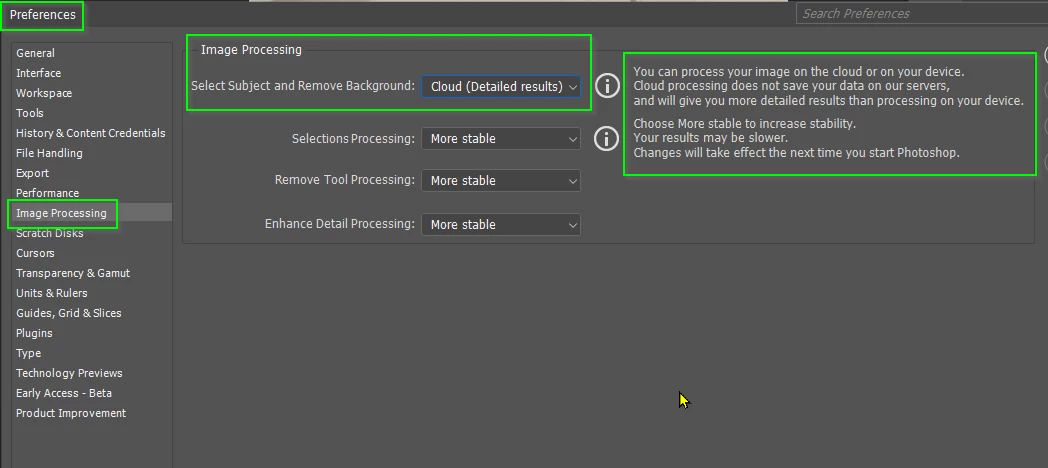
If you want to get the best results from the Remove tool, then use this setting in Preferences > Image Processing tab

3 replies

Trevor.Dennis
Community Expert
Trevor.DennisCommunity ExpertCorrect answer
Community Expert
March 17, 2025

If you want to get the best results from the Remove tool, then use this setting in Preferences > Image Processing tab

Trevor.Dennis
Community Expert
Community Expert
March 17, 2025

Photoshop has got amazinly good at this sort of problem recently.  Use the Remove Tool and paint over the curtain cord


If you are happy with that, then leavew as it is.

If you want to recreate the chord then select the Brush tool, with a small round, fully hard, preset, and adjust the spacing in Brush Settings (F5)

Create a new layer, and stamp the brush at the top of the chord position.

Then hold down the Shift key and stamp down at the other end of the chord.

I used a dark grey, and reduced the layer opacity a tiny bit to make it look more real.  You can use any colour you like.

If the spacing is wrong, undo it (Ctrl Z) readjust spacing and try again.


Spas K.
Community Expert
Community Expert
March 17, 2025

I would try to match the cord with a curve/shape made with the pen tool, add a round dotted stroke and play around with the settings to sort of match it, then rasterize and use that as a selection for the mask. Other selection methods will vary in efficiency depending on the resolution, scale and detail around the areas.