



Question
I need the small file icon to appear on the corner of PSD thumbnails.
Recently my windows machine updated, and now none of my PSD files have their corresponding file icon on the thumbnail. It will show the thumbnail just fine, but the file icon is missing. Other programs display their file icon just fine.
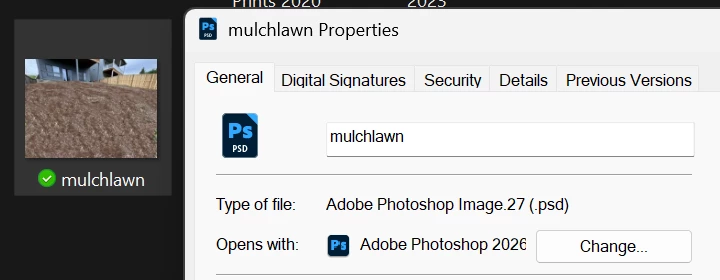
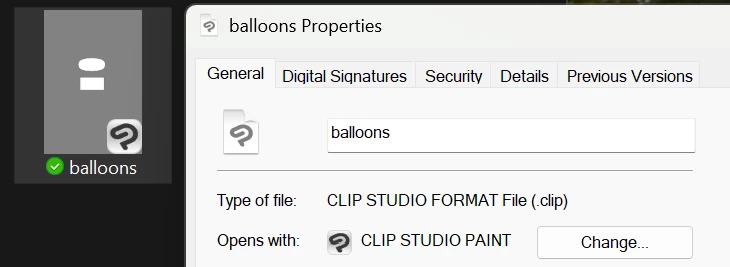
I’ve told Windows to always open PSDs with Photoshop. I’ve also turned the option to display file icons off and on again.
Would like any insight others have into fixing this. It’s not ideal to not know at a glance which files are PSDs, and I would prefer not to display file types in the name of files.
 AdChoices