



Moonlight_bvby
Participant
Oct 29, 2020 7:28 PM UTC
Question

I want the brush to have a sharp tip

Ive been trying to figure this out for days, but can someone tell me why my brush on photoshop is coming up round at the end like this
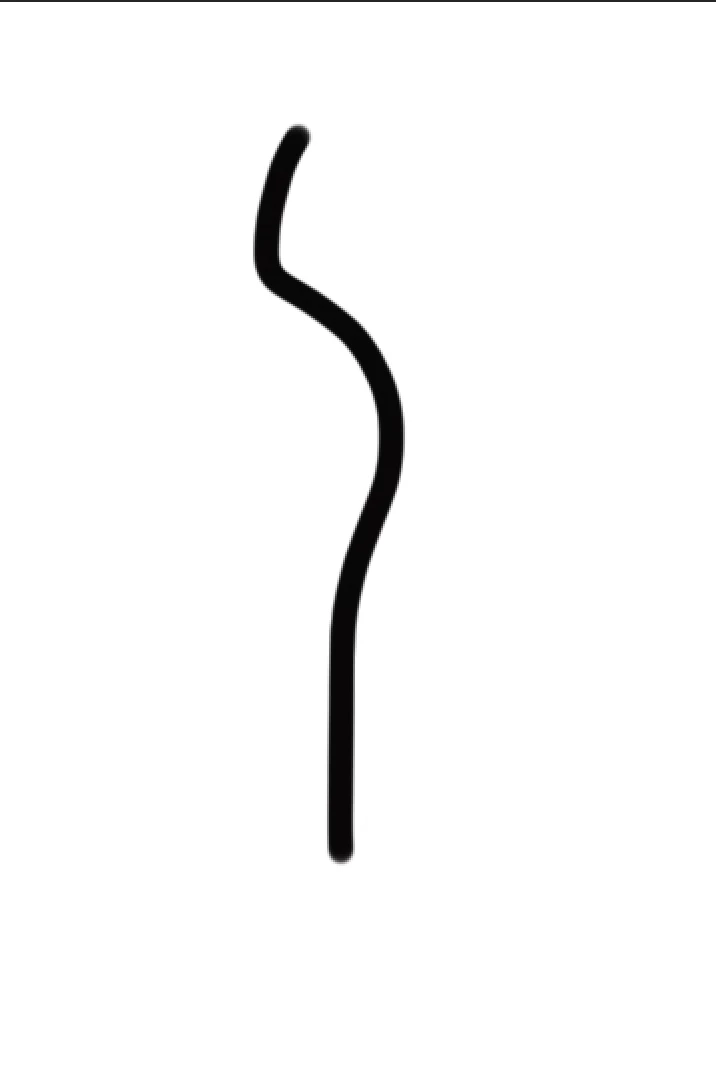
instead of having sharp  ends  like this

let me know how i can make my brush have sharp ends ! id really appreciate the help

This topic is closed to new replies. Start a new post to keep the conversation going.

6 replies

Participating Frequently
Apr 29, 2026 3:10 PM UTC

I’m sure you already found a solution (5 years after the fact), but I was searching for it myself and came across your post. The thing I ended up doing was making a long thin rectangle, narrowing off the ends, then dragging that to the brush palette. Make it an art brush, then under brush scale options, select “Stretch Between Guides” and pull the dotted lines in just inside the narrowing, so it stretches the middle, but always puts the same ‘tip’ on the ends. If you feel like you want to color it after you apply it, select “Hue Shift” in the dropdown on the right. Hope it helps someone, assuming they come across your forum question.

Translate
Participant
May 21, 2024 4:01 AM UTC

Wait, i had the same problem just a while ago, and i figure it out recently.. 


so, first you need some pen tablet or display tablet, both are needed for the pressure sensitivity, then open the brush setting, you can open it in window -> brush setting / (F5) then go to shape dynamic - control and change to pen pressure.


And yeahh... you can have a pointy brushes, maybe you can adjust a little bit like you want to make it more comfortable for you work with that brush.

Translate
Participant
Jun 20, 2024 2:24 PM UTC

Every time I pick a brush, transfer settings set automatically.

This transfer setting is not turning off.

Because of this, the brush strokes becoming transparent. If override pen pressure on every brush edges become rounded again

 What should I do for dark pointy edges brush strokes please anyone can help me 

Translate
Inspiring
Oct 29, 2020 10:20 PM UTC

Use a pressure sensitive pen and tablet, start with low pressure, increase pressure in the middle of the stroke, decrease pressure again at the end of the stroke.

Translate
Semaphoric
Community Expert
Community Expert
Oct 29, 2020 8:29 PM UTC

To get both ends pointed, you need to make a path (not a Shape) that follows the way you want your line to go. Once you have the path, select the Brush, and in the Brush Settings panel, under Shape Dynamics, set the size control to Pen Pressure. Then, open the Paths panel menu (the three lines), and select Stroke Path. A small dialog opens, where you can select the tool you want, in this case, the Brush. Make sure the Simulate Pressure box is checked, and click OK.

Translate
Moonlight_bvby
Participant
Oct 29, 2020 9:40 PM UTC

Thanks, i did that but i wanted to draw with my brush without haveing to use the pen all the time 


I wanted to have sharp end points while drawing with my brush but it came out round all the time like i showed in the photo above.


Maybe ill figure it out some day. 🙂

Translate