Known Participant
June 10, 2022
Answered

I will never save to your Cloud
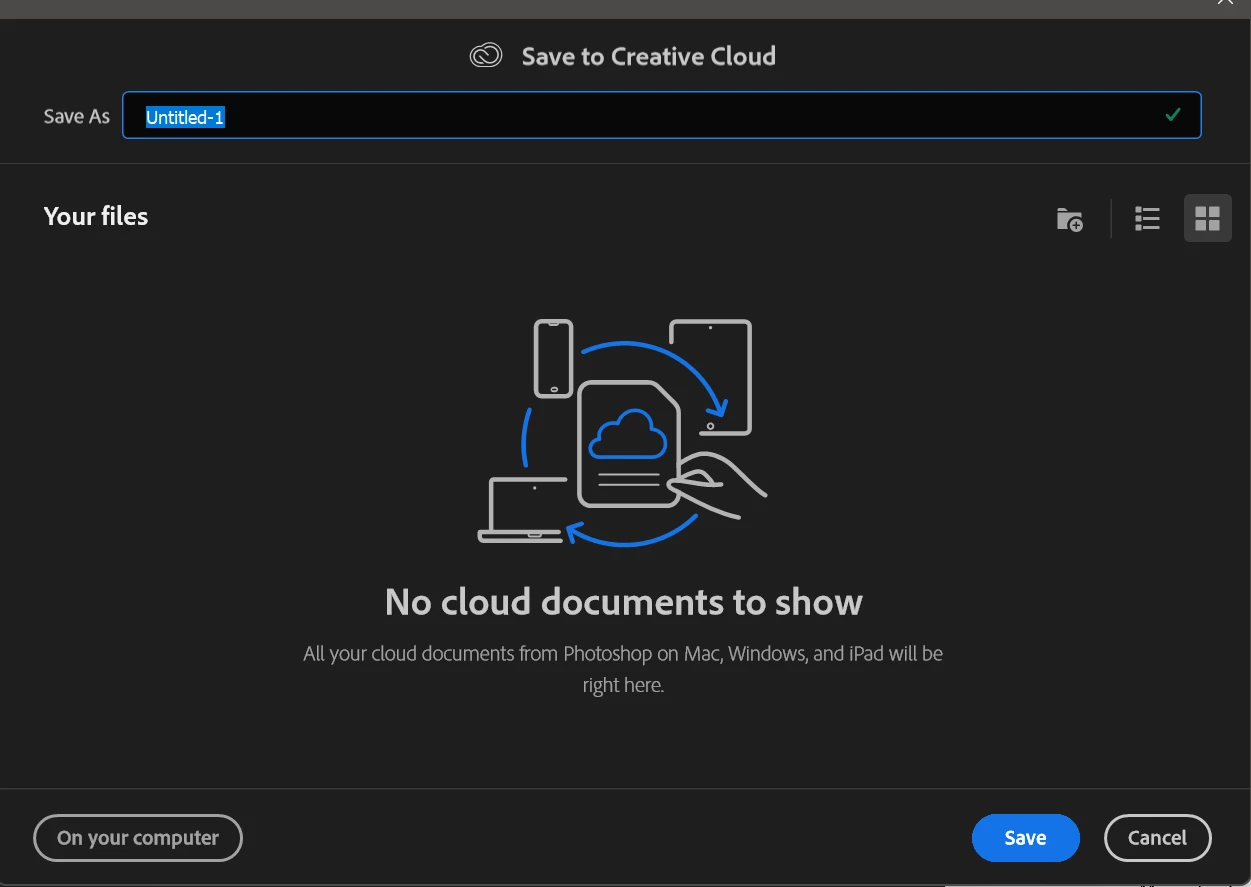
 

NO!

KNOCK IT OFF!


Seriously. (Profanity removed by moderator) are you thinking?

I think I know how it went: "You know.. we haven't done anything to really make people hate us lately... let's do something stupid!"

If that's not how it went, you shold really be asking yourselves: Why do the majority of our users hate our guts.. and why do we seem to not care at all?

This topic is closed to new replies. Start a new post to keep the conversation going.
jane-e
jane-eCorrect answer
Community Expert
June 18, 2022

@joeh87907460 

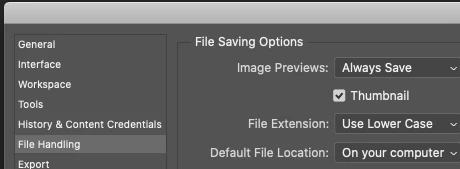
Edit > Preferences > File Handling > File Saving Options > Default File Location > Select "On Your Computer"


Jane


21 replies

gener7
Community Expert
Community Expert
June 10, 2022

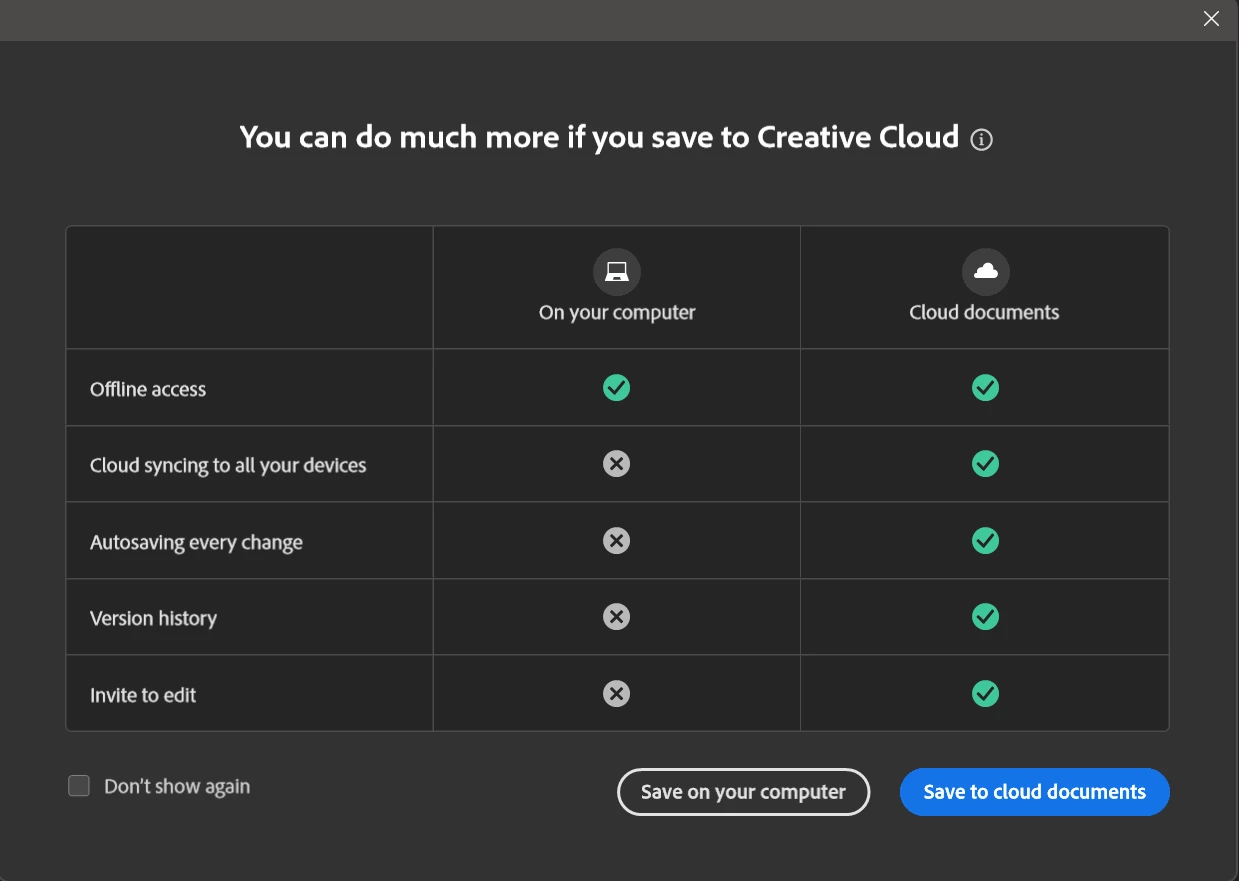
This must be your first experience with the Cloud storage service which has been around for years, and is part of your plan. The idea is to keep your files and changes on Adobe's servers in case something happens locally and you lose valuable files and days of work due to unexpected problems. However if you do not want to, you simply opt-out.

This is an offer, not "an offer you can't refuse."  You don't have to use it if you do not want to.

Check "Don't show again" and click the "Save on your Computer" button. Done.

Translate
Ged_Traynor
Community Expert
Community Expert
June 10, 2022

Have you tried selecting these options

Translate
c.pfaffenbichler
Community Expert
Community Expert
June 10, 2022

WTF are you thinking?

And what are you thinking? 


For example about who you are talking to? (This being essentially a user-Forum unless you post a Bug Report or Feature Request.) 

And how about manners in general and netiquette in particular? 


Just don’t save to the cloud if you don’t want to. 

What is your Photoshop > Preferences > File Handling > Default File Location setting? 

Translate