
Answered
ICC Color profile not showing up in Photoshop
Hello,
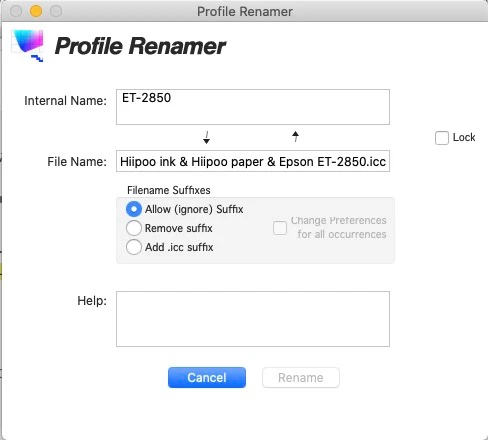
My wife is using Photoshop to do Sublimation Printing with an Epson Printer. I tried to install a new ICC profile to correct some issues she's having with her printing. She is usin g Windows 11. I tried installing the profile, both by doing a right-click and "install profile" and by copying the file into the folder C:\Windows\System32\spool\drivers\color. When I go in to Print Setytings and tell Photoshop to let Photoshop manage the color, the ICC profile does not show up no matter what I do. I've restarted the program after install. Tried uninstalling and reinstalling. Rebooting. Nothing will work. Can anyone please point me in the right direction? Thanks.



 AdChoices