
Inspiring
November 21, 2024
Answered

icon bar

  • November 21, 2024
  • 3 replies
  • 536 views


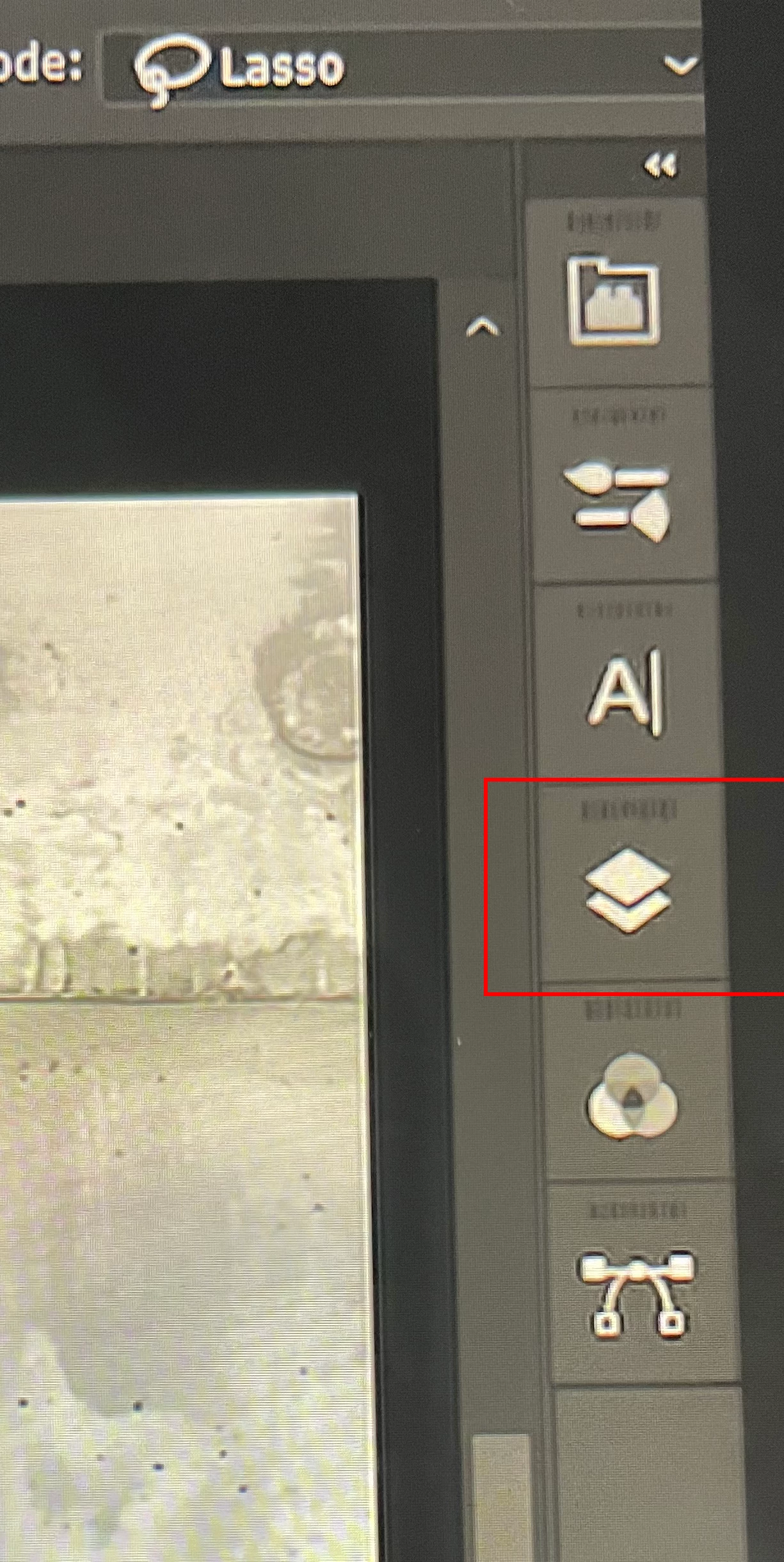
Sorry this may seem like a stupid question but I don't know how to drop an additional icon in the extra separate toolbar. I looked in the 'window' menu for the possible ones but didn't find any. It seems to be  'layers' or how to add an extra layer since the icon shows 2 sheets of paper on top of each other. 
    This topic has been closed for replies.
    Correct answer Kevin Stohlmeyer.

    @spyderABCclick the icon to open the panel and from there you can add layers etc.

    What you are seeing are the icon views of collapsed panels. Here is a good primer on how Workspaces are used in Photoshop:

    https://helpx.adobe.com/photoshop/using/workspace-basics.html

    3 replies

    Kevin Stohlmeyer.Correct answer
    Participating Frequently
    November 21, 2024

    @spyderABCclick the icon to open the panel and from there you can add layers etc.

    What you are seeing are the icon views of collapsed panels. Here is a good primer on how Workspaces are used in Photoshop:

    https://helpx.adobe.com/photoshop/using/workspace-basics.html

    Participating Frequently
    November 21, 2024

    If you want to add other panels to that bar, simply drag the panel name tab on top of the bar. It will highlight blue and when released it will add it:


    spyderABCAuthor
    Inspiring
    November 22, 2024

    Thanks kevin, though it would be simple but not that simple!

    spyderABCAuthor
    Inspiring
    November 21, 2024

    kglad
    Community Expert
    Community Expert
    November 21, 2024

    assuming this is a ps question.


    in the future, to find the best place to post your message, use the list here, https://community.adobe.com/

    p.s. i don't think the adobe website, and forums in particular, are easy to navigate, so don't spend a lot of time searching that forum list. do your best and we'll move the post (like this one has already been moved) if it helps you get responses.


    <"moved from using the community">
    spyderABCAuthor
    Inspiring
    November 22, 2024

    Thanks for the info - don't use the forum a lot so... 

    kglad
    Community Expert
    Community Expert
    November 21, 2024

    what app?