

Image Processor Only Processing 1 Image - Then I Access Denied
Please help! Out of nowhere, my image processor has stopped working. First it wouldn't run from Bridge, and then I reinstalled photoshop and bridge...and it would then open Image Processor in Photoshop, but only process one image before getting this error: "Script Alert. I am unable to create a file in this folder. Please check your Access Rights to this location: (Name of newly created PSD folder on drive)." The funny thing is, it creates the PSD folder, writes one image, and then I get the error on the rest of the images I am trying to process. I have checked permissions on drive, and they are there. I have turned off my antivirus when I run the script. I have reinstalled Windows 11. Has anyone had this issue? What can I do? It is really killing my Photography workflow. 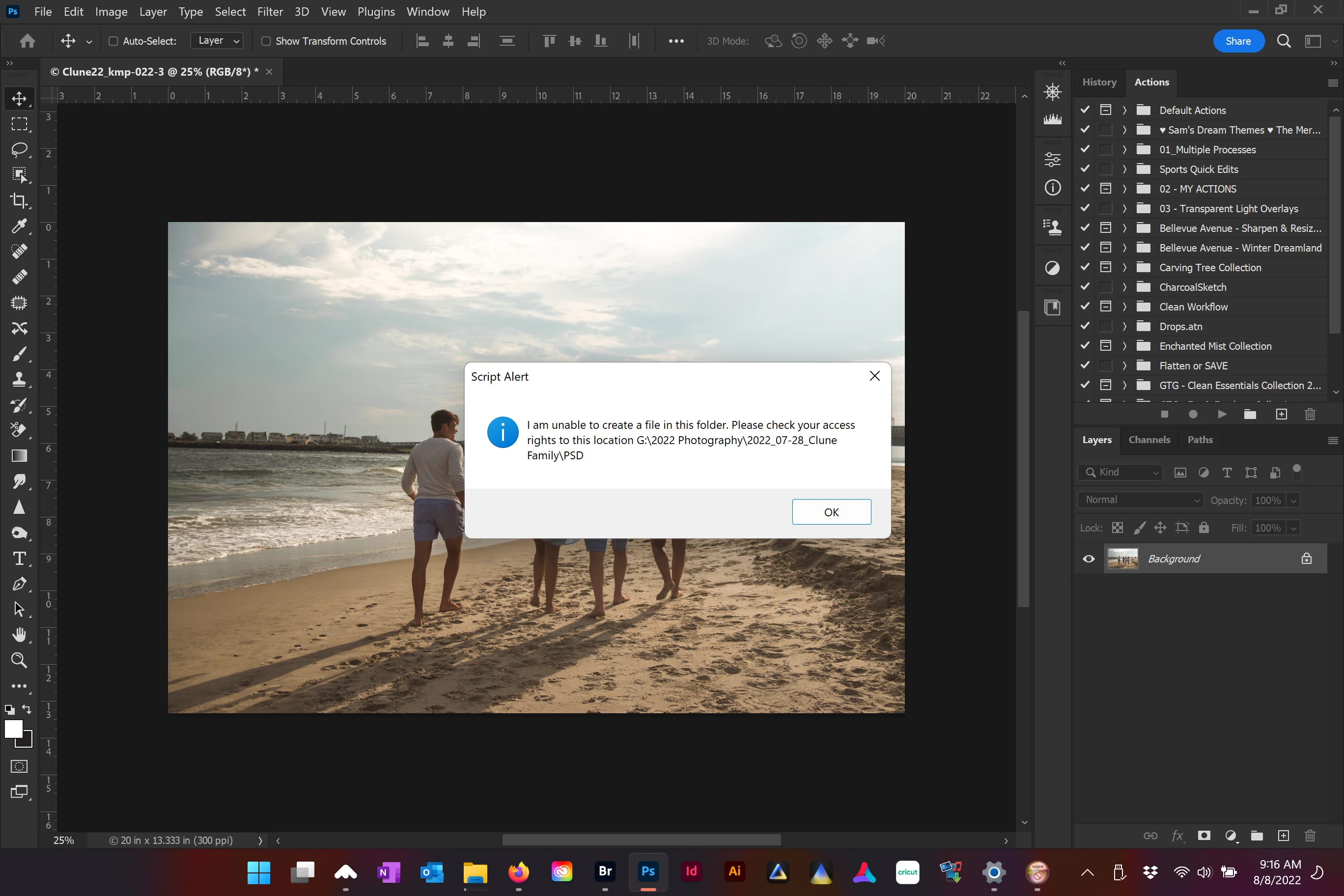


 AdChoices