


ROB!@#$
Participant
December 10, 2025
Question

image size resample NOT working.

  • December 10, 2025
  • 2 replies
  • 173 views

So since you keep changing Photoshop you have broken the basics of it. Again...

Image size window. Click off the resample button and change the resolution BUT it still changes the image dimensions to match the new resolution I input! WHY?! Its acting as though the resample button is clicked on. 
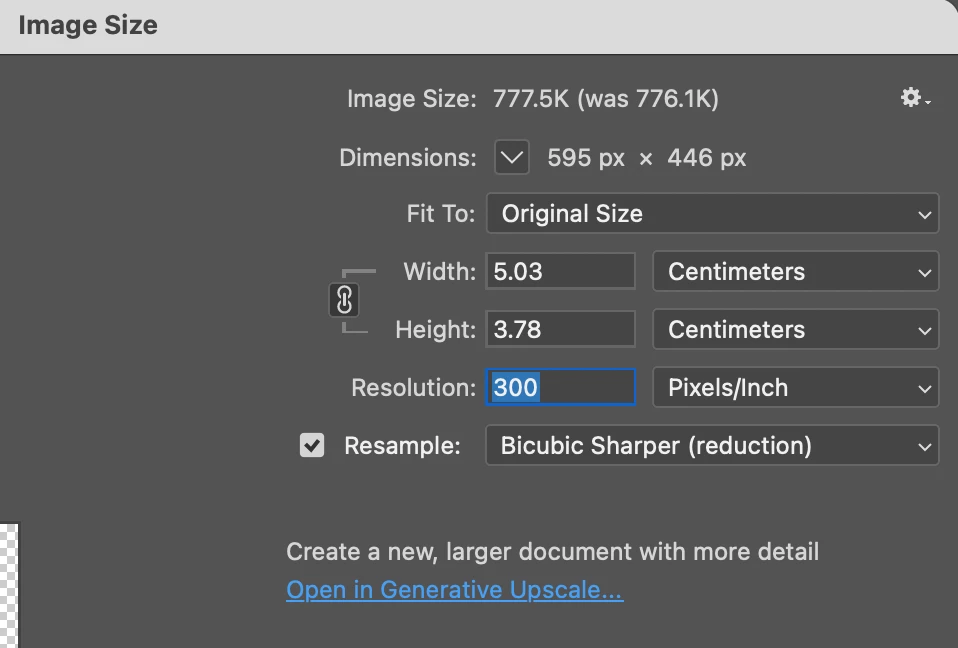
ORIGINAL.png

RESULT.png

This and the indesign window bar not being mouse responsive is driving me insane today...

2 replies

Stephen Marsh
Community Expert
Community Expert
December 10, 2025
quote

Its acting as though the resample button is clicked on. 
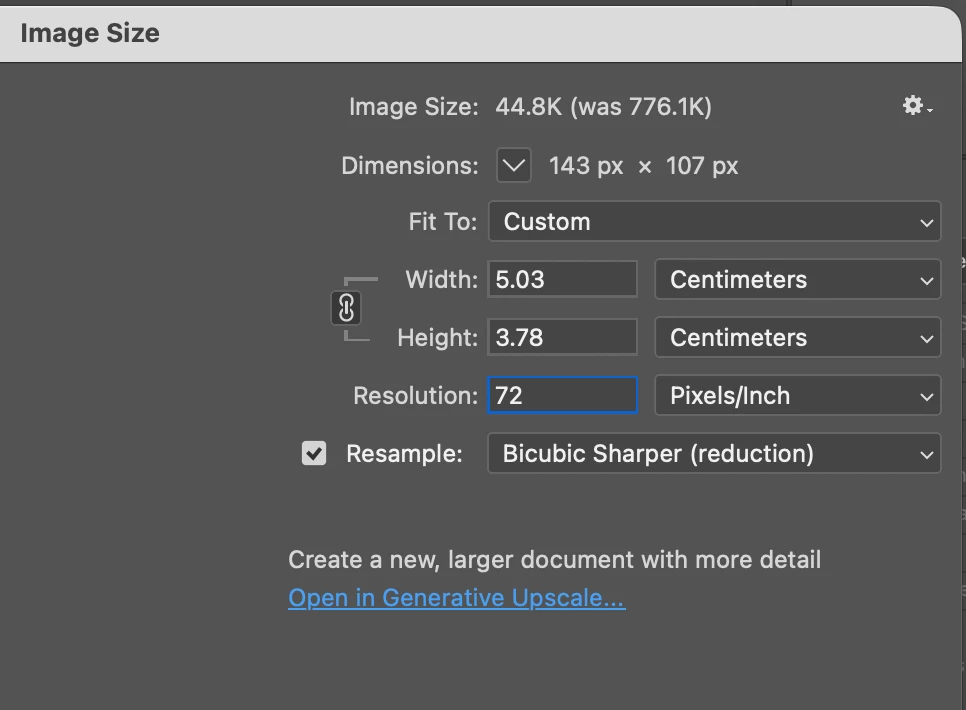
ORIGINAL.png

RESULT.png


By @ROB!@#$


Both screenshots do show resample on!?

barbara_a7746676
Community Expert
Community Expert
December 10, 2025

If Photoshop is not resampling, and you change the resolution, the image size has to change. This is not a bug.

If you are not resampling, the number of pixels remain the same. When you change the resolution, Photoshop must either make the pixels small if the resolution is increased, or make them larger if the resolution is decreased. When pixels get smaller so that there are more of them per inch, the physical size of the image must get smaller. When pixels get larger, the physical size of the image must get larger.