Participant
March 19, 2021
Answered

Image won't center

  • March 19, 2021
  • 3 replies
  • 881 views

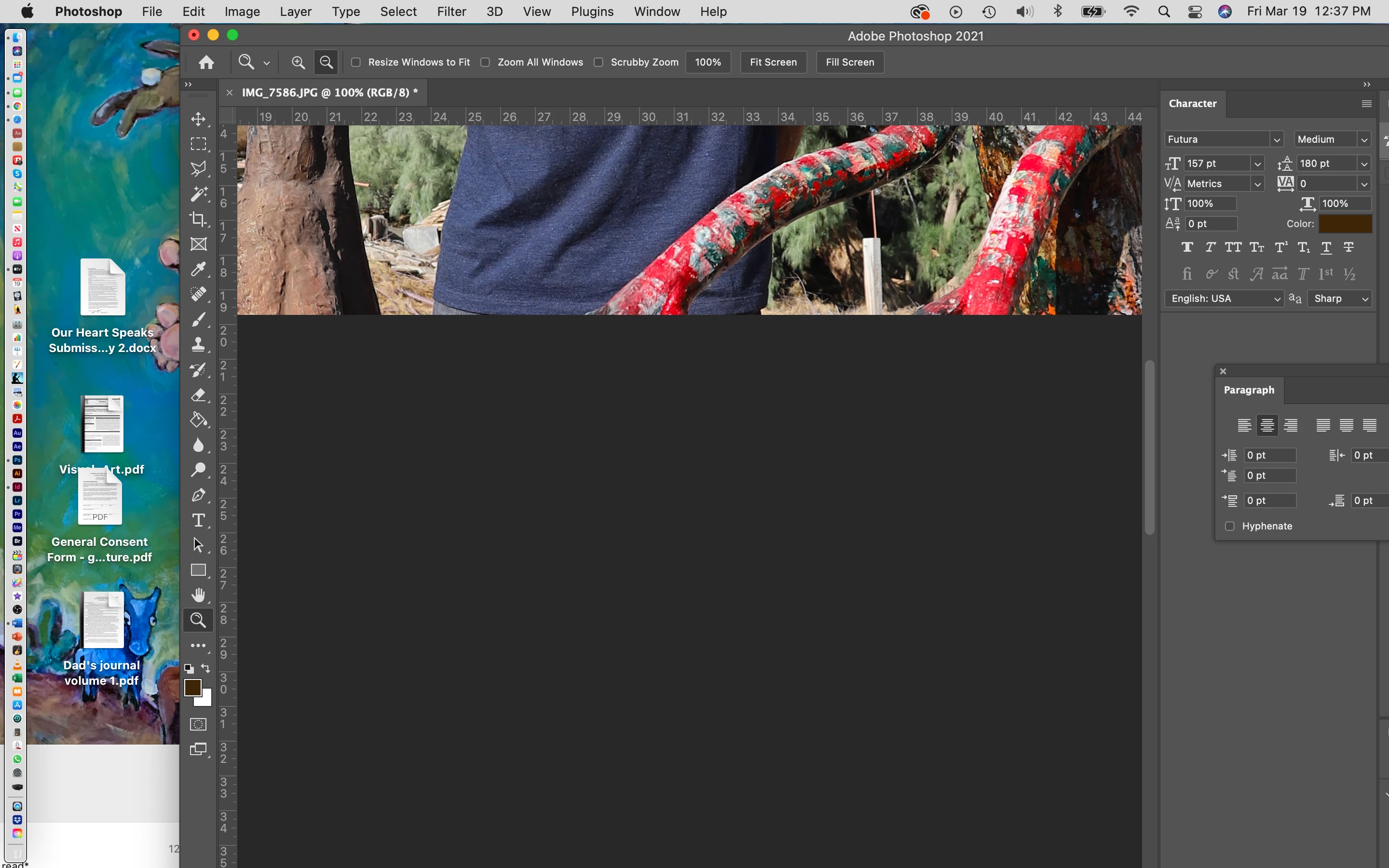
I don't seem to be able to center my image or make edits in my newly downloaded version of PS. 
Correct answer gener7

Cmd + and - is known as "center zoom". See if using those keys help.

You should also try resetting your workspace: Window > Workspace > Reset <Workspace name>


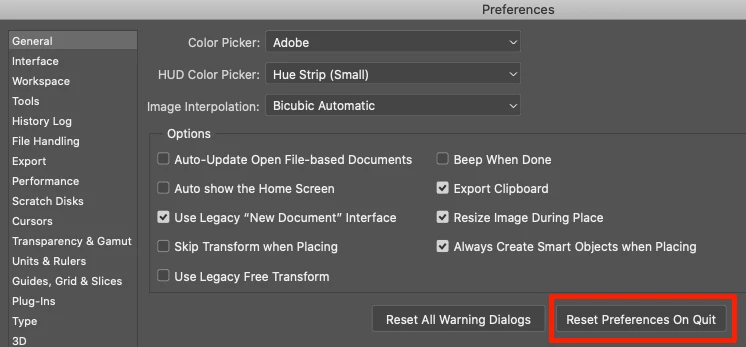
If that fails, Reset Preferences:
3 replies

gener7
Community Expert
Community Expert
August 3, 2023
Participant
August 3, 2023

Hey there at Adobe’s !

Sorry, but the "right answer" does NOT help it.

I won't brass about, if it's a good idea to encourage people to erase the prefs, but…

The thing is:

In the beginning ( when opening a pic ) all is good ( centered, that is ).

cmd+ and cmd- work as expected.

But after changing the resolution  ( in my case : scaling down - like from 4000 wide to 2000 wide )

the image is kind stuck on bottom right corner.

When using cmd+ oder cmd- the picture will be shown bigger or smaller 

with the bottom right corner of it always on the same place on screen !!!

Looks more like a bug…

Mike

gener7
Community Expert
gener7Community ExpertCorrect answer
Community Expert
March 19, 2021

Cmd + and - is known as "center zoom". See if using those keys help.

You should also try resetting your workspace: Window > Workspace > Reset <Workspace name>


If that fails, Reset Preferences:
