
Question
Images and objects are cut off by the edge of the canvas in Photoshop
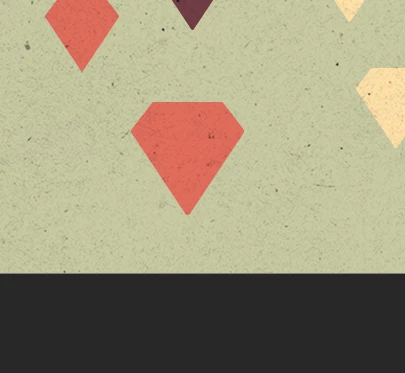
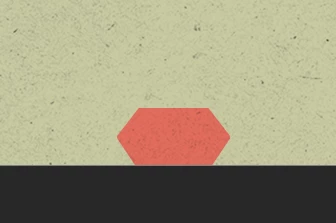
When objects are placed partly over the edge of the canvas and then repositioned in Photoshop, the objects are cut off. This is a new problem that started with the last update. System info below.
Adobe Photoshop Version: 25.0.0 20230906.r.37 b14e317 x64
Number of Launches: 462
Operating System: Windows 11 64-bit
Version: 11 or greater 10.0.22621.2283
System architecture: Intel CPU Family:6, Model:14, Stepping:13 with MMX, SSE Integer, SSE FP, SSE2, SSE3, SSE4.1, SSE4.2, AVX, AVX2
Physical processor count: 8
Processor speed: 3000 MHz
Built-in memory: 16290 MB
Free memory: 10432 MB
Memory available to Photoshop: 12008 MB
Memory used by Photoshop: 70 %
Crash Handler: Adobe


 AdChoices