Karthi005
Participant
March 12, 2026
質問

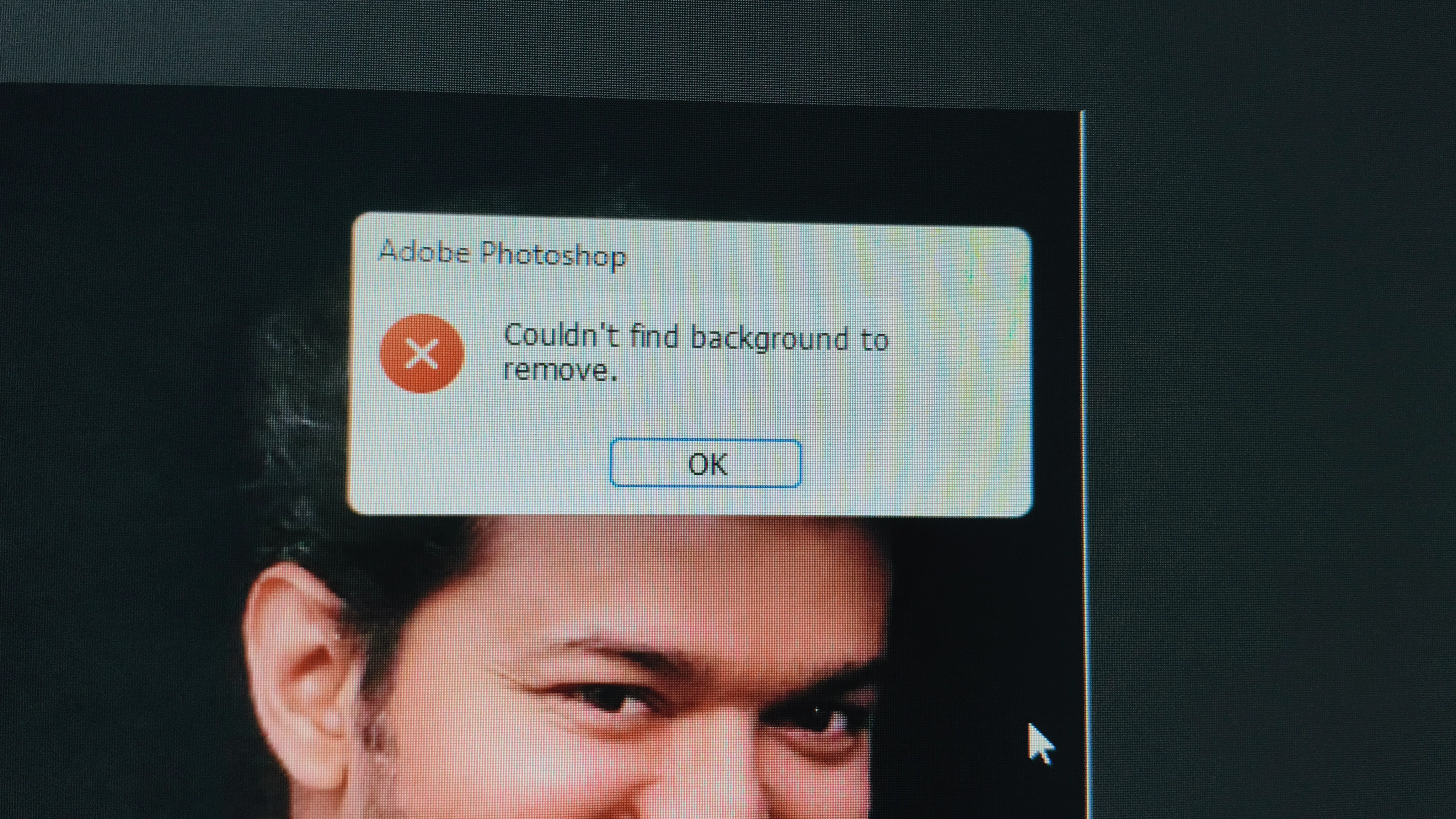
In my photoshop account 2026 latest version,I have a problem in selection tool and remove background tool, I try to cut the image it shows couldn't find a subject to select, please resolve the problem as soon as possible thank you.

  • March 12, 2026
  • 返信数 2.
  • 70 ビュー


    返信数 2

    Hipop
    Participating Frequently
    March 12, 2026

    @Karthi005,

    Do you use Windows 10/11? If so, does your Windows username contain special characters?

    Check your C:\Users folder. Do you see a folder with a name that looks like gibberish (strange characters) instead of your real name? And inside it, is there only an Adobe folder?

    Many people are having this problem because their Windows username uses Non-ASCII characters. 😄
    I’m not saying for sure this is your issue, but if you see that strange folder in C:\Users, here is the fix:

    Follow these steps:

    1. Close Photoshop.

    2. Go to *C:\Users* and find the folder with the "gibberish" name.

    3. IMPORTANT: Right-click the folder, choose "Rename", and Copy the exact name. You will need it for the next step.

    4. Now, Delete that corrupted folder.

    5. Open CMD as Administrator.

    6. Create a Symbolic Link by running this command (Paste the gibberish name you copied into the first part): mklink /d "C:\Users\PASTE_GIBBERISH_NAME_HERE" "C:\Users\YOUR_REAL_USERNAME"

    This will make Photoshop's AI features work perfectly after updating to the latest version.

    Ged_Traynor
    Community Expert
    Community Expert
    March 12, 2026

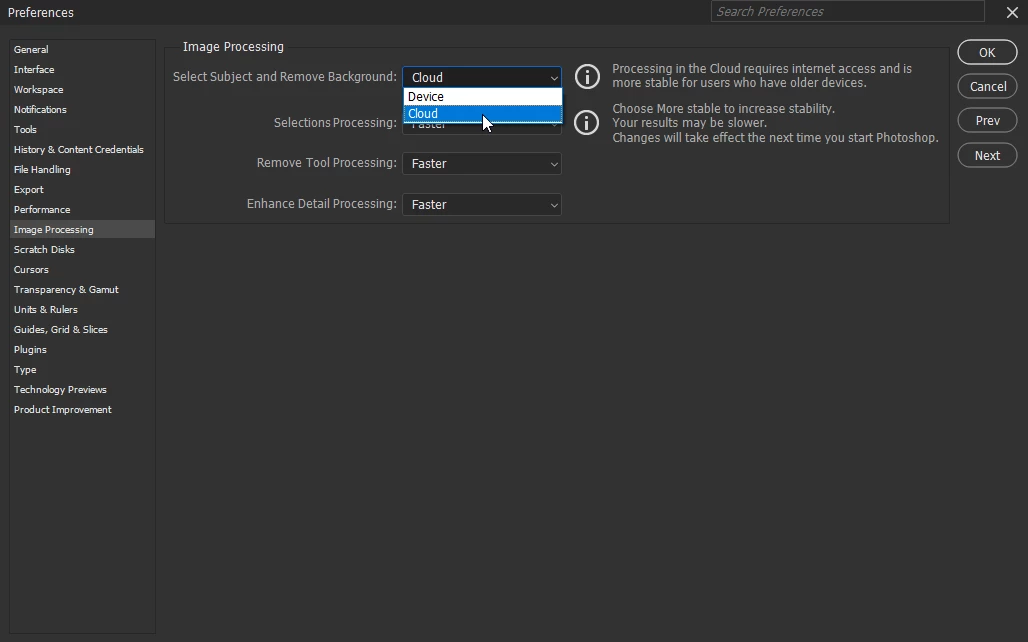
    @Karthi005 try setting this option to Cloud instead of Device, or Device instead of Cloud, depending on which way you currently have it set