
In Photoshop fix dotted pattern from newspaper or matt photo scan
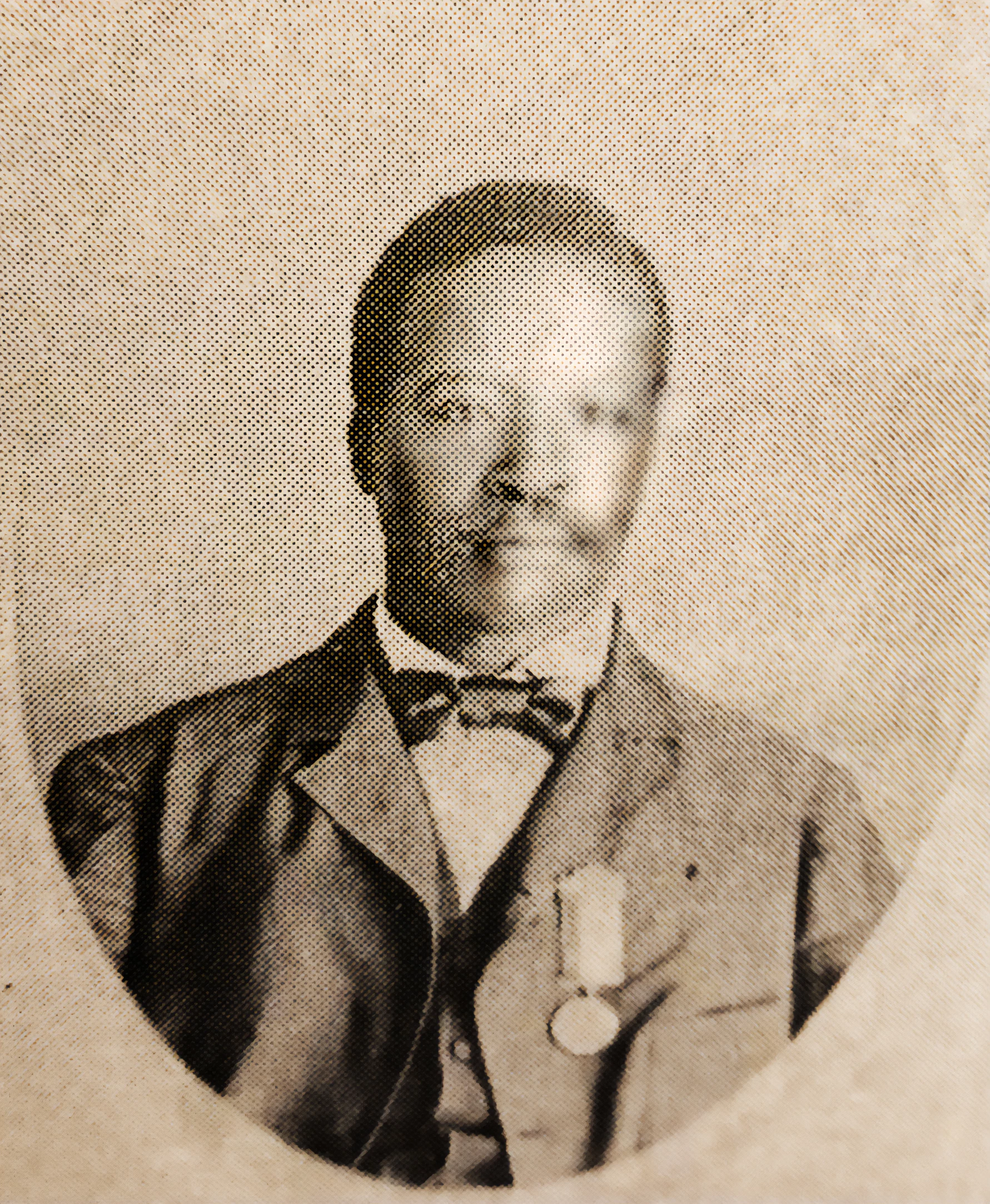
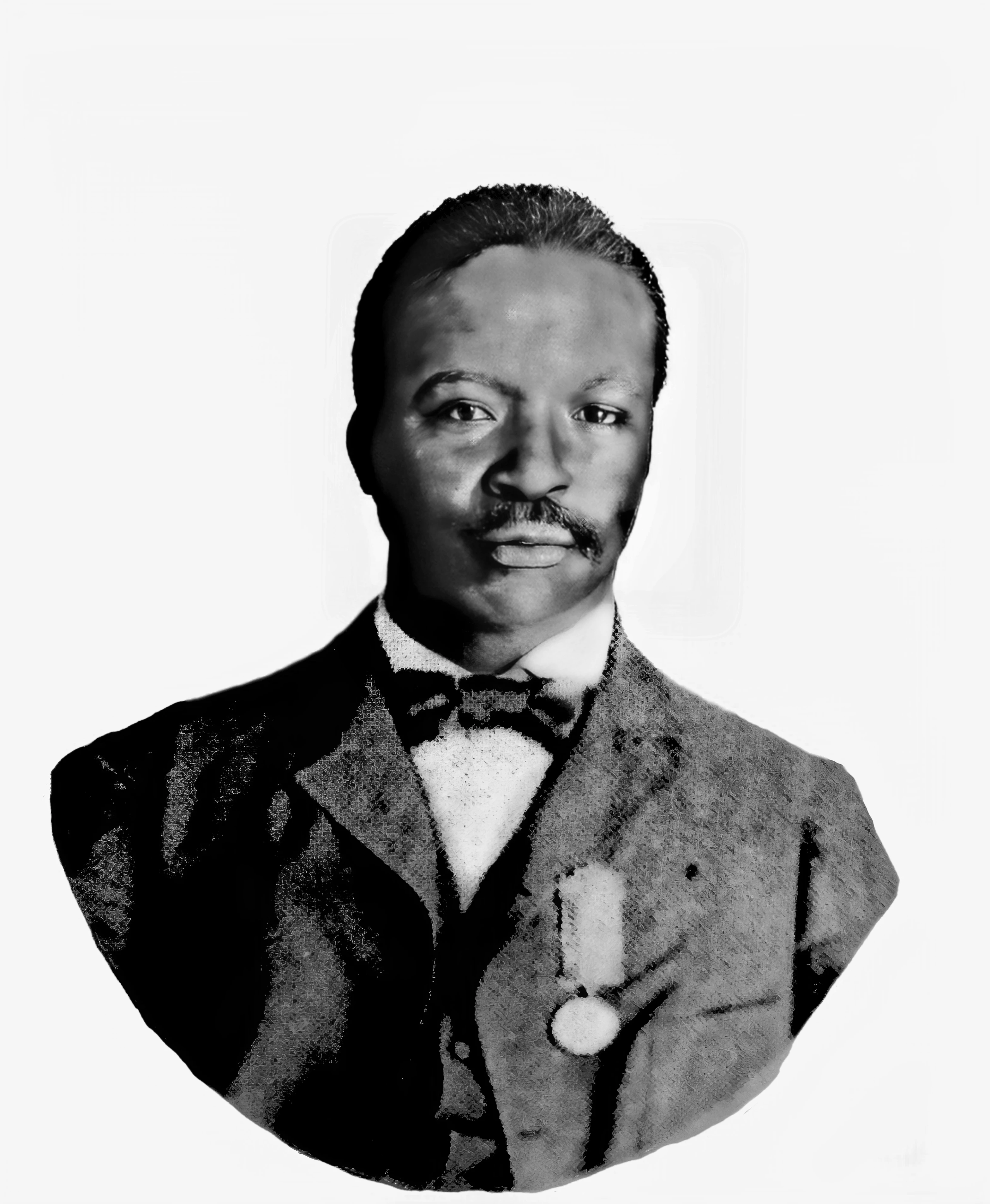
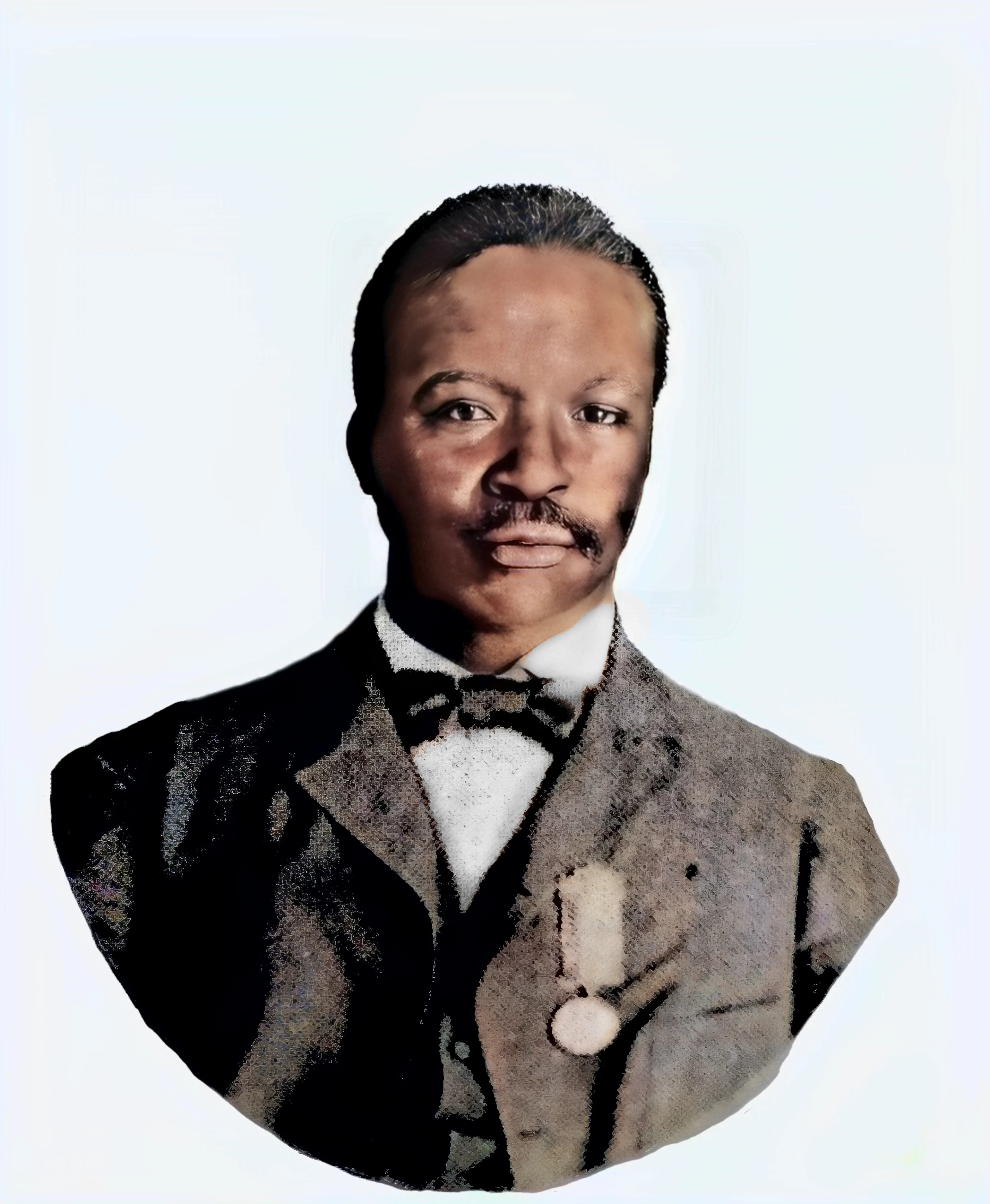
Using Photoshop v26.2 beta, I was able to smooth out the dotted texture of this sepia photo that looks like it was scanned from a newsprint.
> Apply Black & White Strong Adjustment
> Apply Photo Repair Strong Contrast
> Layer, Flatten
>Remove Background reduced the amount of photo the tools had to work on.
> Filter, Neural Filters, Skin Smoothing, slide Blur and Smoothness to the right (this did not elimininate the dots, but it brought out some texture in the skin. You might even save and try applying this multiple times.
> Filter, Neural Filters, Photo Restoration (this is the key to getting rid of the dots, but 99% of the time this says Disabled temporarily. I don't know what I did, but I managed to get it to activate. I've tried to repeat this step and haven't been able to get it to work again, so you may have to experiment or wait.' I saved as a PNG and tried again and it worked, but the results weren't as good as the first time. If I figure out the trick I'll update this.
I tried using Extension plugin [Removed by moderator] but I couldn't get it to work properly.


 AdChoices