Oneechan69
Participant
March 5, 2025
Question

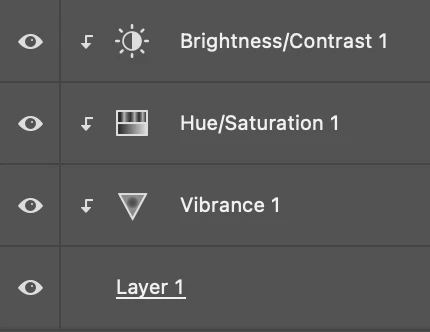
In PS is it possible to have multiple adjustments in only one layer?

  • March 5, 2025
  • 4 replies
  • 230 views

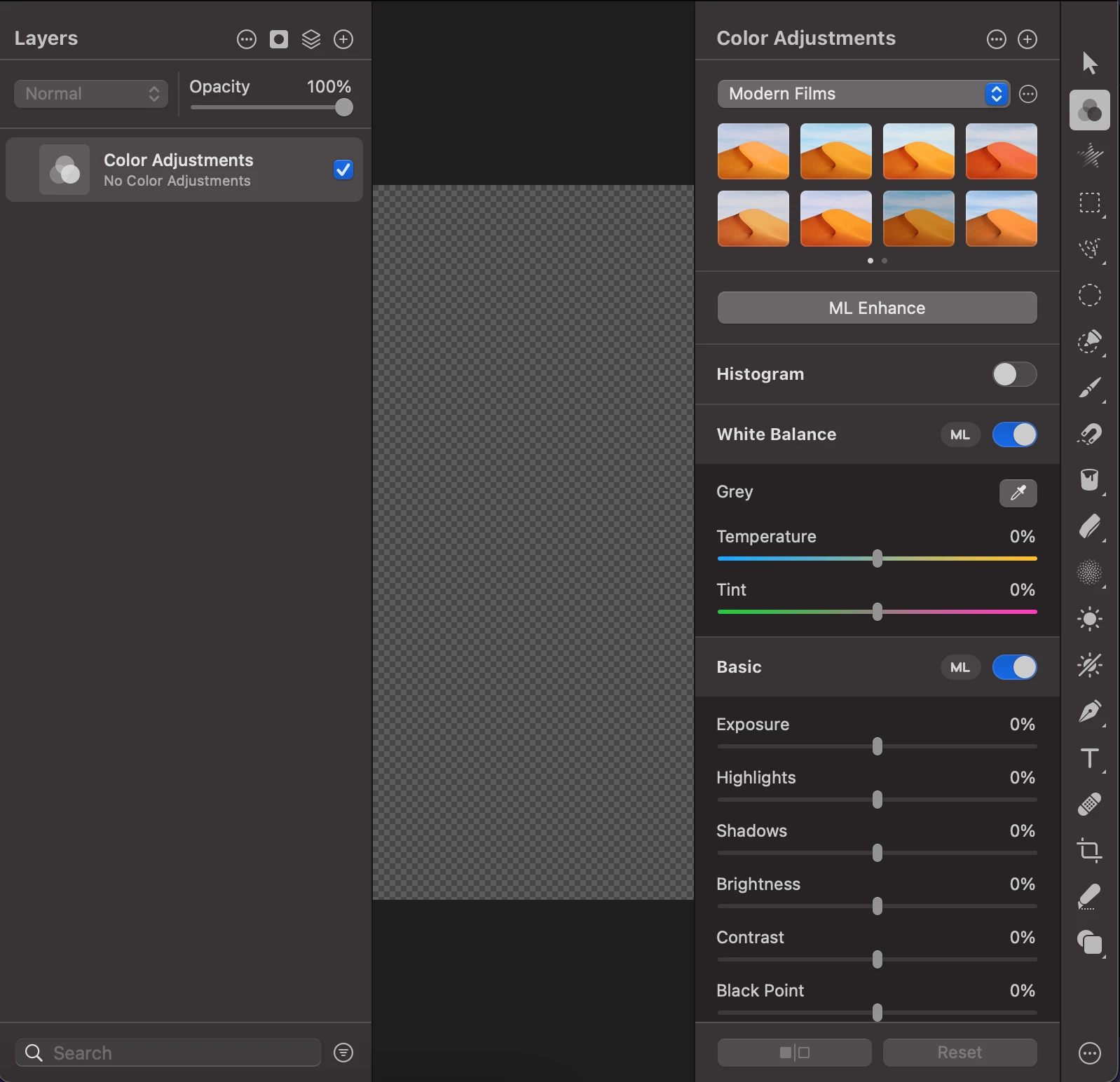
I would like all of these adjustments to be one layer like I can in Pixelmator Pro:
 

4 replies

Oneechan69
Participant
March 11, 2025

Thanks for all the answers! I found that I can convert a layer or group into a smart object, then press `CMD Shift A` to add and edit a Camera Raw filter on a selected smart object.

Conrad_C
Community Expert
Community Expert
March 5, 2025

Yet another way is to take advantage of layer groups in Photoshop. If you put those adjustment layers in a layer group (use the Layers panel button that looks like a folder, or the command Layer > Group Layers), you’ll be able to work with those as a unit, like hiding the entire group at once, or applying a blending mode to the group.

Jeff Arola
Community Expert
Community Expert
March 5, 2025

Another way is to turn the layer you want to apply the adjustments to into a Smart Object, then you can use Image>Adjustments for what's called Smart Filters.

https://helpx.adobe.com/photoshop/using/applying-smart-filters.html


Sameer K
Community Manager
Community Manager
March 5, 2025

Hey there! Welcome to the Photoshop Community. I'll help you get started with this.


You can use the Camera Raw Filter in Photoshop. To work non-destructively, go to the Filter Menu > Convert for Smart Filters > Go to Filter and try using Camera Raw. Head here to get started with Camera Raw:

https://adobe.ly/3F9fwXF;

Here is a video we did to help you get started with Camera Raw: https://adobe.ly/3QIfhFB;


Let me know if this helps. Thanks!

Sameer K

(Type '@' and type my name to mention me when you reply)