Participant
April 20, 2023
Question

Inability to save from Legacy

  • April 20, 2023
  • 3 replies
  • 149 views

I am presently experiencing the inability to save from EXPORT>SAVE FOR WEB (Legacy) for I continue to get an ERROR message stating:


"Could not complete this operation. A write permissions error has occurred."
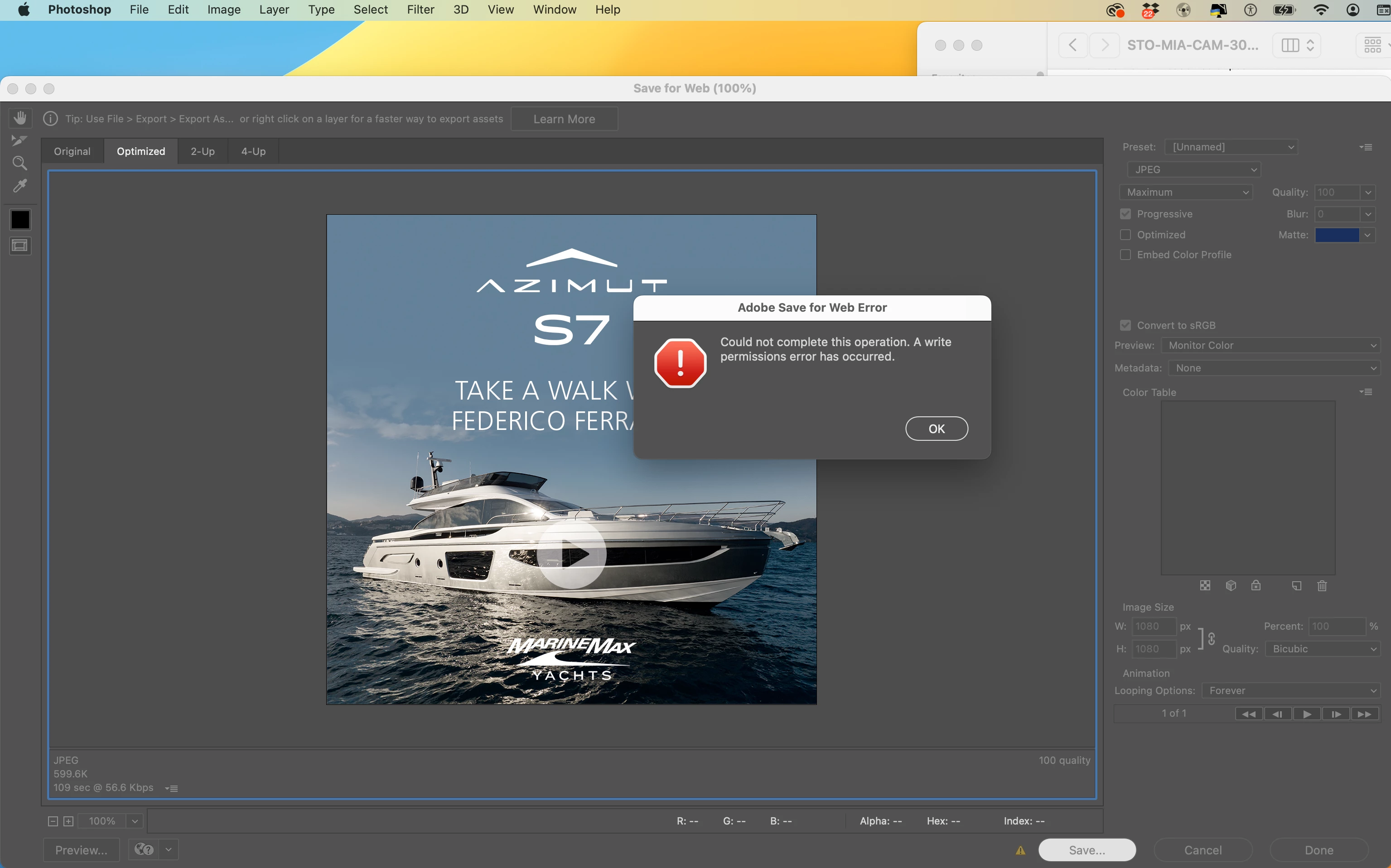
Need assistance in correcting this for it is hindering my work flow.

This topic has been closed for replies.

3 replies

TheDigitalDog
Inspiring
April 20, 2023

In System Preferences ((System Settings in Ventura), >Security & Privacy, >Full Disk Access, do you see Photoshop listed? If not, do add it and try again.

See: https://community.adobe.com/t5/lightroom-classic-discussions/quick-tips-how-to-give-full-disk-access-to-lightroom-classic-on-macos/td-p/12913413

Also see: https://helpx.adobe.com/x-productkb/global/repair-disk-permissions-running-disk.html


Author “Color Management for Photographers" & "Photoshop CC Color Management/pluralsight"
CShubert
Community Manager
Community Manager
April 20, 2023

Hi @Michael22488380fzxf 


It may help if we could see your Photoshop System Info. Launch Photoshop, and select Help >System Info...and copy/paste the text in a reply.  


Bojan Živković11378569
Community Expert
Community Expert
April 20, 2023

Please take a look at this thread or search Photoshop forum for error message that you see Solved: Could not complete this operation. A write permiss... - Adobe Support Community - 12518228