Known Participant
October 9, 2025
Answered

Info panel not showing RGB values for sample layer when it's ABOVE the adjustment layer

  • October 9, 2025
  • 1 reply
  • 68 views

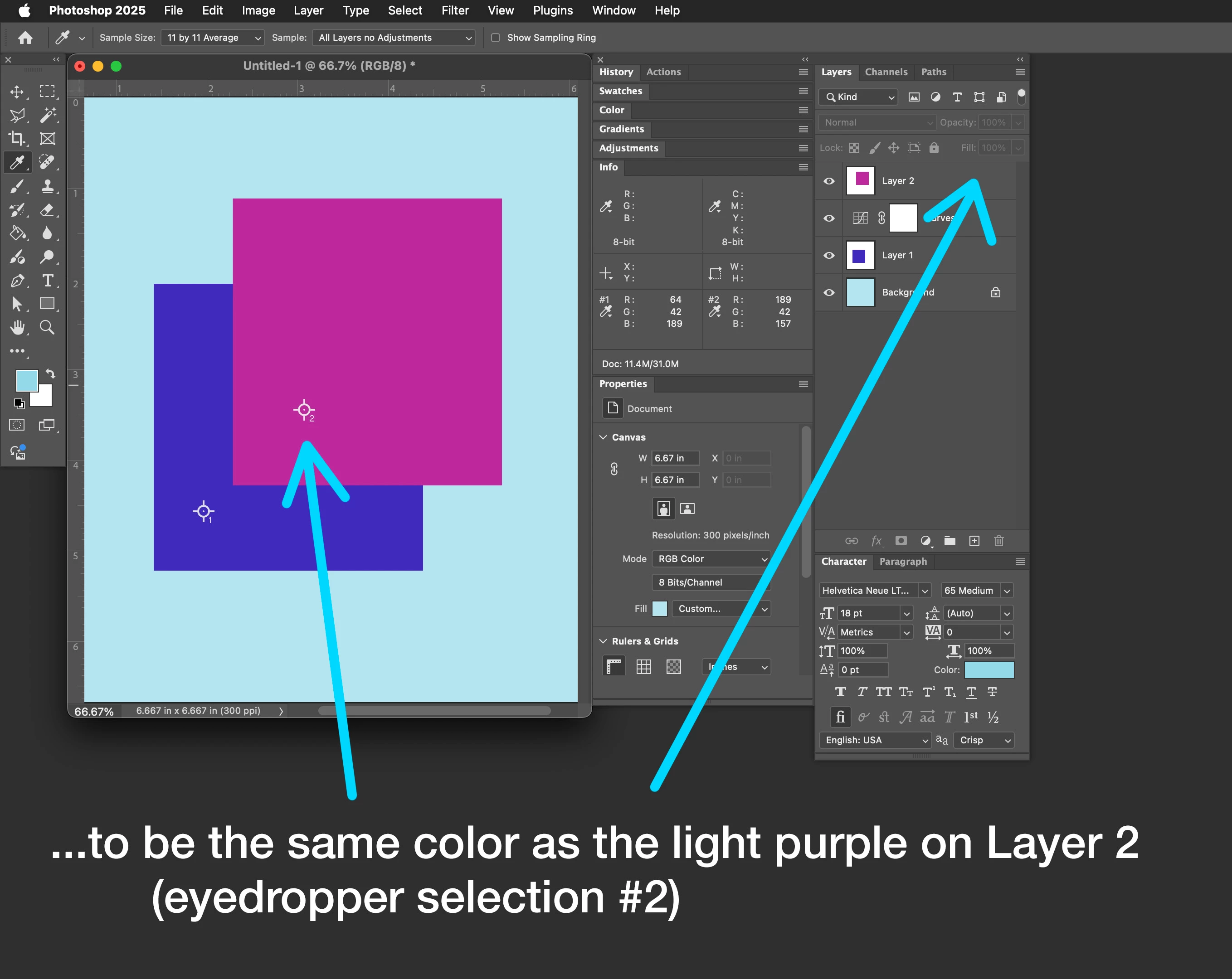
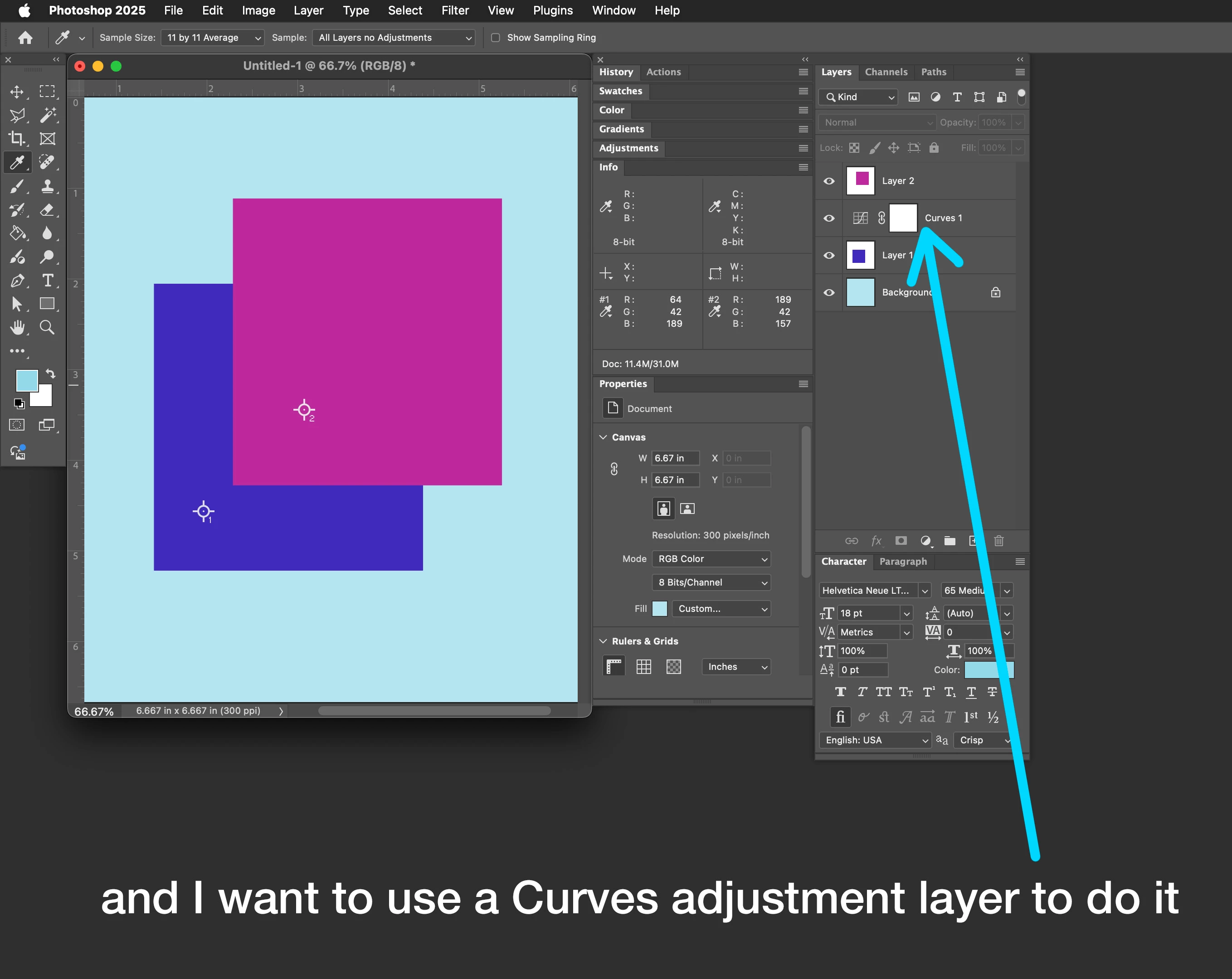
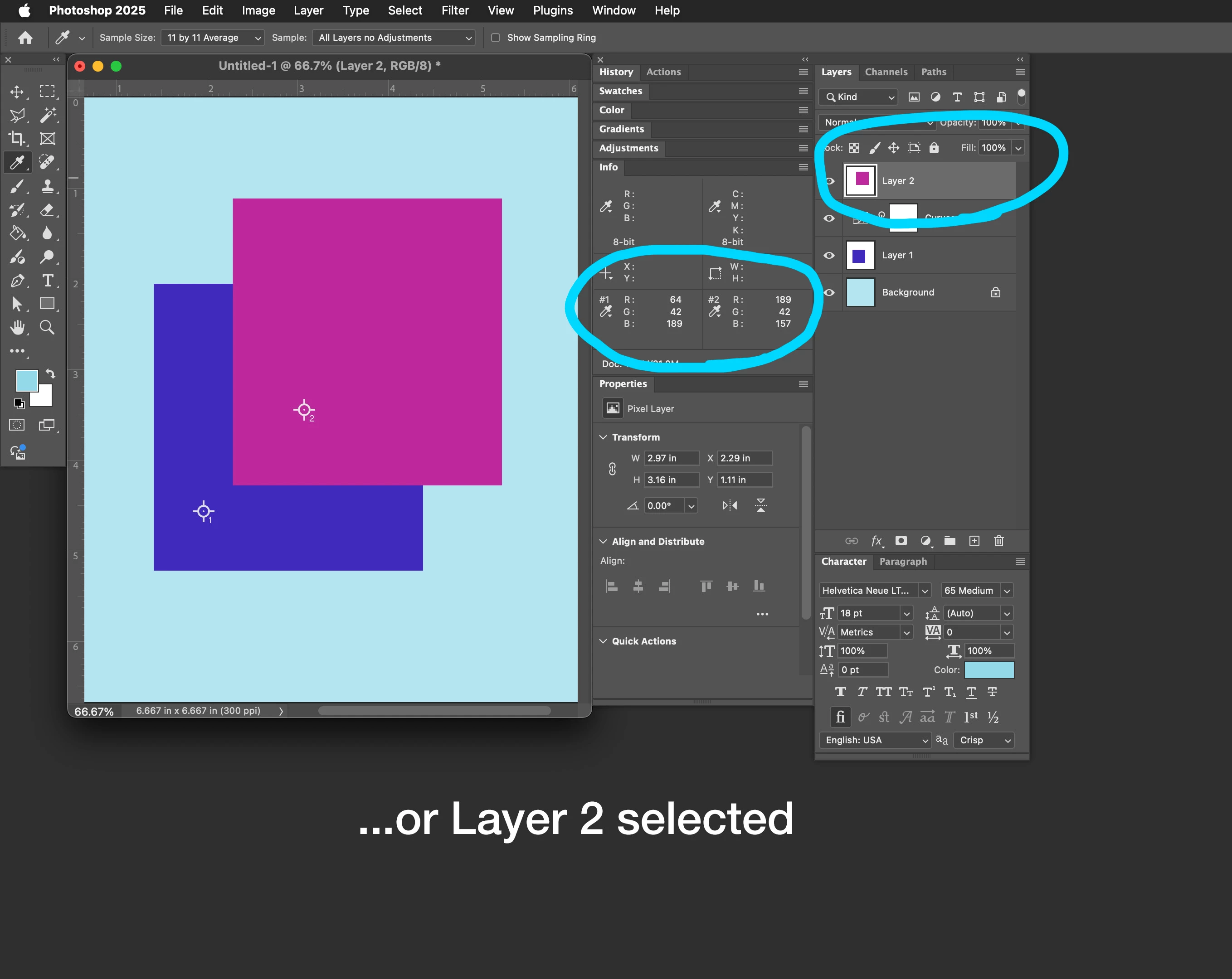
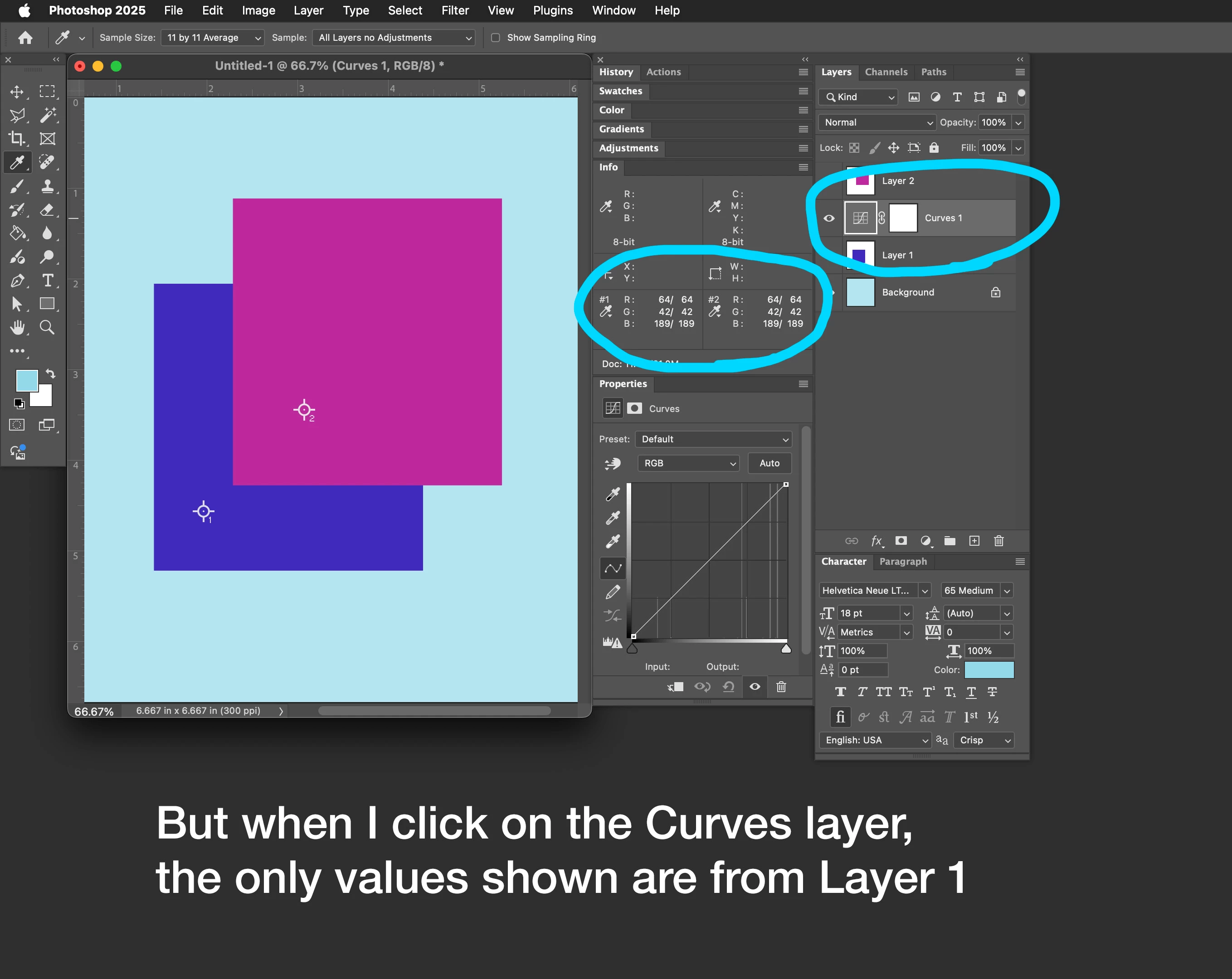
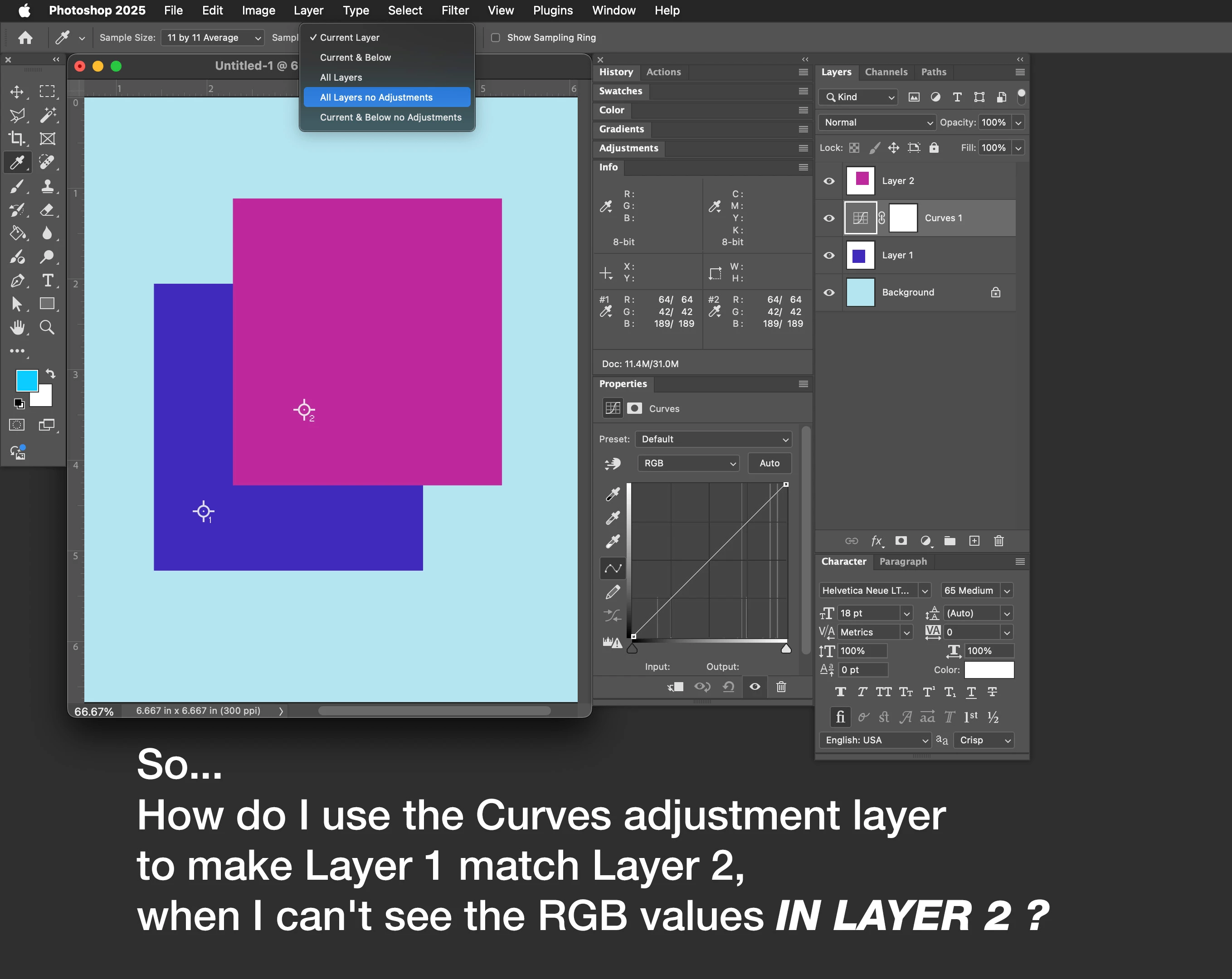
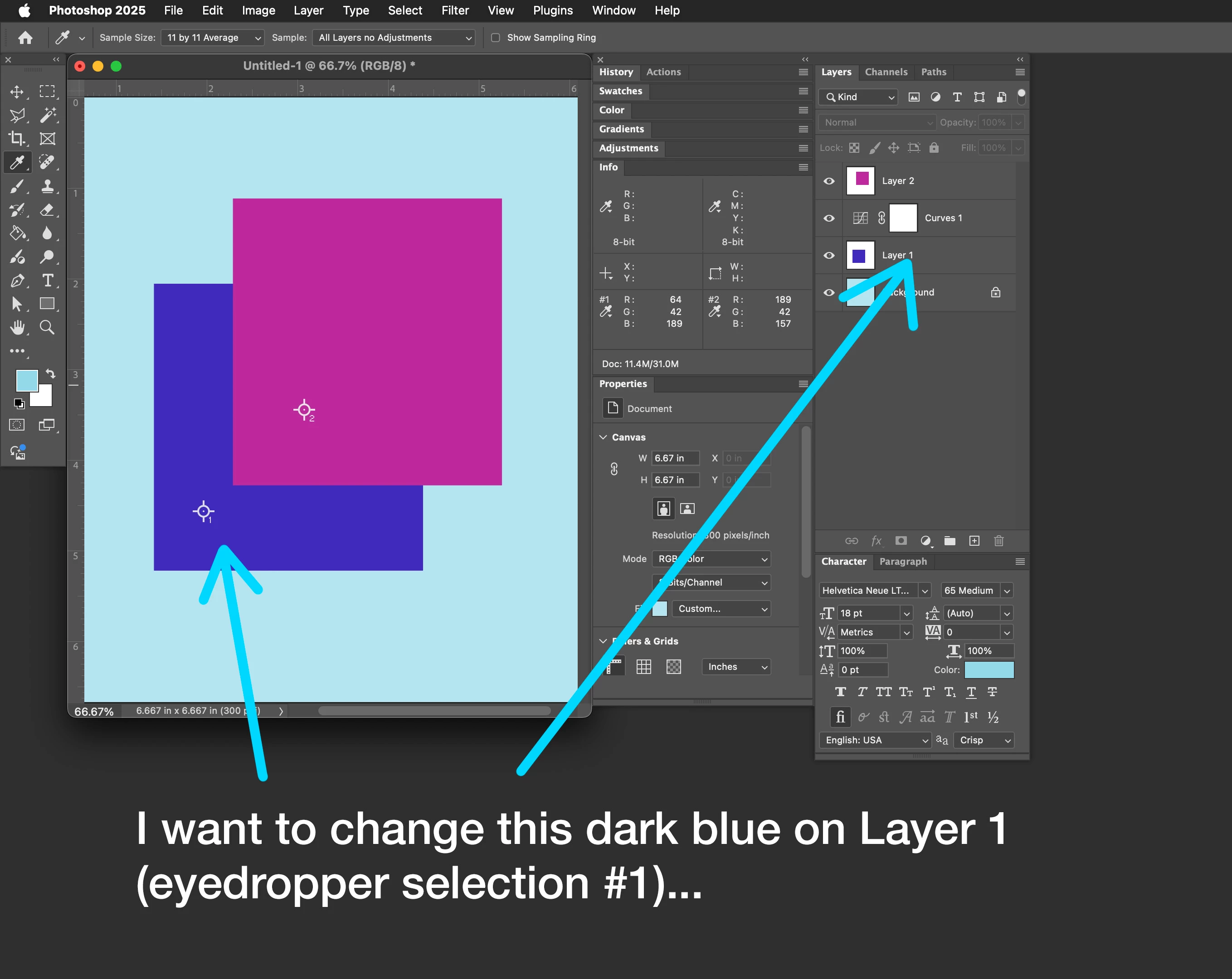
In short, how do I use the Curves adjustment layer to match the RGB values of a layer that is ABOVE it?
(the one I'm sampling—the one I need to remain UNaffected by the Curves layer) 

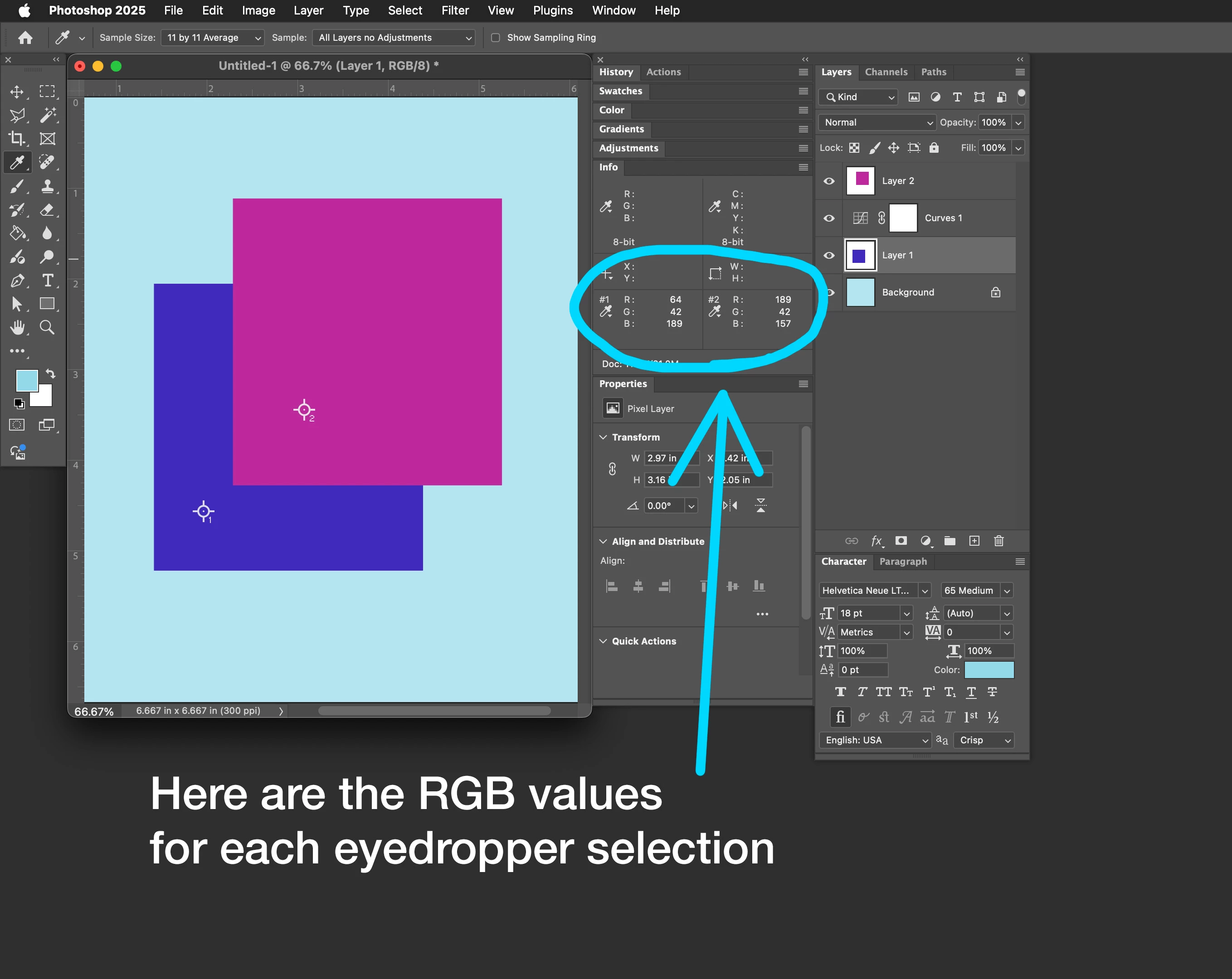
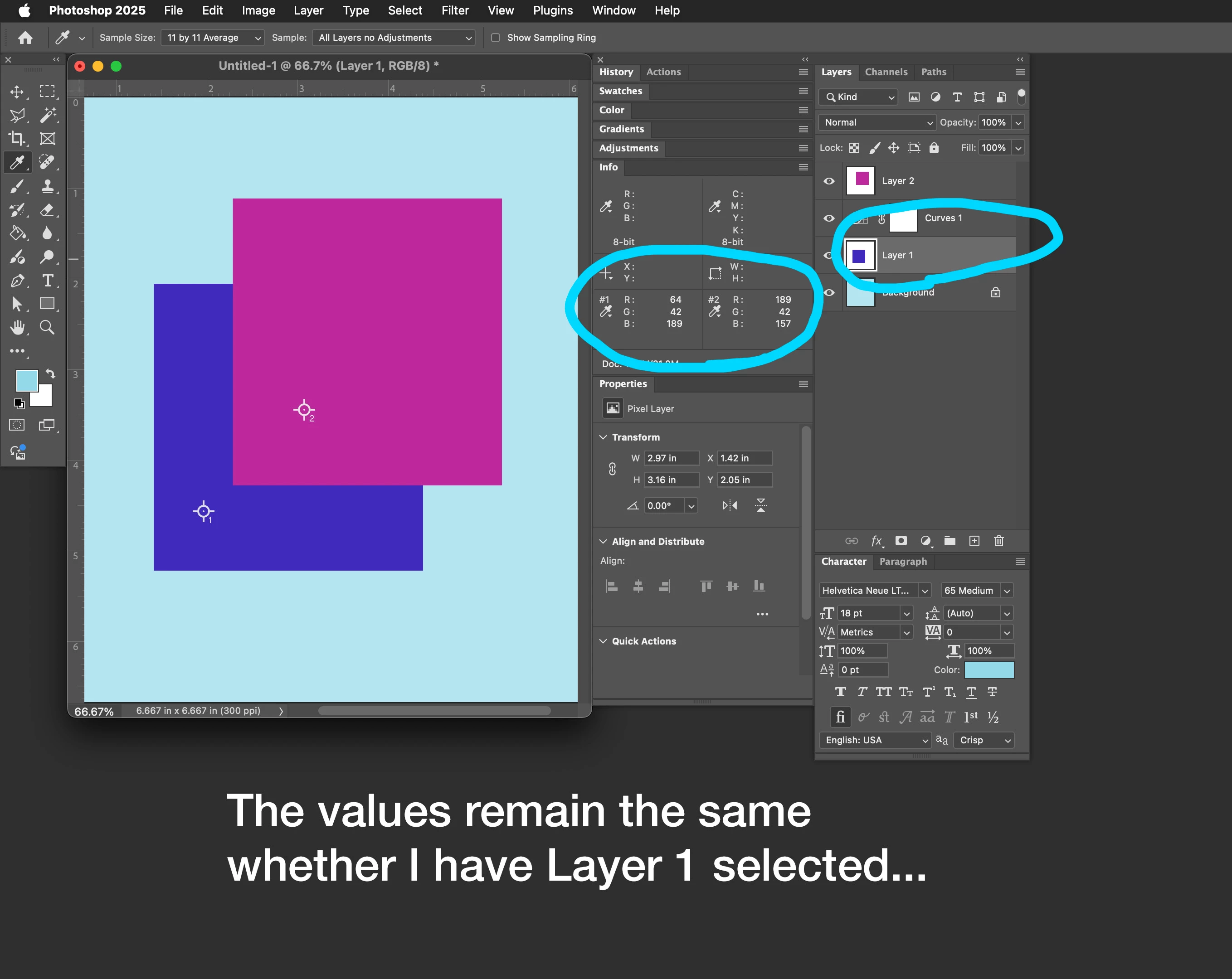
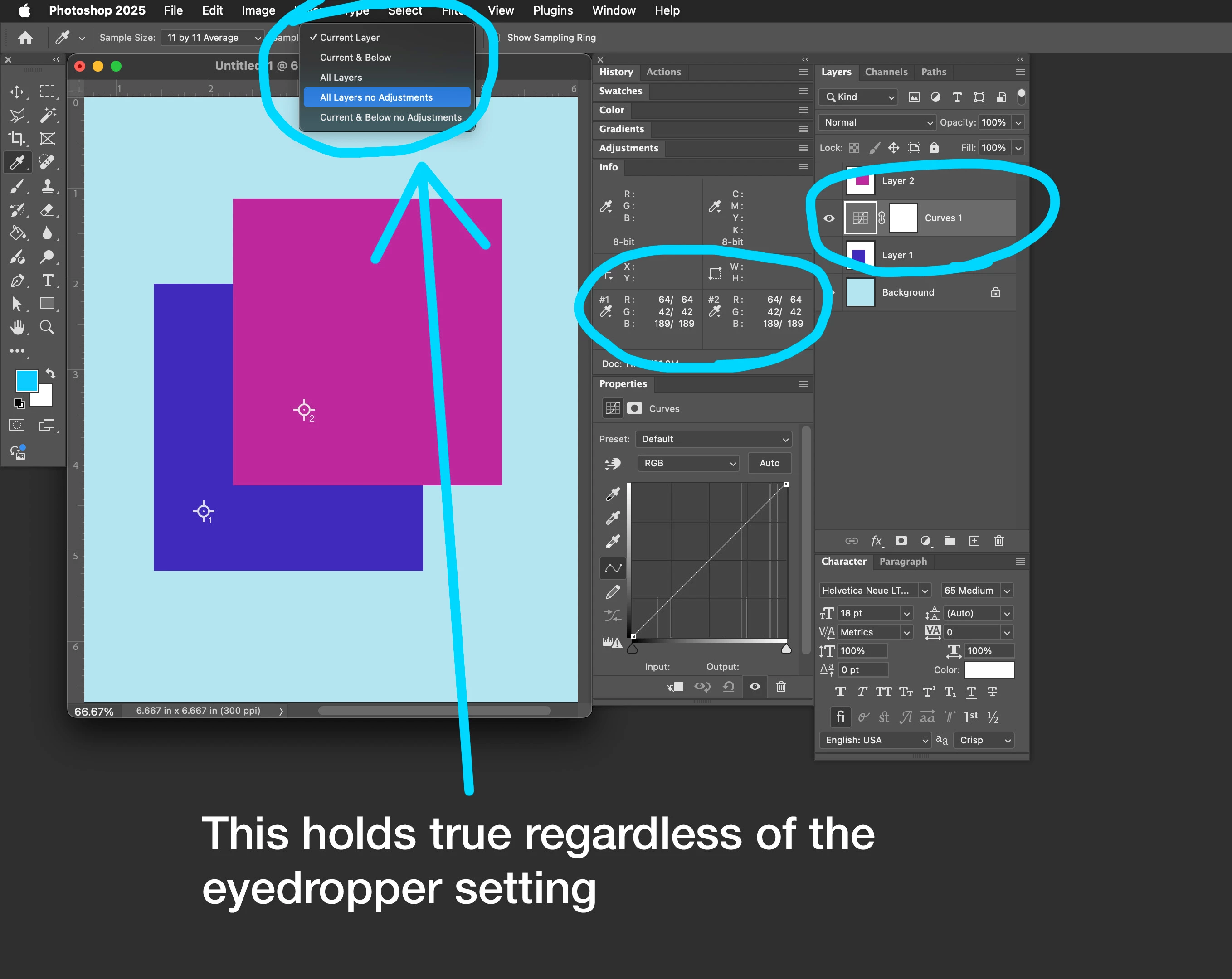
As soon as I click on the Curves layer, all RGB info from that topmost layer disappears.


Because this is hard to describe in words pardon the following 9 images 🙂 


Correct answer davescm

Temporarily move the curve above both layers and adjust the second figures in Sample 1 (those after the stroke) to match the first figures in Sample 2 (those before the stroke). Then move the curve back.
Dave

1 reply

davescm
Community Expert
davescmCommunity ExpertCorrect answer
Community Expert
October 9, 2025

Temporarily move the curve above both layers and adjust the second figures in Sample 1 (those after the stroke) to match the first figures in Sample 2 (those before the stroke). Then move the curve back.
Dave