
Question
Is there a quick way I can fill two separate selections or maybe a clipping mask? See screenshot
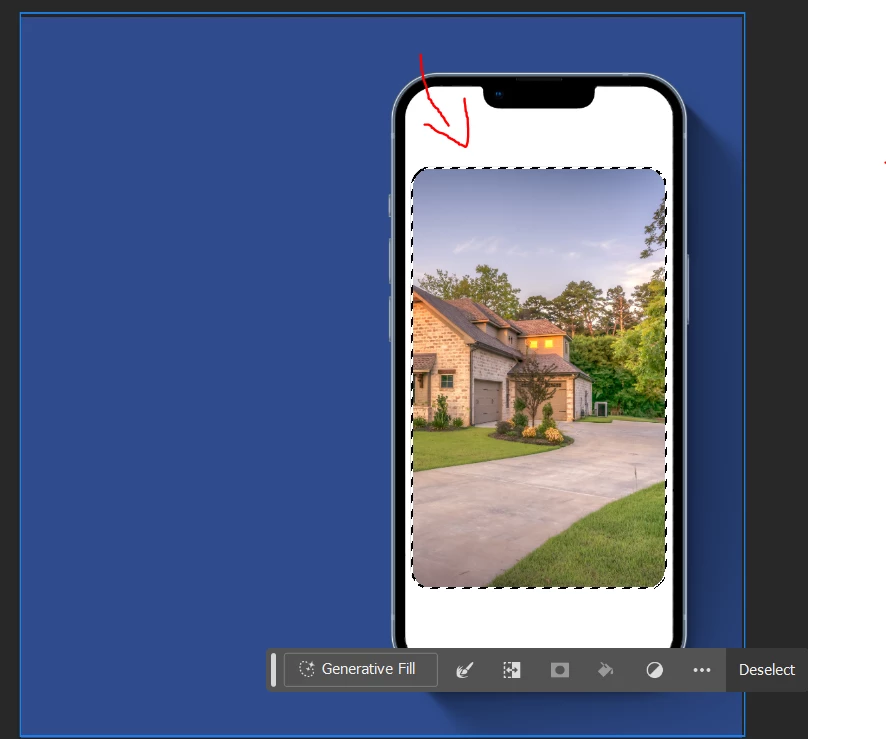
I'm having trouble triyng to make a layer of that white area above. My first thought was to try to make 2 selections (the one that's currently selected in the screenshot above) and use the magnetic lasso tool to create the second selection and shift + alt to fill the selection of that specific white area but I couldn't get that to work (I'm probably doing something wrong). How could I quickly create a fill or a clip mask of that thin white area above? I would like the space of the image to be empty/transparent. I would appreciate any sort of help. Thank you!
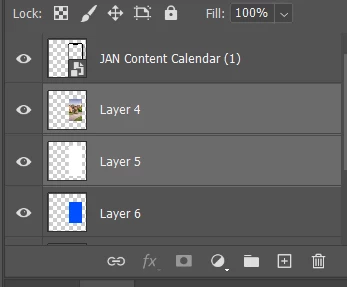
These are my layers btw


 AdChoices