


Is there anyway to turn off notification while action is playing?
There are some alerts which always delay the actions and I think they don't need to pop-up, like changing font that is not installed, importing character/paragraph styles, or some scripting sets up,...
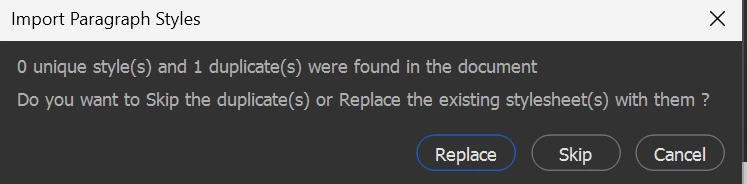
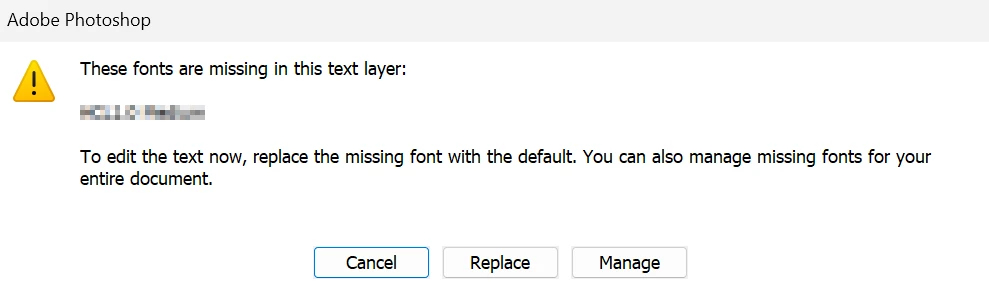
Is there any way to skip those thing? Like, when I change the font, I surely want to replace it by the action I created so I don't want to click Replace with each text layer anymore. Or while Import Character styles it's clearly that I wanna replace the existing one - the default set name None of every file. I don't know why those alerts need to pop-up, some of my actions being useless while the action keeps stopping to made me click and click just to make it continue.
I tried to find ways to turn them off, but there's no tutorial about this problem (yes, I also tried to turn off Warning dialogs in Preference but it's not for me, and the actions with text layer couldn't turn off the "toggle"). Please help me!
 AdChoices